
Free Sales Resume Templates & Examples
Use one of our expertly designed sales resume templates and writing tips to create a great resume or CV that leverages your skills and experience, such as account management and negotiation successes.
Real-World Resumes That Get Results
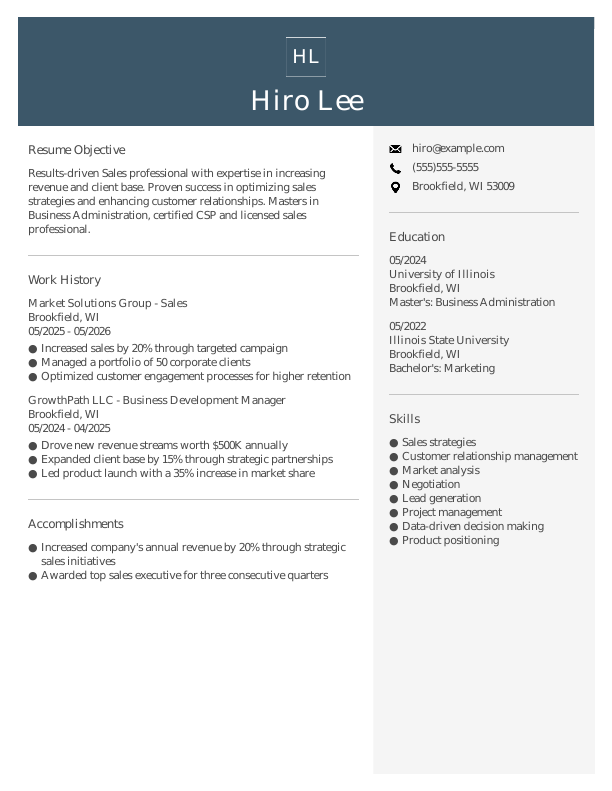
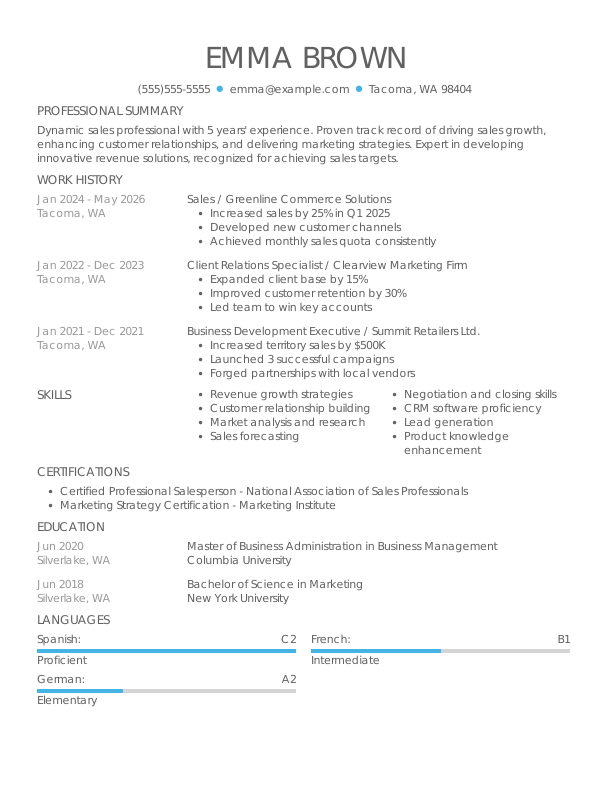
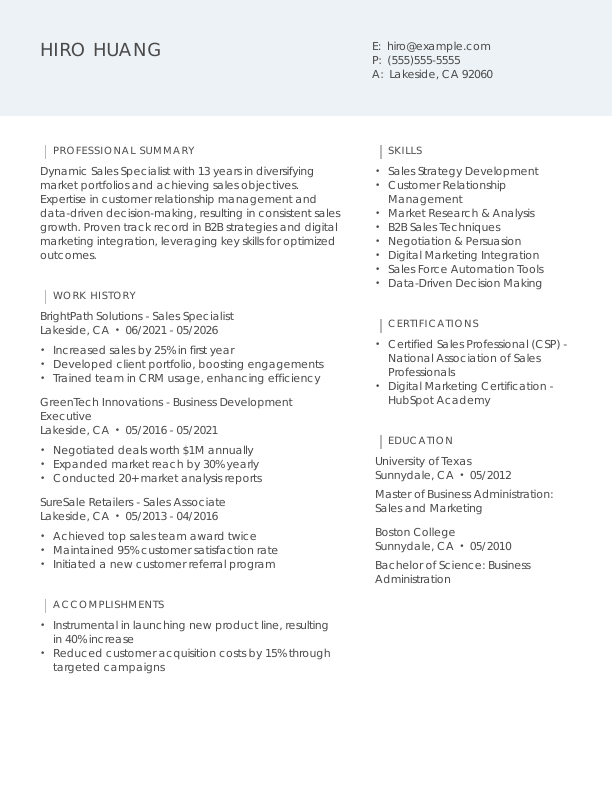
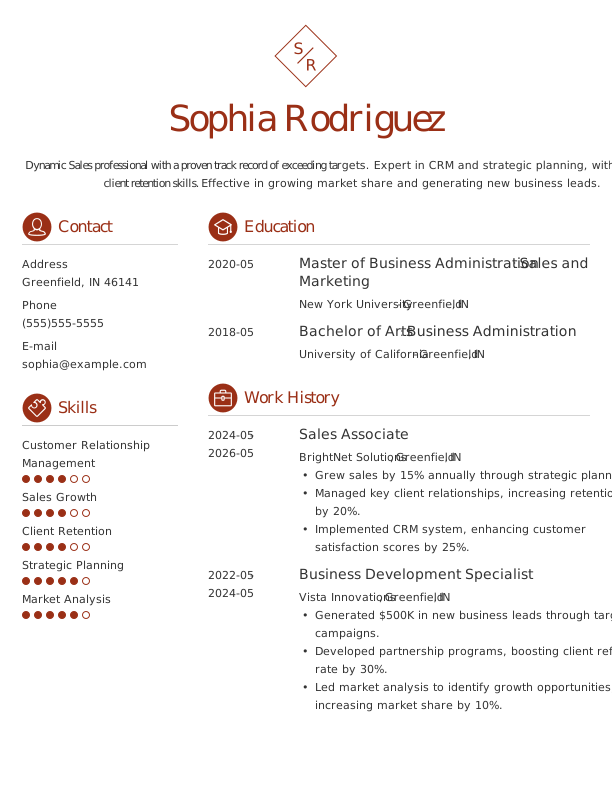
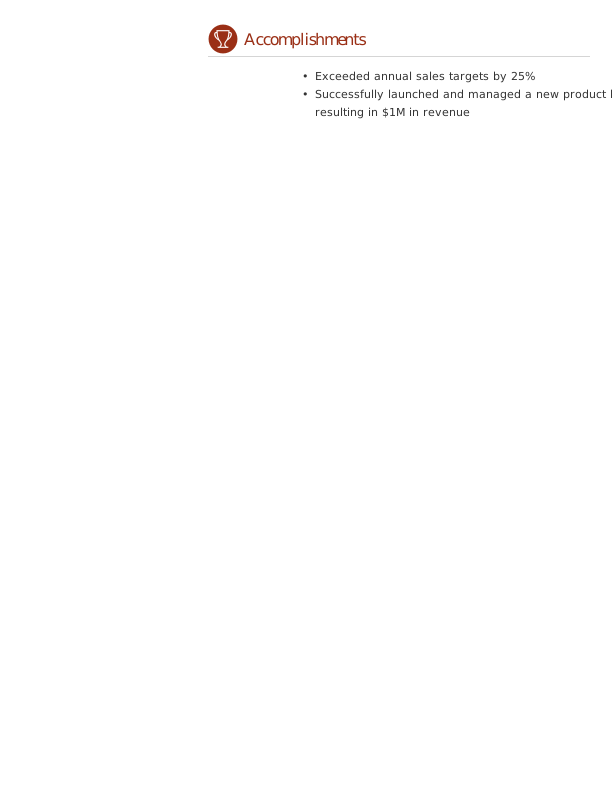
 Free
Free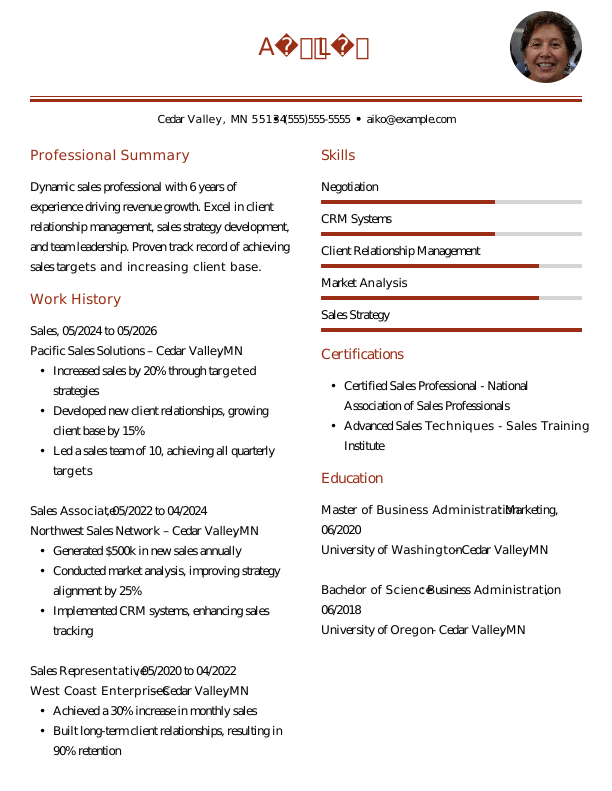
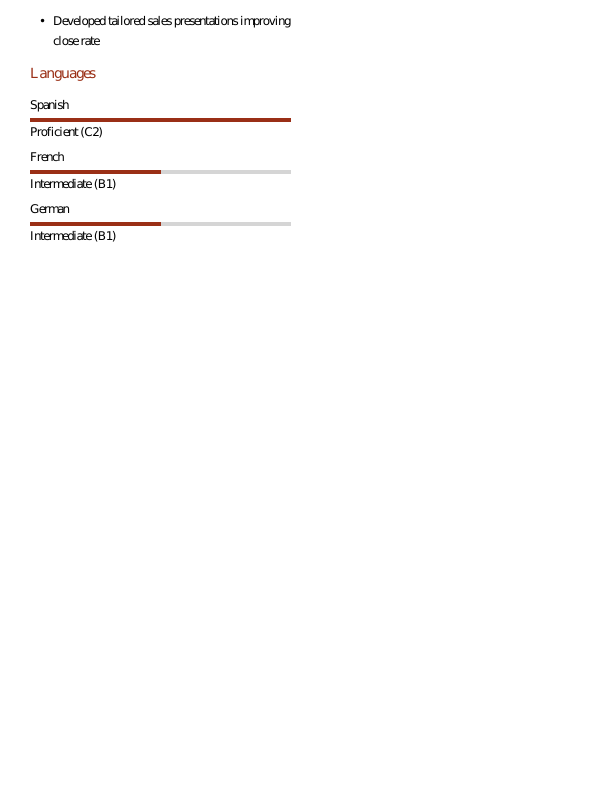
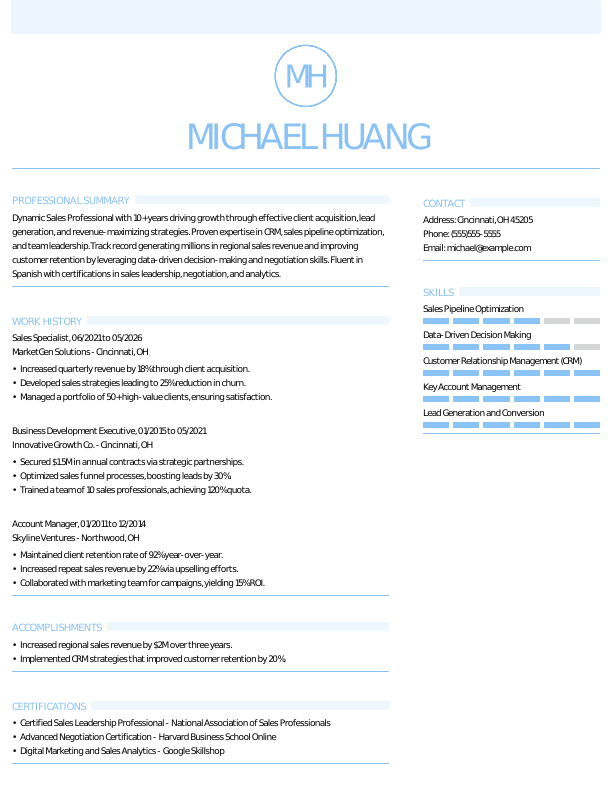
Browse Free Resume Templates
- Accounts Payable
- Adjunct Professor
- Artist
- Auto Mechanic
- Baker
- Business Development Manager
- Business
- Certified Nursing Assistant
- Classic & Traditional
- Cleaner
- College Student
- Concierge
- Construction Worker
- Corporate
- Creative & Unique
- Custodian
- Customer Service
- Dental Assistant
- Direct Support Professional
- Entry-Level
- Flight Attendant
- Hospitality & Food Service
- Front Desk Receptionist
- Healthcare
- High School
- Housekeeping
- Hvac Technician
- Hybrid
- Inventory Manager
- Logistics
- Maintenance
- Management
- Modern
- Mortgage Loan Processor
- Pet Sitter
- Phlebotomist
- Production
- Rbt
- Security Services
- Restaurant Server
- Simple & Basic
- Social Work
- Teacher
- Technology
Resume Examples for Sales
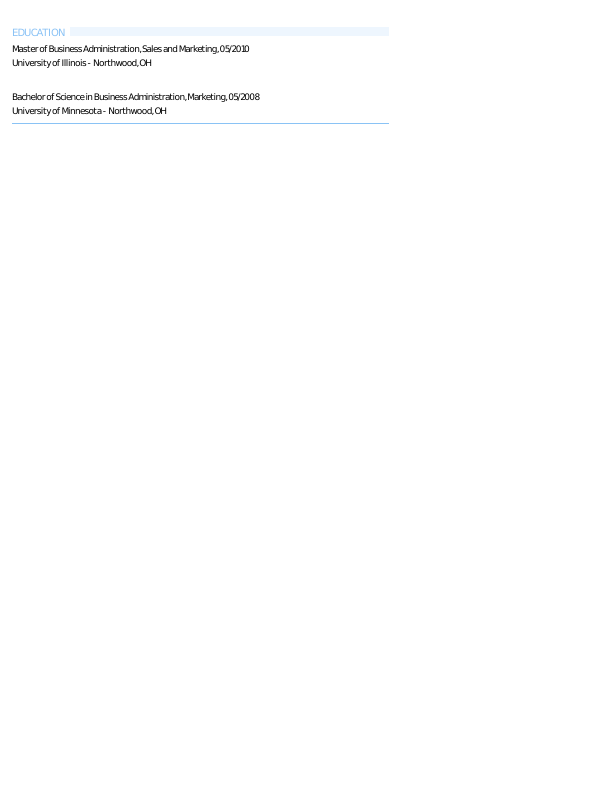
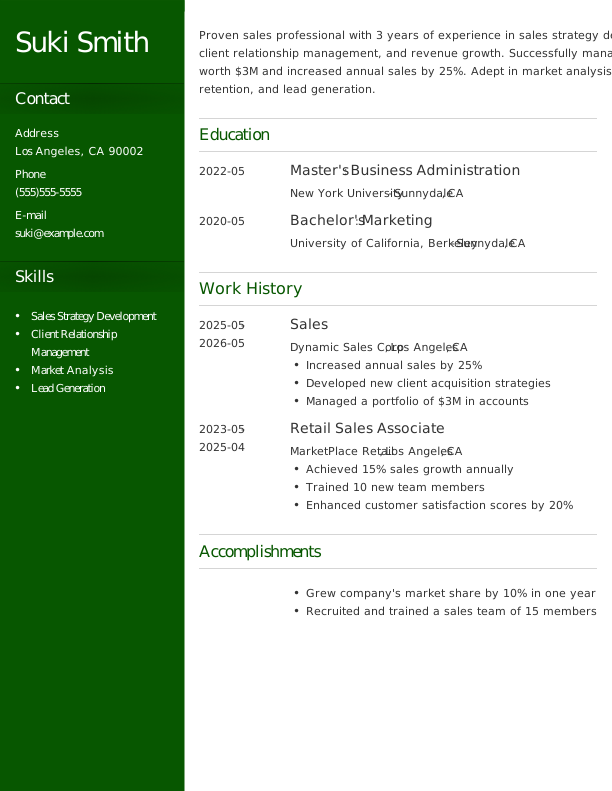
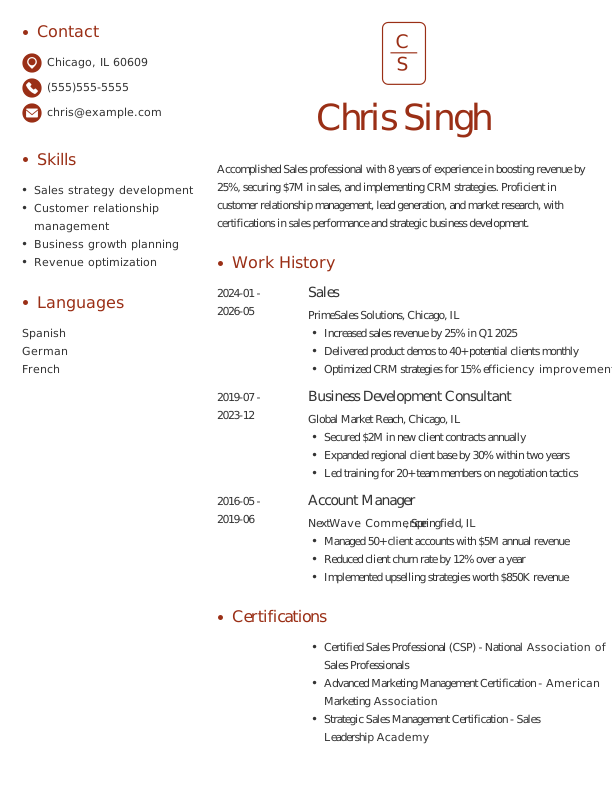
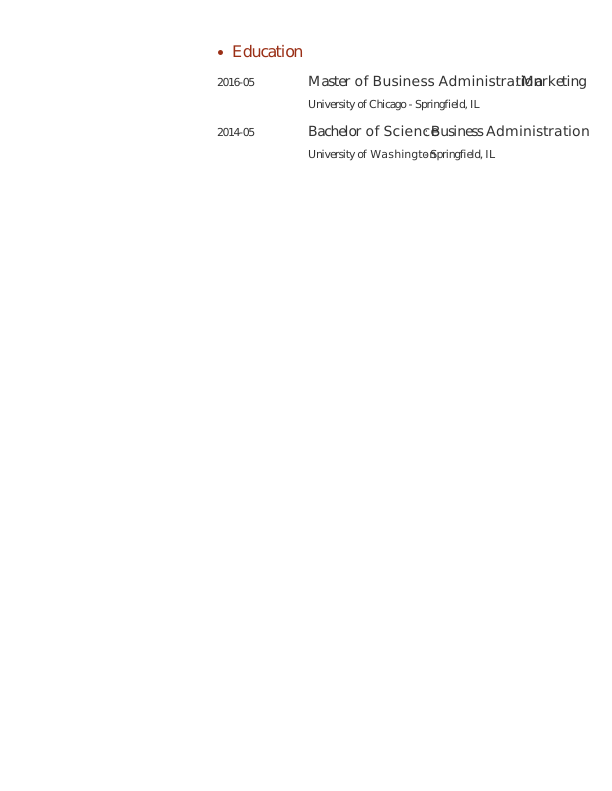
Sales resumes and CVs vary significantly based on experience level. Discover tailored templates for entry-level, mid-career, and experienced professionals, and use our Resume Builder to craft your own standout document.
Entry-Level Sales Resume
Ideal for recent graduates and career changers who need assistance with writing a resume with no experience in sales.

Mid-Career Sales Resume
A good fit for sales professionals with several years of experience, this template highlights recent achievements and facilitates advancement into managerial or specialized positions.

Experienced Sales Resume
An ideal choice for seasoned sales professionals with over 10 years of experience, this template supports job seekers pursuing senior-level leadership roles in dynamic markets.

Sales Resume Template (Text)
Take this free resume template formatted for a sales professional that you can copy, edit, and personalize.
Emily Liu
Northwood, OH 43626
Professional Summary
Experienced Sales Manager with a proven track record of increasing revenue, developing strategic sales initiatives, and leading high-performing teams. Expertise in CRM, market analysis, and business development. Fluent in Spanish, French, and German.
Work Experience
May 2024 – May 2026
Peak Performance Inc. – Northwood, OH
Sales Manager
- Increased sales revenue by 20% within the first year.
- Developed and implemented sales strategies.
- Led a team of 10 sales associates.
April 2021 – April 2024
Dynamic Solutions Ltd. – Northwood, OH
Sales Executive
- Achieved 15% growth in quarterly sales revenue.
- Established partnerships with key clients.
- Provided training for new sales staff.
May 2019 – March 2021
Global Ventures LLC – Cincinnati, OH
Account Manager
- Managed accounts worth over $2 million annually.
- Boosted customer retention rate by 25%.
- Coordinated cross-functional project teams.
Education
May 2019
University of California, Berkeley Northwood, OH
Master of Business Administration Marketing
May 2017
New York University Northwood, OH
Bachelor of Science Business Administration
Certifications
- Certified Sales Professional (CSP) – National Association of Sales Professionals
- Google Analytics Certification – Google
Skills
- Sales Strategy Development
- Customer Relationship Management
- Market Analysis
- Negotiation
- Team Leadership
- Sales Forecasting
- Business Development
- Account Management
How to Write a Sales Resume
In sales, knowing how to write a resume means showcasing your achievements and relevant experience in a way that appeals to potential employers. Use the guidance below to emphasize your strengths and tailor your resume for the specific positions you’re pursuing.
1. Contact Info
Your contact information should be clear, professional, and easy to find at the top of your resume.
Make sure to include:
- Full name
- Phone number
- Professional email address
- City and state (ZIP code is optional)
- LinkedIn profile or personal portfolio (if relevant)
 PRO TIP
Skip including personal details such as age, religious beliefs, or social media profiles on your resume unless specifically requested by the employer.
2. Resume Profile
A resume profile is a brief introduction in two to four sentences that highlights your key qualifications and gives hiring managers a quick overview of who you are. Its purpose is to capture attention and motivate employers to read further about your experience and skills.
Typically located at the top of your resume, this profile can be presented as either a summary or an objective, each serving distinct functions. Understanding these differences can help you choose the best option for your job search:
- A resume summary highlights key achievements, skills, and relevant experiences that align with your career goals in sales. This format is particularly useful for professionals with a solid work history or those changing roles who want to demonstrate their contributions and impact in the field.
- A resume objective highlights your career aspirations and what you aim to achieve in your next role. It’s especially beneficial for recent grads, coding bootcamp graduates, or professionals transitioning into sales with limited experience in the field.
Let’s take a look at an example of each to see how a resume summary and a resume objective differ:
Sales resume summary example:
Dynamic sales professional with over 6 years of experience in high-stakes environments, including technology and retail sectors. Proficient in relationship building, strategic negotiation, and market analysis. Acknowledged for exceeding sales targets and fostering strong client partnerships that drive revenue growth.
Sales resume objective example:
Recent business graduate with a focus on sales and marketing excited to launch a career in a dynamic retail environment. Committed to delivering exceptional customer experiences while leveraging strong analytical skills and adaptability to drive sales growth in a fast-paced team setting.
3. Work Experience
The work experience on your resume is an important selling point. Employers assess your job history to understand not only the roles you’ve held but also the measurable impact you’ve achieved.
Your sales experience demonstrates how your skills in client relationship management and revenue generation align with the expectations of the target role.
The work experience section should contain:
- Job title
- Employer name and location
- Dates of employment (month/year)
- 3–5 bullet points describing your relevant responsibilities and achievements
Tailor your content to reflect the specific sales role you’re pursuing. Start each bullet point with an action verb (like “Achieved,” “Negotiated,” “Closed”) to create a stronger impact and highlight your contributions.
Incorporate quantifiable information or metrics whenever possible. Specific numbers and achievements illustrate your value and help differentiate you from other job seekers in the competitive sales market.
Consider using the following format:
[action verb] + [responsibility] = [result/achievement]
For example:
Generated $500,000 in revenue by leading a sales team to exceed quarterly targets through strategic client engagement and relationship management.
Note that you can also flip the result/achievement with the responsibility:
Achieved 30% growth in new customer acquisition by implementing targeted marketing campaigns and optimizing sales processes.
With these techniques in mind, your resume bullets may look something like:
- Exceeded quarterly sales targets by 25%, generating an additional 0,000 in revenue for the company.
- Trained and mentored a team of 5 junior sales associates, improving overall team performance by 15%.
- Developed strategic partnerships with key clients, resulting in a 30% increase in repeat business.
- Used CRM software to track customer interactions and analyze sales trends, improving forecasting accuracy.
- Collaborated with marketing teams to design promotional campaigns that boosted lead generation by 40%.
4. Skills
This skills section provides a concise overview of your sales abilities, showcasing relevant strengths in the field. It aids hiring managers in quickly evaluating your qualifications for potential roles.
Skills can be categorized into three groups:
- Soft skills are personal qualities that influence how well sales professionals interact with clients and colleagues.
- Hard skills are specific, quantifiable abilities gained through education, training, or direct experience.
- Technical skills are the specific abilities required to perform tasks in a particular field.
5 Soft Skills for Your Resume or CV
- Effective communication
- Persuasive negotiation
- Team leadership
- Customer-centric approach
- Strategic thinking
5 Hard Skills for Your Resume or CV
- CRM software skills (Salesforce, HubSpot)
- Market analysis techniques
- Lead generation strategies
- Negotiation and closing skills
- Sales forecasting methodologies
In general, aim to showcase a diverse array of relevant skills that align with the job requirements to illustrate your professional strengths.
PRO TIP
If you’re an entry-level sales professional, consider placing your skills section near the top of your resume just after your summary. For those with more experience, it’s beneficial to position this section lower, weaving your skills throughout your work history for a more integrated approach.
5. Education
Understanding how to list education on your resume can improve the clarity of your qualifications. Begin by listing your most recent or relevant degree, including the degree type and the institution’s name.
If you have recently graduated, add details like your graduation year, GPA (if it’s 3.5 or higher), any honors received, and relevant coursework to give a fuller picture of your academic achievements.
Sales resume education section example:
Bachelor of Business Administration (BBA)
University of Florida, Gainesville, FL
Graduated: 2024 | Summa Cum Laude
PRO TIP
If you’re advancing from an Associate Degree in Sales Management to a Bachelor of Business Administration in Sales, or have earned another relevant degree, list them both in reverse-chronological order.
6. Certifications
Listing certifications on your resume can help bridge the gap when you have limited sales experience. While this section is not always included in traditional resumes, it’s incredibly valuable for most professionals in the industry. Employers often seek specific credentials for specialized roles, such as digital marketing certifications or sales management training.
Be sure to include only relevant certifications that improve your candidacy. Keep them current and clearly formatted to ensure they stand out to potential employers.
Sales certification examples:
- Certified Sales Professional (CSP) | Sales and Marketing Executives International | Expires: 01/2028
- Certified Inside Sales Professional (CISP) | AA-ISP | Expires: 04/2027
- HubSpot Sales Software Certification | HubSpot Academy | Expires: 08/2028
- Salesforce Certified Administrator | Salesforce | Expires: 12/2027
Start Building Your Job-Winning Resume
Use Your Existing Resume
Import your current resume to transfer your information to one of our professional templates.
Create a New Resume
Start fresh with a template that catches your eye and follow the prompts to add your details.
Tailor Your Work History to Beat the ATS
Your work experience is more than a list of job titles. It’s a chance to show the measurable impact you’ve had on sales figures, client relationships, and team performance. This approach also leads to an ATS-friendly resume that applicant tracking systems (ATS) can easily scan.
What’s a Fair Sales Salary?
Understanding sales salaries across the nation helps you evaluate job offers, negotiate competitive pay, and make informed career decisions. The data below comes from the U.S. Bureau of Labor Statistics (BLS) and reflects the most recent nationwide averages for sales professionals.
Keep in mind that factors like location, years of experience, certifications, and industry specialization can all influence your actual salary. Sales managers in metropolitan areas often earn more than those in rural settings, while specialized roles, such as technical sales representatives, typically command higher compensation due to their expertise with complex products and services.
| Alabama | $136,950 |
| Alaska | $110,610 |
| Arizona | $174,450 |
| Arkansas | $147,840 |
| California | $157,170 |
| Connecticut | $170,720 |
| Delaware | $199,560 |
| District of Columbia | $195,490 |
| Florida | $151,380 |
| Georgia | $167,400 |
| Hawaii | $130,950 |
| Idaho | $127,800 |
| Illinois | $163,650 |
| Indiana | $141,720 |
| Iowa | $140,470 |
| Kansas | $163,080 |
| Kentucky | $140,670 |
| Louisiana | $125,400 |
| Maine | $132,590 |
| Maryland | $145,580 |
| Massachusetts | $189,290 |
| Michigan | $152,150 |
| Minnesota | $165,710 |
| Mississippi | $128,330 |
| Missouri | $122,340 |
| Montana | $138,210 |
| Nebraska | $140,800 |
| Nevada | $135,360 |
| New Hampshire | $151,960 |
| New Jersey | $190,380 |
| New Mexico | $125,220 |
| New York | $251,500 |
| North Carolina | $157,770 |
| North Dakota | $137,560 |
| Ohio | $146,930 |
| Oklahoma | $148,510 |
| Oregon | $145,840 |
| Pennsylvania | $145,510 |
| Rhode Island | $141,070 |
| South Carolina | $139,550 |
| South Dakota | $142,110 |
| Tennessee | $142,410 |
| Texas | $148,530 |
| Utah | $145,450 |
| Vermont | $144,570 |
| Virginia | $181,460 |
| Washington | $186,810 |
| West Virginia | $127,500 |
| Wisconsin | $152,420 |
| Wyoming | $142,220 |
| Guam | $70,110 |
| Puerto Rico | $104,820 |
| Virgin Islands | $122,220 |
Key Takeaways
- Incorporate quantifiable results to highlight your achievements. Focus on metrics that matter (e.g., sales growth percentages, client acquisition rates, revenue milestones) to differentiate yourself.
- Select a resume format that suits your experience level. Entry-level applicants might find a functional format helpful, while seasoned sales professionals usually prefer a reverse-chronological layout.
- A sales resume should clearly communicate your ability to work with others and your success with clients.
More Resume & CV Examples
- Advertising Director
- Advertising
- Apartment Leasing Agent
- Beauty Advisor
- Brand Ambassador
- Brand Manager
- Car Salesman
- Cashier
- Communications Coordinator
- Communications
- Communications Specialist
- Content Strategist
- Digital Marketing Manager
- Digital Marketing
- Digital Marketing Specialist
- Email Marketing
- Field Marketing Manager
- Fragrance Sales Associate
- Influencer Marketing Manager
- Inside Sales
- Manufacturing Sales
- Marketing Analyst
- Marketing Assistant
- Marketing Communications Manager
- Marketing Consultant
- Marketing Coordinator
- Marketing Data Analyst
- Marketing Intern
- Marketing Manager
- Marketing Project Manager
- Marketing
- Marketing Specialist
- Medical Device Sales
- Medical Sales
- Merchandiser
- Merchandising
- New Home Sales Consultant
- Product Marketing Manager
- Public Relations
- Real Estate Agent
- Real Estate Broker
- Realtor
- Sales Assistant
- Sales Associate
- Sales Consultant
- Sales Director
- Sales Engineer
- Sales Executive
- Sales Manager
- Sales Operations Analyst
- Sales Representative
- SDR
- Seo Analyst
- SEO
- Seo Specialist
- Social Media Coordinator
- Social Media Influencer
- Social Media Manager
- Social Media Marketing
- Software Sales
- Vp Of Sales
Cover Letters for Your Resume
Browse our library of cover letter examples to complete your application. A resume will have a better chance of getting noticed.
Frequently Asked Questions
Last Update:
What resume format should I use for my sales resume?
There are three main resume formats to consider when applying for a sales position. Your choice should reflect your level of experience and the skills or achievements you wish to highlight:
- Chronological: The most popular format, a chronological resume emphasizes your work experience by detailing responsibilities and achievements in reverse order. This approach is ideal for job seekers with a consistent and relevant job history that reinforces their qualifications and showcases their growth in the sales field.
- Functional: Also referred to as a skills-based resume, the functional resume emphasizes a qualifications summary and an expanded skills section to showcase your sales abilities. This format places less focus on work history, making it useful for applicants lacking relevant experience or those with employment gaps.
- Combination: A combination resume integrates chronological and functional elements, featuring a skills section alongside work experience. This format benefits sales professionals by allowing them to showcase their key abilities while also illustrating their career growth and achievements in various roles.
Should I include a cover letter with my resume?
Absolutely, including a cover letter with your sales job application is essential. A well-crafted cover letter allows you to express your enthusiasm for the role and the company while showcasing relevant skills and experience that may not be immediately evident on your resume. It demonstrates to employers that you’re genuinely interested in the position, setting you apart from job seekers who submit generic applications.
If you’re feeling uncertain about how to write a cover letter, there are numerous resources available. You can find guides on writing cover letters, explore examples tailored for sales roles, and review various formats to determine which best fits your style and experience level. These tools can make the process more manageable.
To streamline your efforts, consider using a cover letter generator that offers structured templates and personalized suggestions tailored to the specific sales position you’re applying for. This can save you time while ensuring a professional presentation.
How long should a sales resume be?
For professionals with less than 10 years of experience, a one-page resume is typically sufficient. This format allows you to present your skills and achievements clearly without overwhelming potential employers. Focus on relevant roles, education, and key accomplishments that demonstrate your value.
In contrast, job seekers in senior or specialized positions may use a two-page resume if they have extensive experience or multiple certifications. Ensure that every detail included remains relevant and supports your qualifications for the role you seek.
Should I include non-sales roles or volunteer work?
Yes, especially if you’re starting your career in sales. Including non-sales experiences highlights transferable skills like communication and customer service, which are important in sales. This can improve your resume when you lack formal sales positions.

Kirsten Chorpenning is a career advice writer who empowers job seekers to take control of their career paths using Monster’s comprehensive job search and resume tools. She specializes in helping job seekers find rewarding jobs in today’s dynamic work environment.
See More From Kirsten ChorpenningExplore Related Career Advice


How to Put Transferable Skills on Your Resume: 120 Skills, Examples, & Tips
Updated:
Aug 27, 2026
|
16 min read


How to Write a Functional Resume (Formatting Tips, Template, & Examples)
Updated:
Aug 7, 2026
|
17 min read


Functional vs Chronological Resume: Which Format Is Right for You?
Updated:
Aug 3, 2026
|
16 min read
100+ Resume Adjectives to Help You Write a Stronger Resume in 2026 (With Examples)
Updated:
Jul 30, 2026
|
12 min read