Free Classic & Traditional Resume Templates & Examples
Get more interviews with our free classic & traditional resume or CV templates. Download real examples and use our expert writing tips to help you stand out to employers.
Choose from 936 ATS-friendly templates
 Free
Free Popular
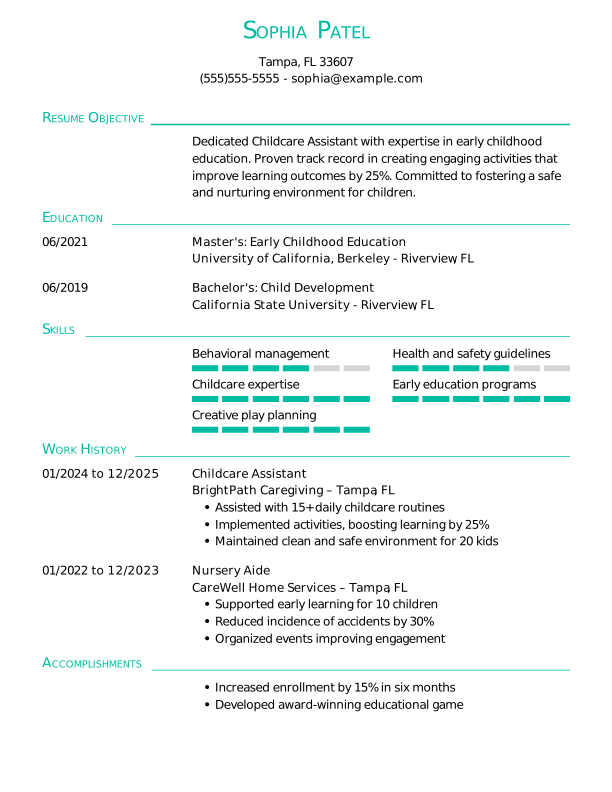
Childcare Assistant Entry-Level Resume
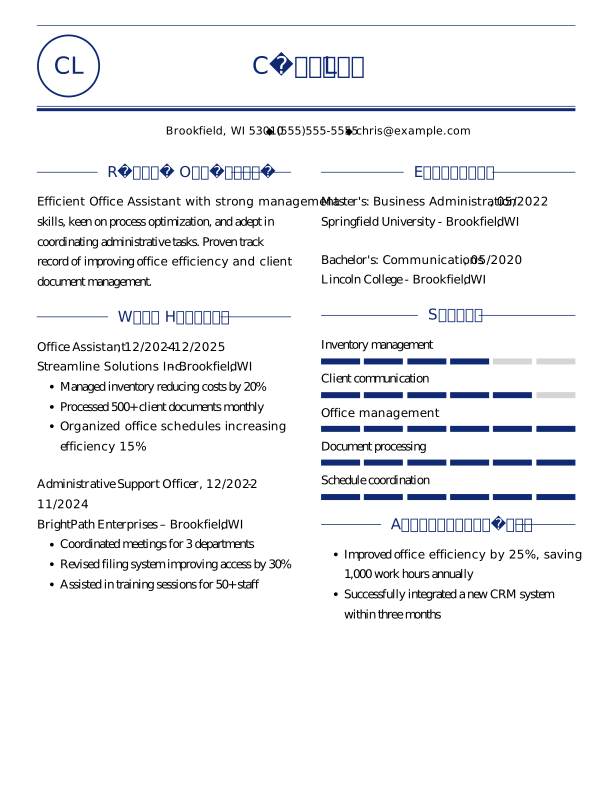
Office Assistant Entry-Level Resume
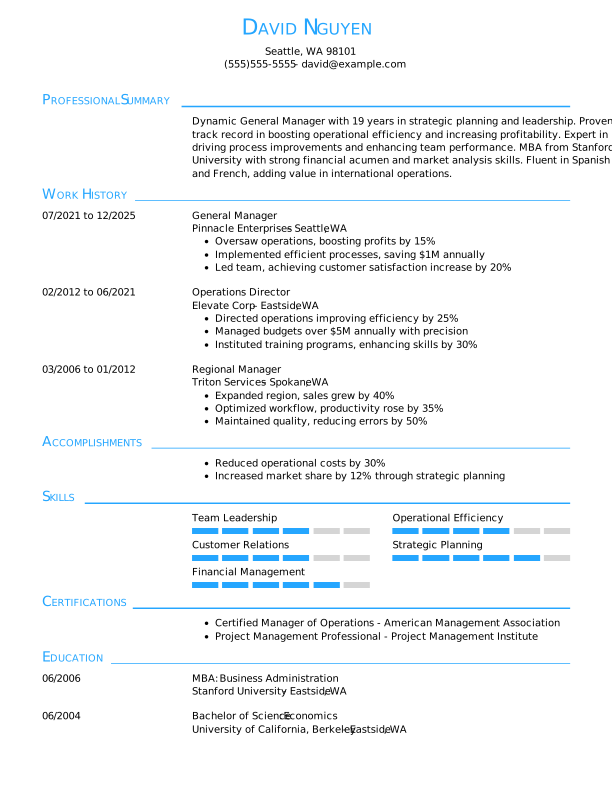
General Manager Experienced Resume Template Example
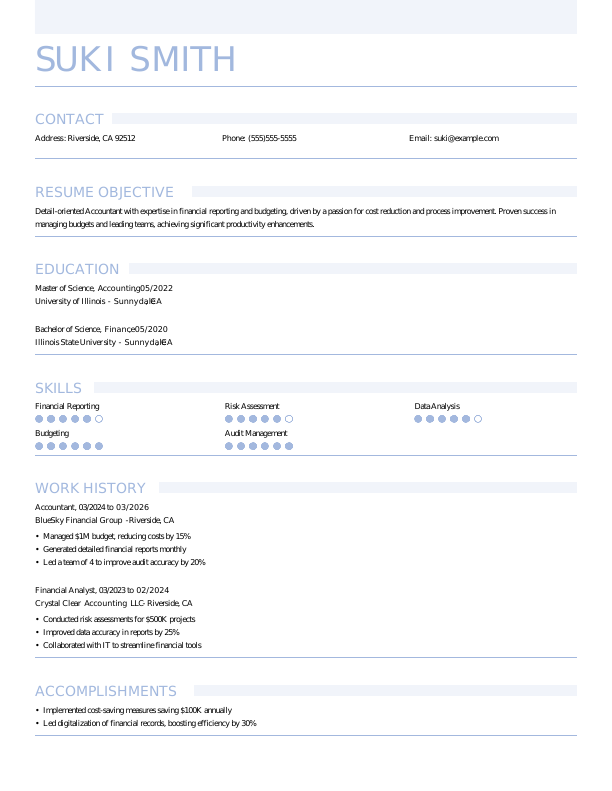
Accountant Entry-Level Resume
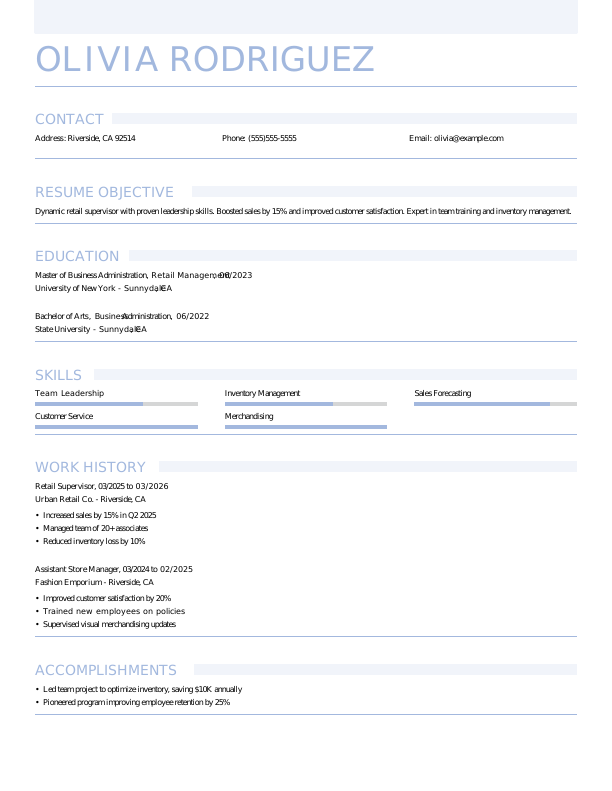
Retail Supervisor Entry-Level Resume
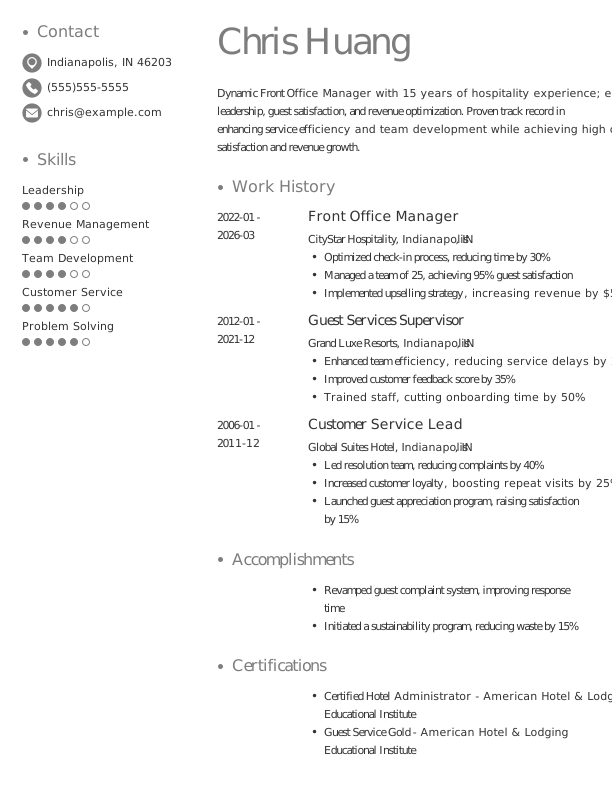
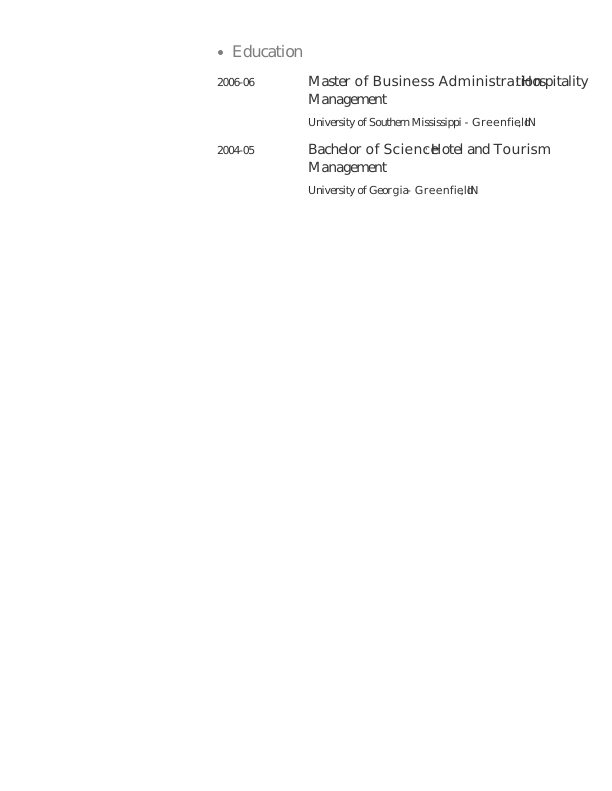
Front Office Manager Experienced Resume
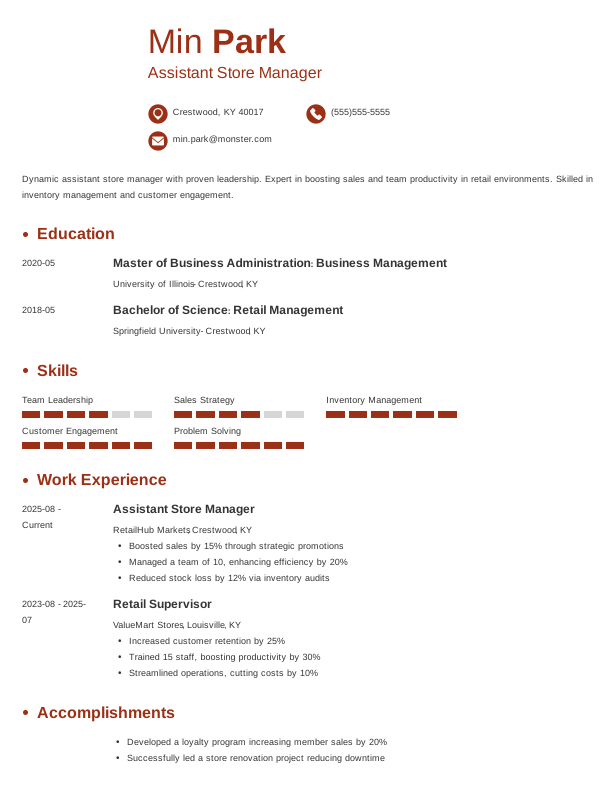
Assistant Store Manager Entry-Level Resume
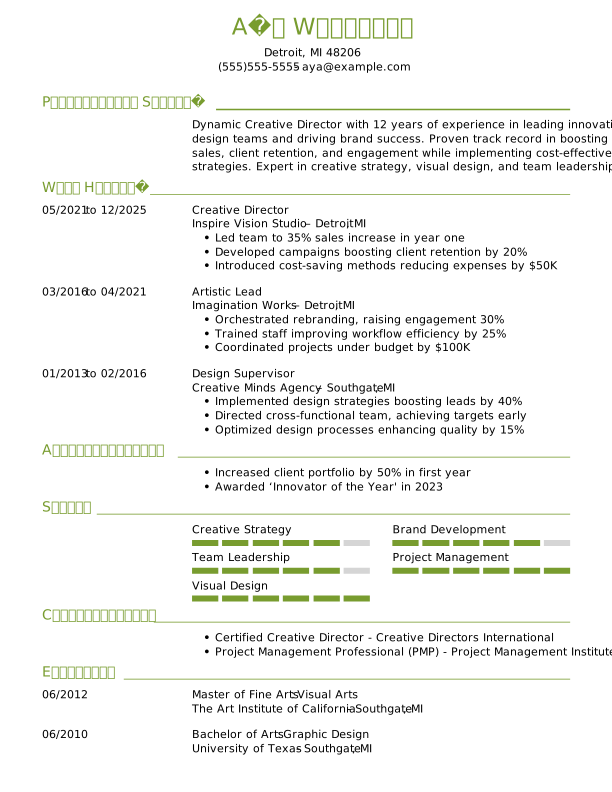
Creative Director Experienced Resume Template Example
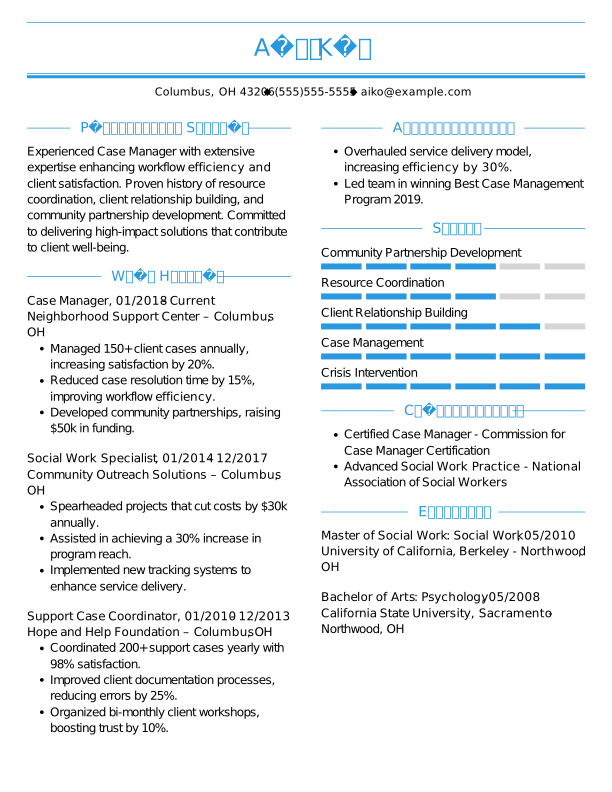
Case Manager Experienced Resume Template Example
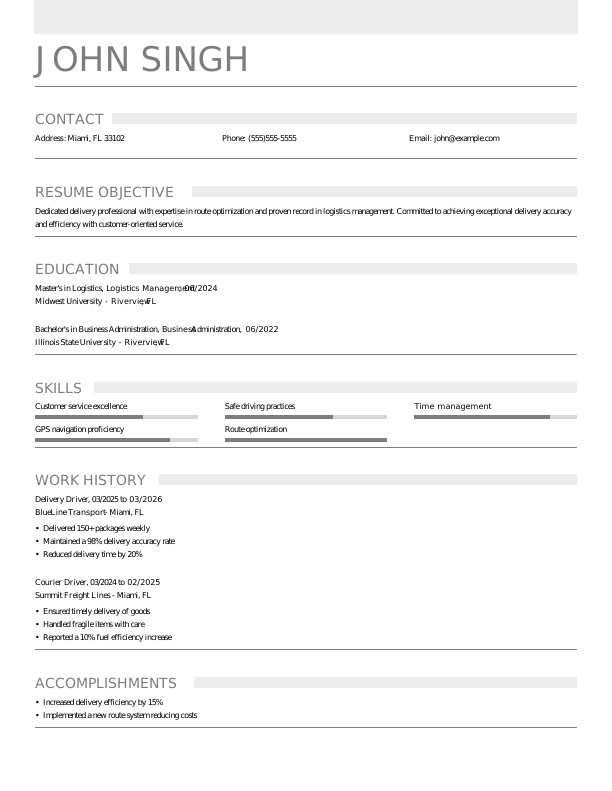
Delivery Driver Entry-Level Resume
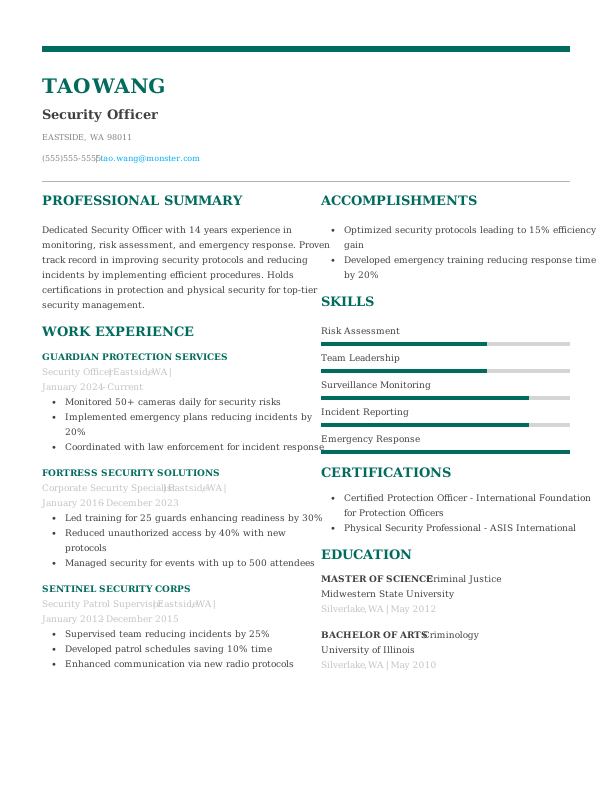
Security Officer Experienced Resume
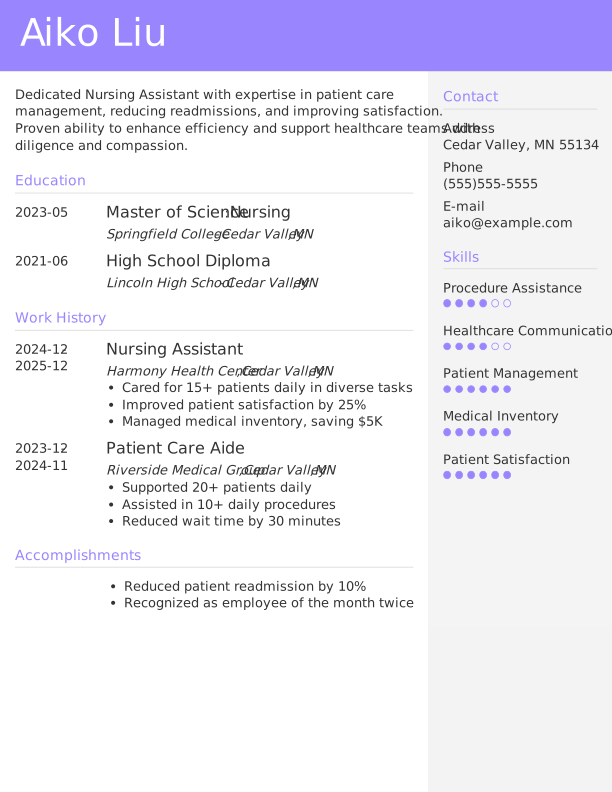
Nursing Assistant Entry-Level Resume
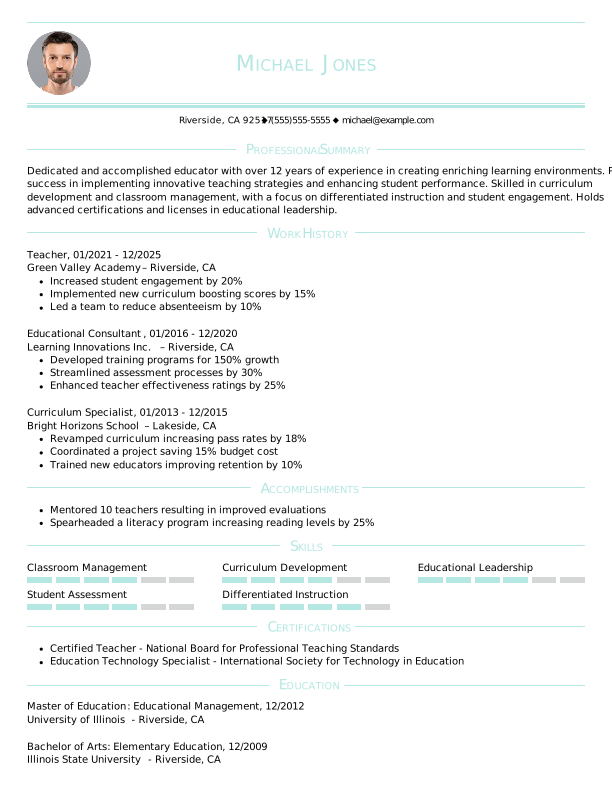
Teacher Experienced Resume Template Example
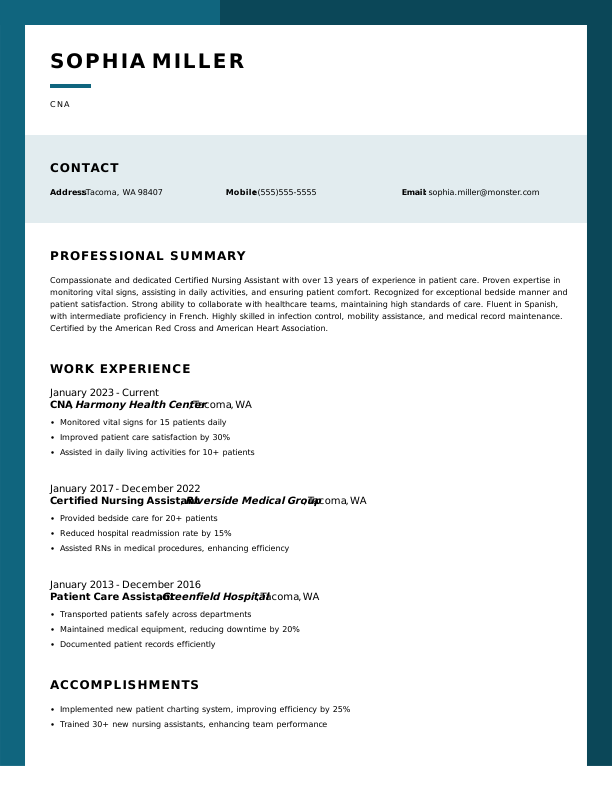
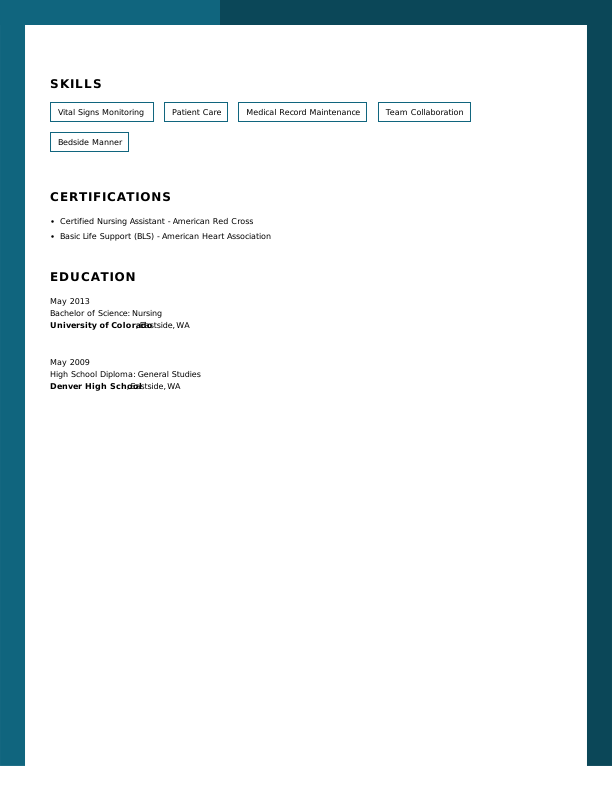
CNA Experienced Resume
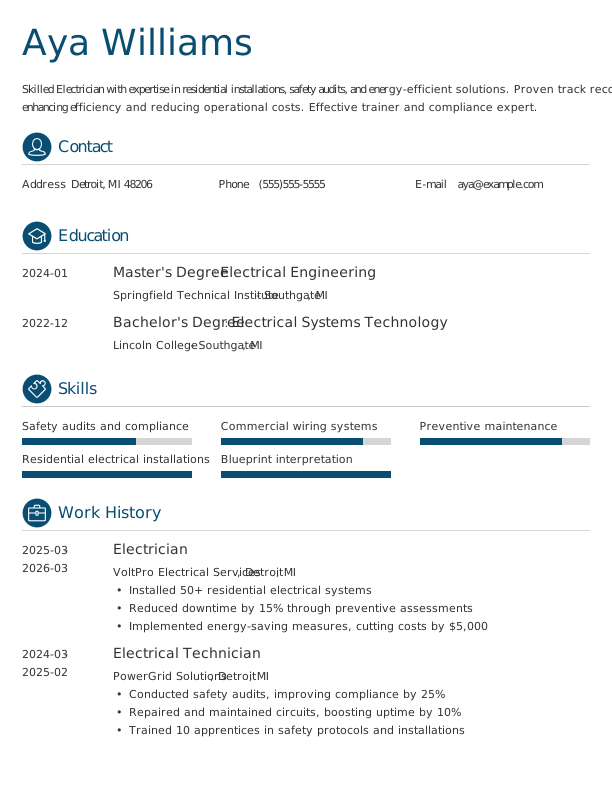
Electrician Entry-Level Resume
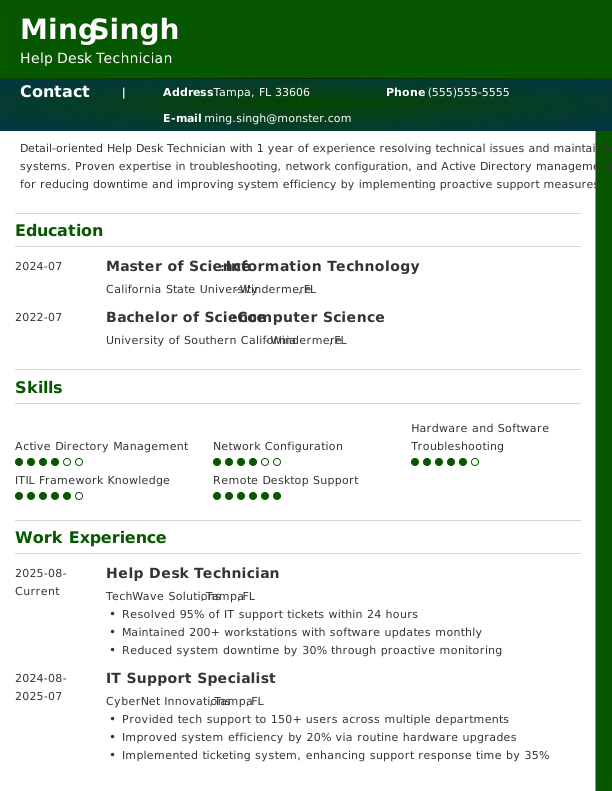
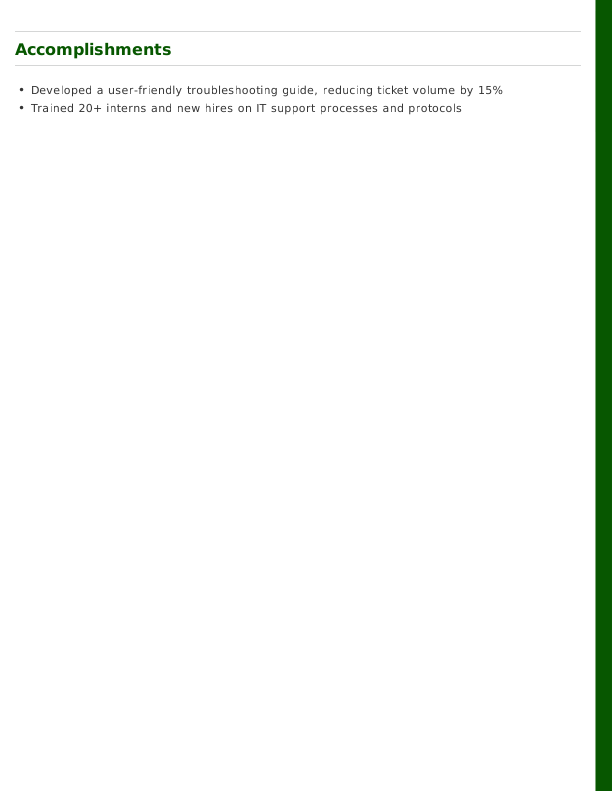
Help Desk Technician Entry-Level Resume
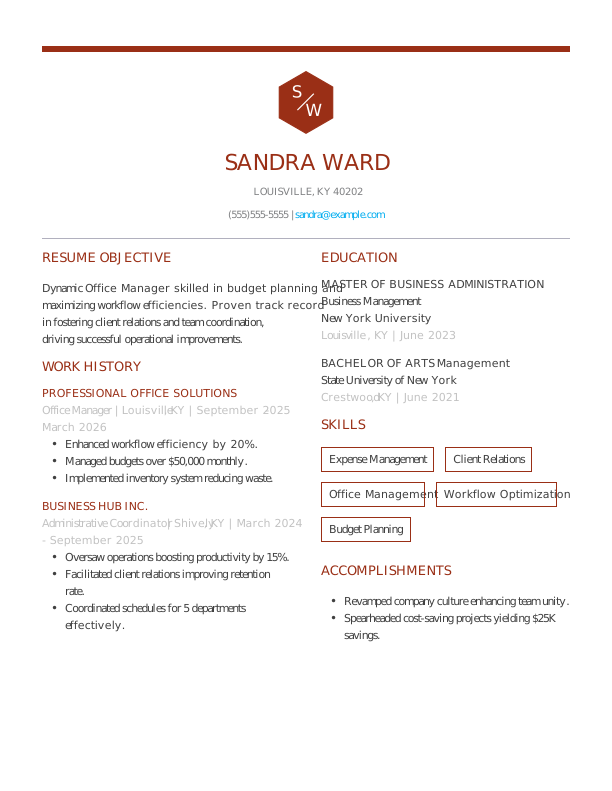
Office Manager Entry-Level Resume
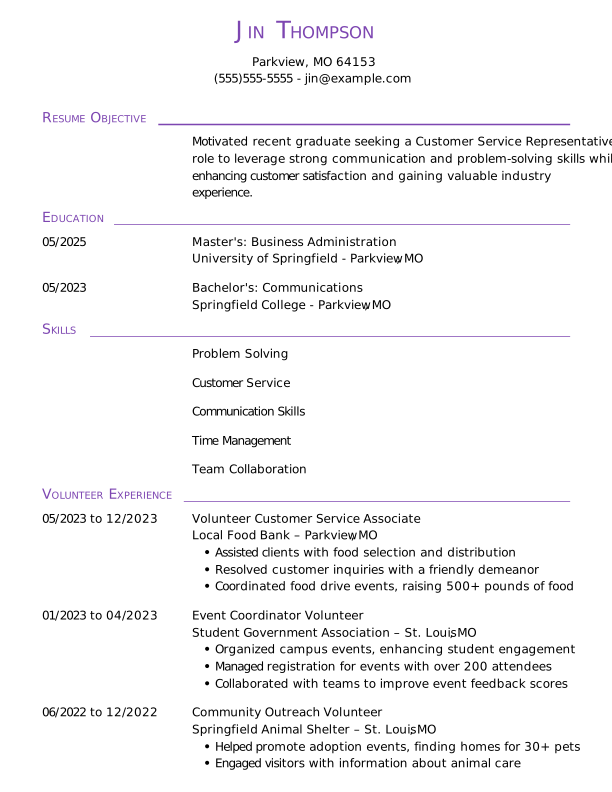
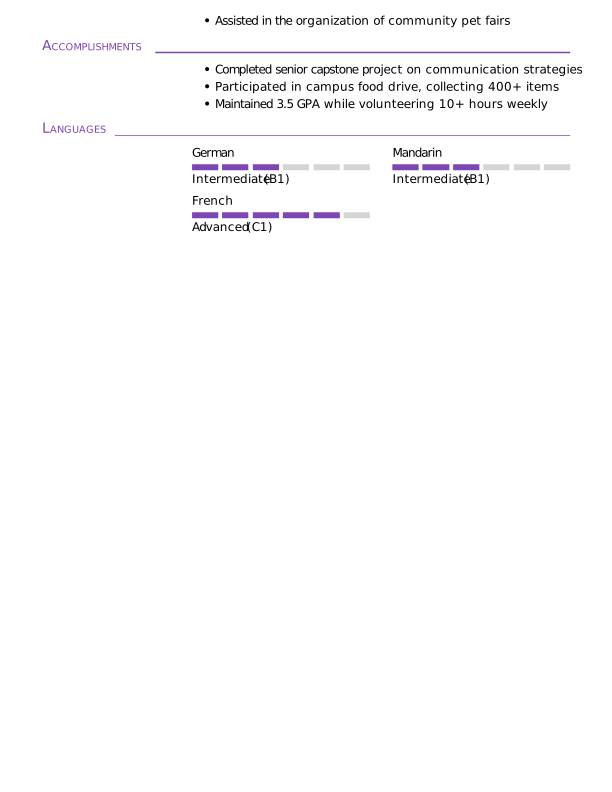
Customer Service Representative Student Resume Template Example
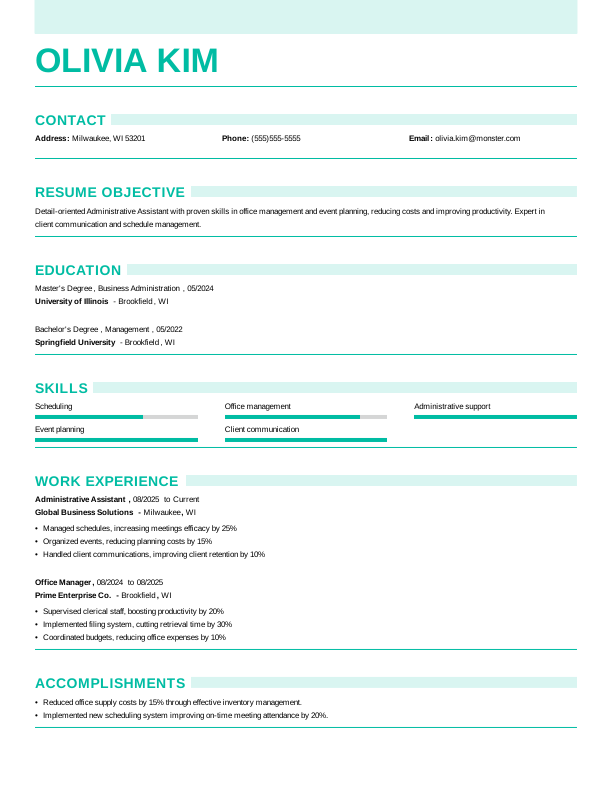
Administrative Assistant Entry-Level Resume
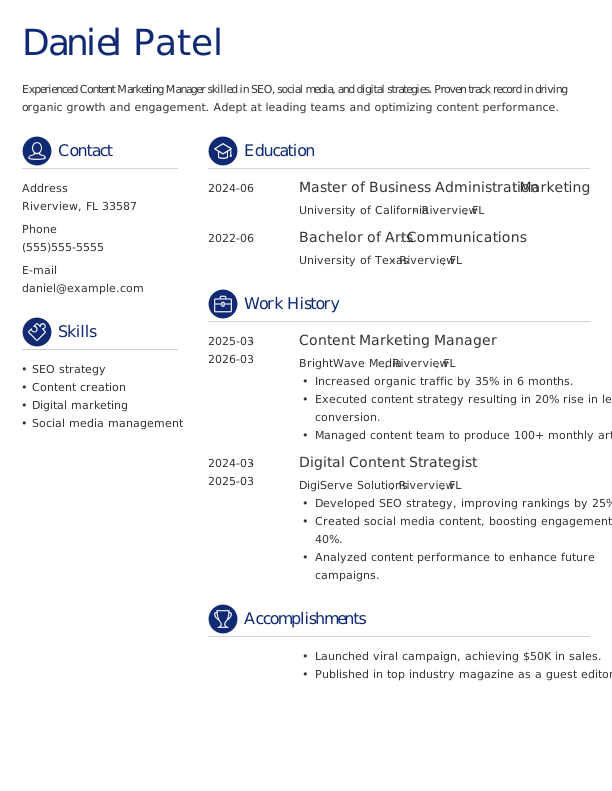
Content Marketing Manager Entry-Level Resume
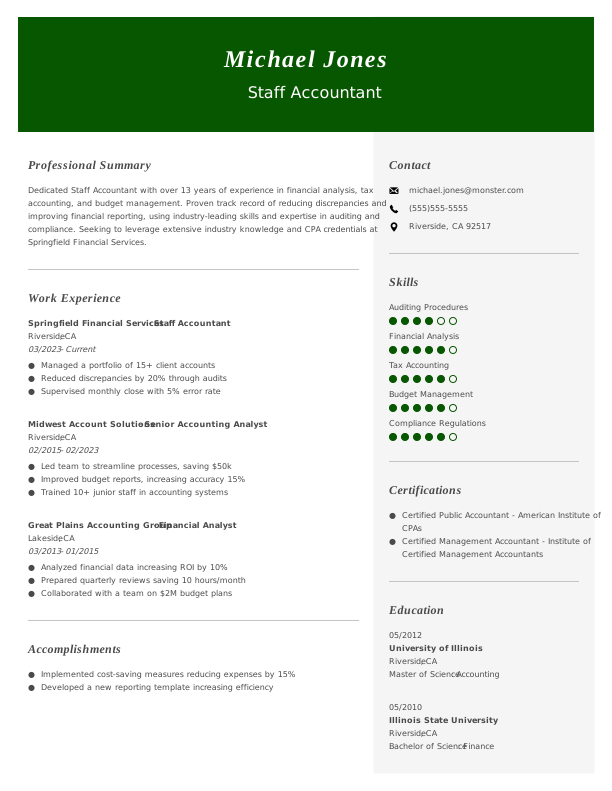
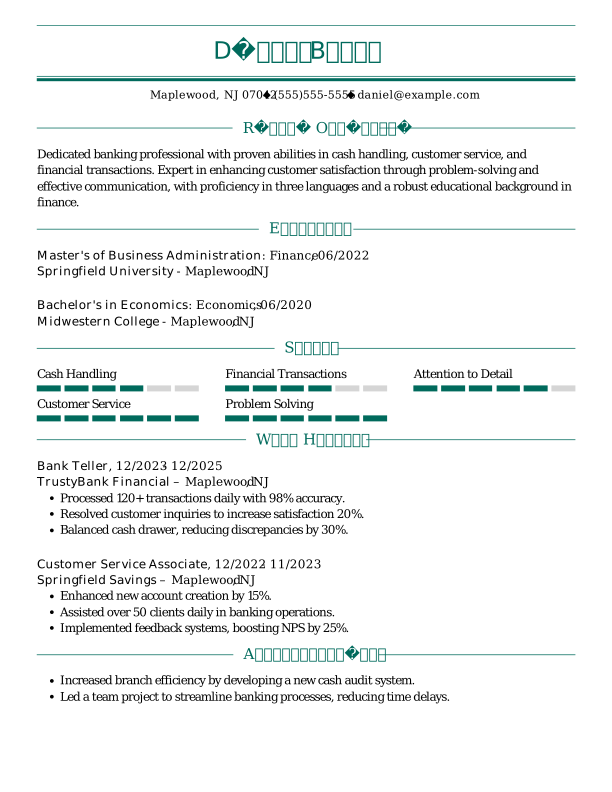
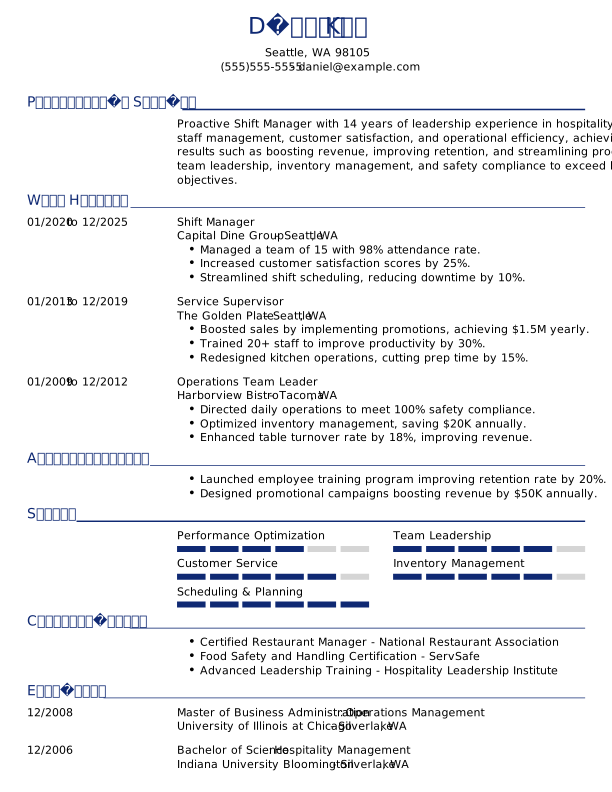
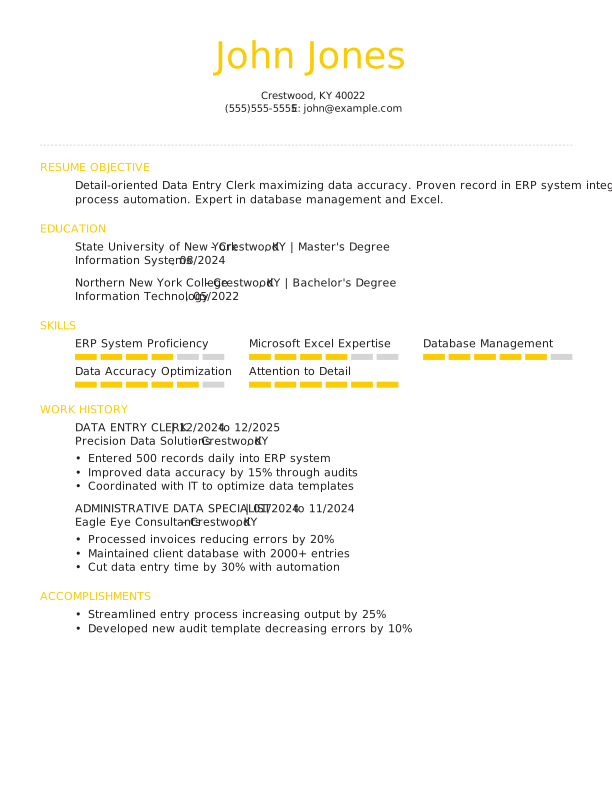
Browse All Free Resume Templates
- Accounts Payable
- Adjunct Professor
- Artist
- Auto Mechanic
- Baker
- Business Development Manager
- Business
- Certified Nursing Assistant
- Cleaner
- College Student
- Concierge
- Construction Worker
- Corporate
- Creative & Unique
- Custodian
- Customer Service
- Dental Assistant
- Direct Support Professional
- Entry-Level
- Flight Attendant
- Hospitality & Food Service
- Front Desk Receptionist
- Healthcare
- High School
- Housekeeping
- Hvac Technician
- Hybrid
- Inventory Manager
- Logistics
- Maintenance
- Management
- Modern
- Mortgage Loan Processor
- Pet Sitter
- Phlebotomist
- Production
- Rbt
- Sales
- Security Services
- Restaurant Server
- Simple & Basic
- Social Work
- Teacher
- Technology
Frequently Asked Questions
Last Update:
How long should my classic & traditional resume be?
A classic resume or CV should be one to two pages depending on experience. This format prioritizes substance over style—focus on clear, well-organized content that makes your qualifications easy to evaluate at a glance.
What’s the best resume format?
Reverse-chronological format is the standard for classic resumes. Use traditional fonts like Times New Roman or Georgia, clear section headings, consistent formatting, and conservative design. This approach works well for traditional industries like law, finance, or government.
Should I include a cover letter with my resume?
Yes, a formal cover letter complements a classic resume. Use traditional business letter formatting and a professional tone that matches your resume’s style. Address it to a specific person whenever possible.
How do I customize my resume for different job postings?
Focus on tailoring your experience bullet points and skills to match each job’s requirements. Use the employer’s terminology and emphasize relevant accomplishments. The classic format makes it easy to adjust content without redesigning the document.
What are common action verbs to use on a resume?
Classic resumes benefit from straightforward, professional language. Use verbs like managed, developed, implemented, coordinated, supervised, analyzed, prepared, administered, maintained, and executed. These convey competence and reliability.
Explore Related Career Advice


How to Put Transferable Skills on Your Resume: 120 Skills, Examples, & Tips

Updated:
Aug 27, 2026
|
16 min read


How to Write a Functional Resume (Formatting Tips, Template, & Examples)
Updated:
Aug 7, 2026
|
17 min read

Functional vs Chronological Resume: Which Format Is Right for You?
Updated:
Aug 3, 2026
|
16 min read
100+ Resume Adjectives to Help You Write a Stronger Resume in 2026 (With Examples)
Updated:
Jul 30, 2026
|
12 min read