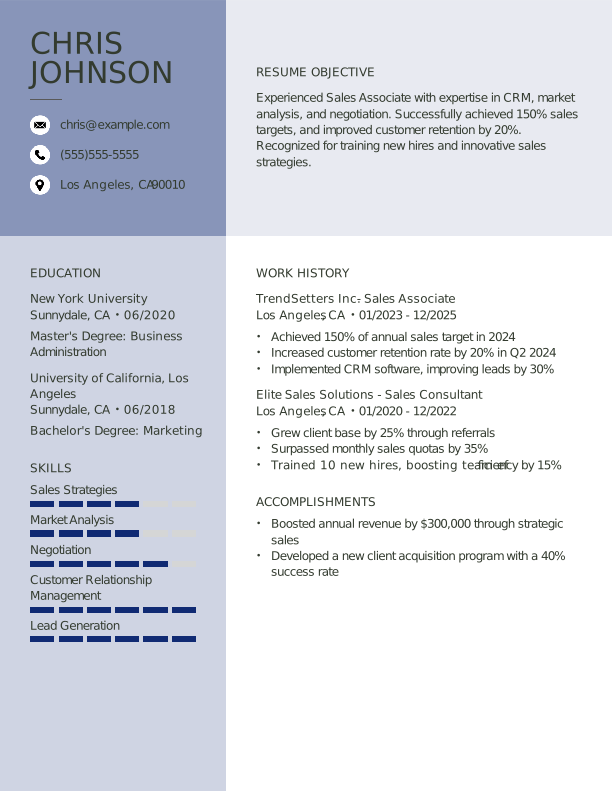
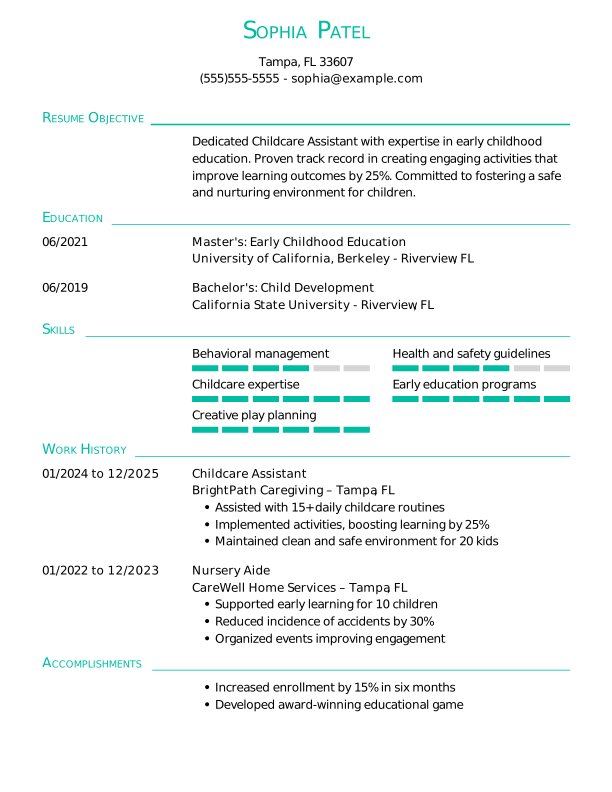
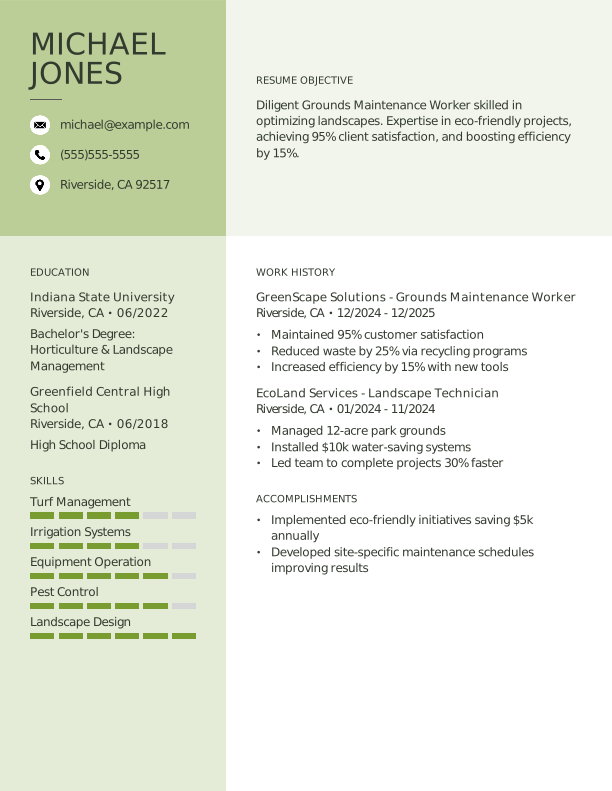
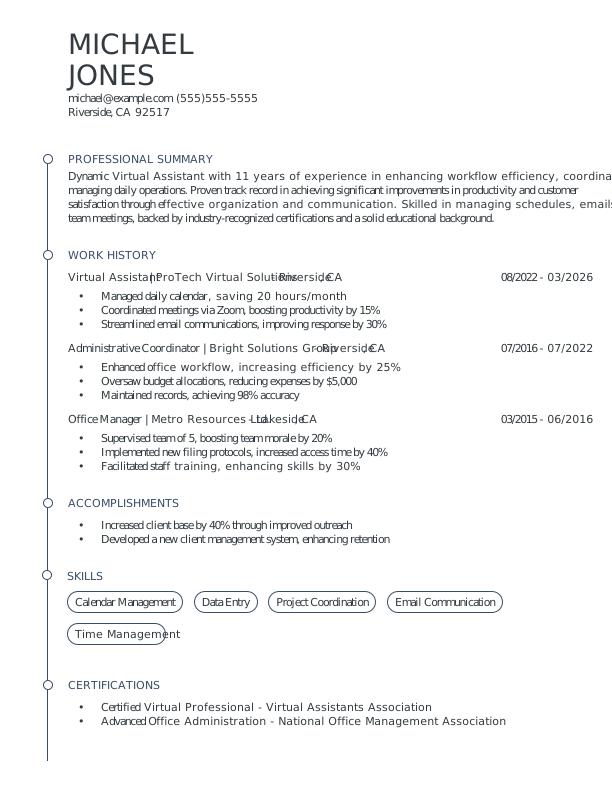
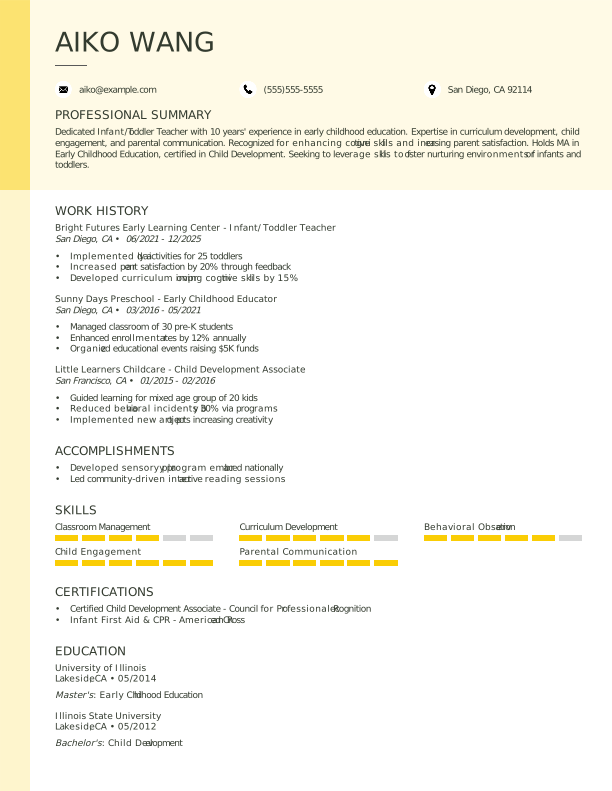
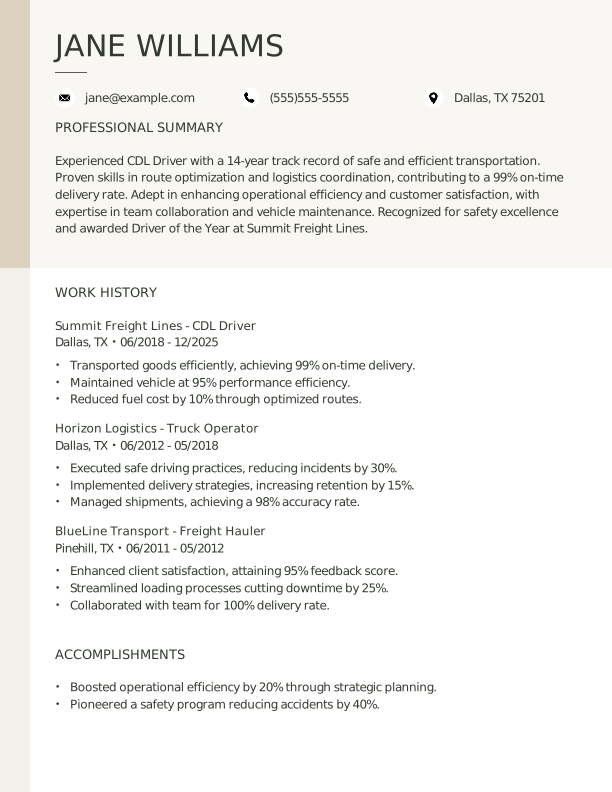
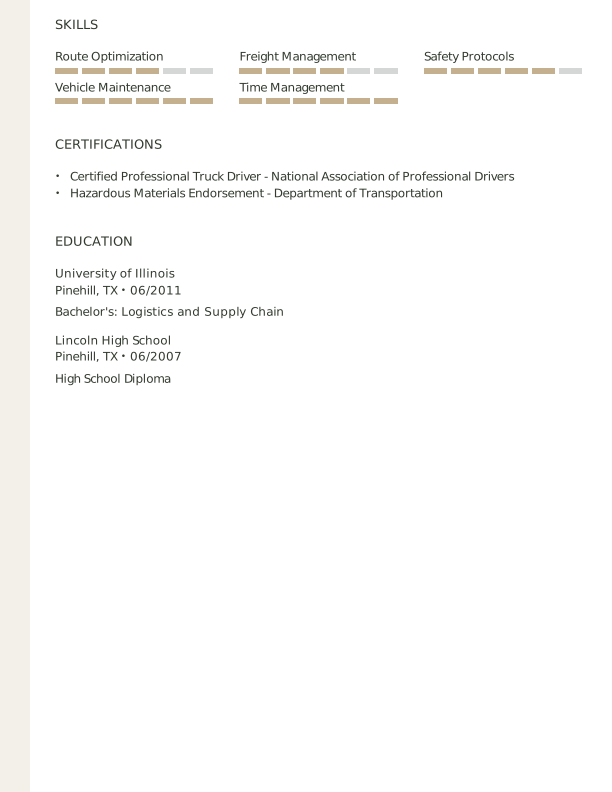
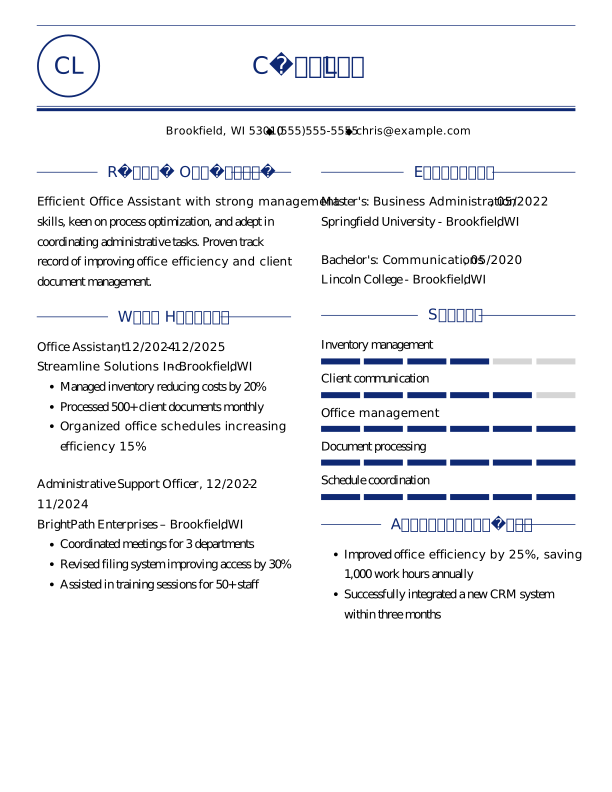
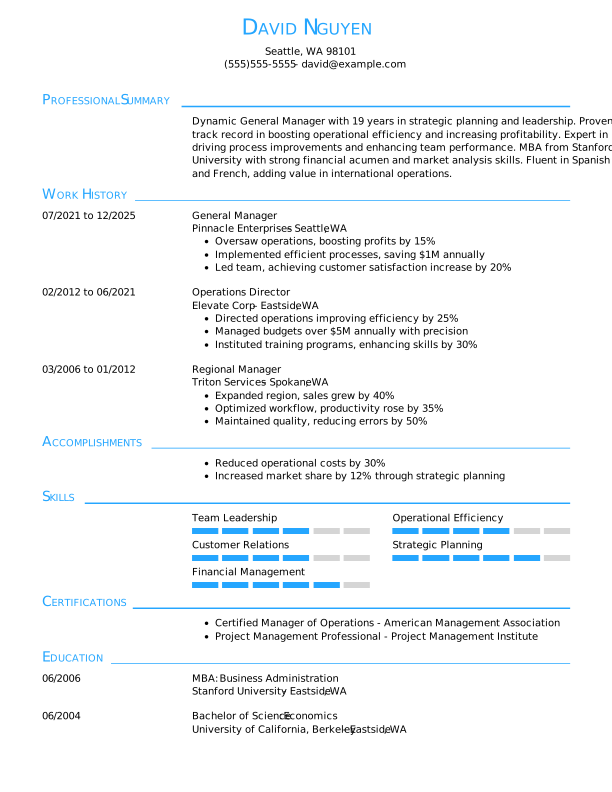
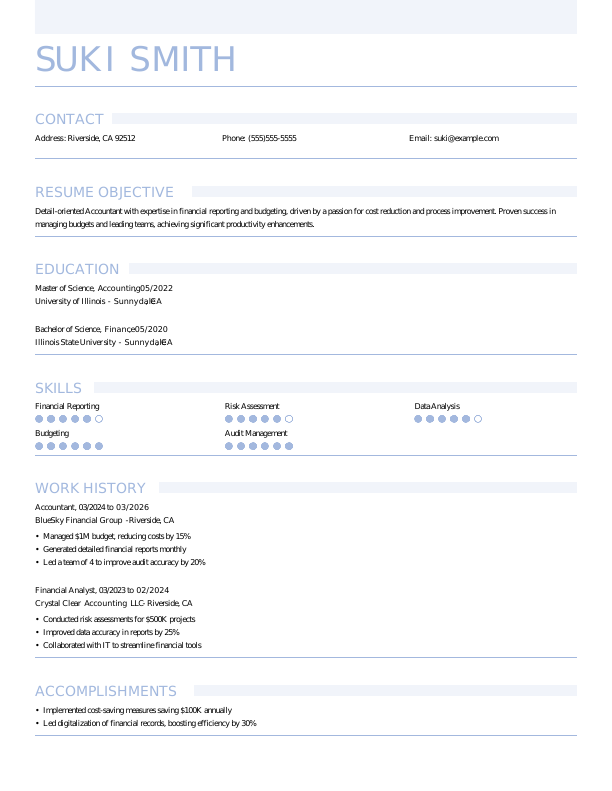
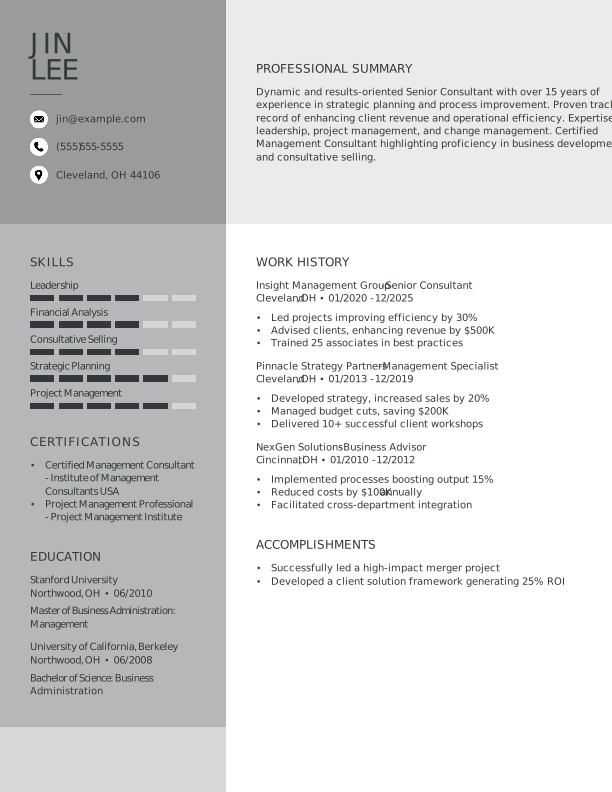
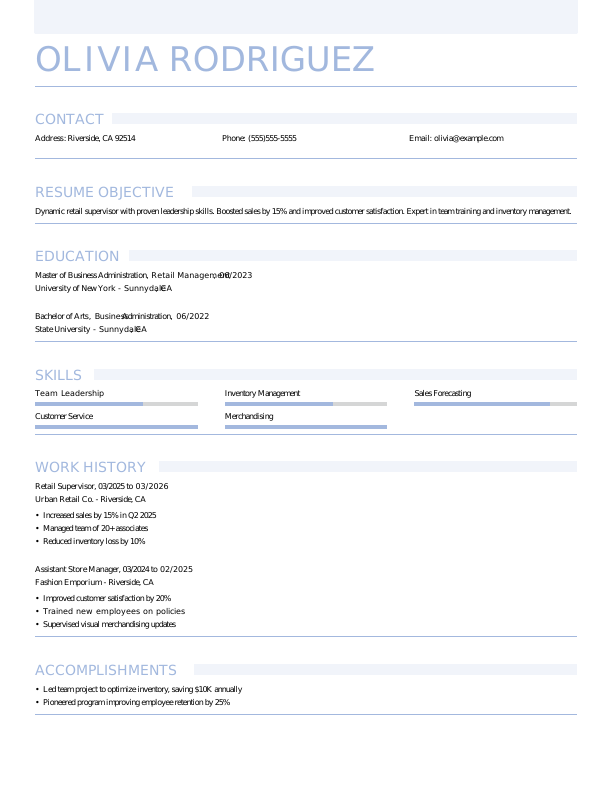
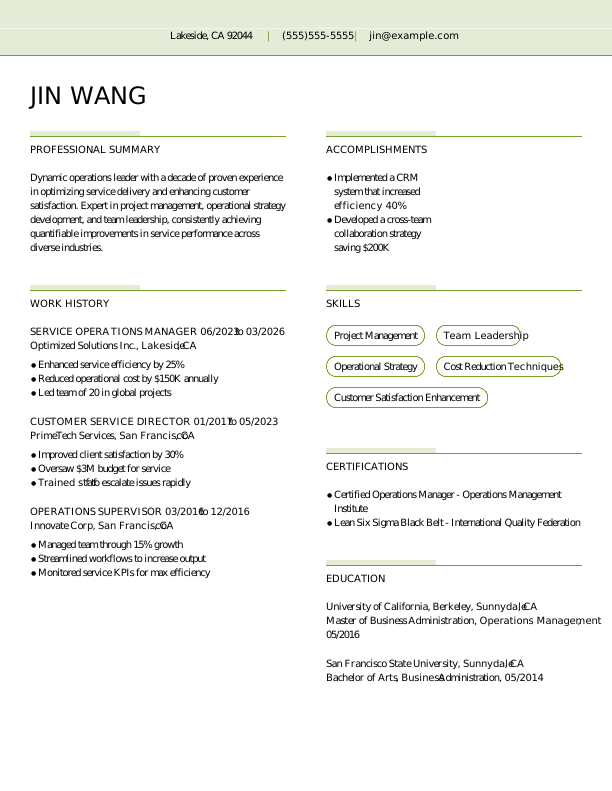
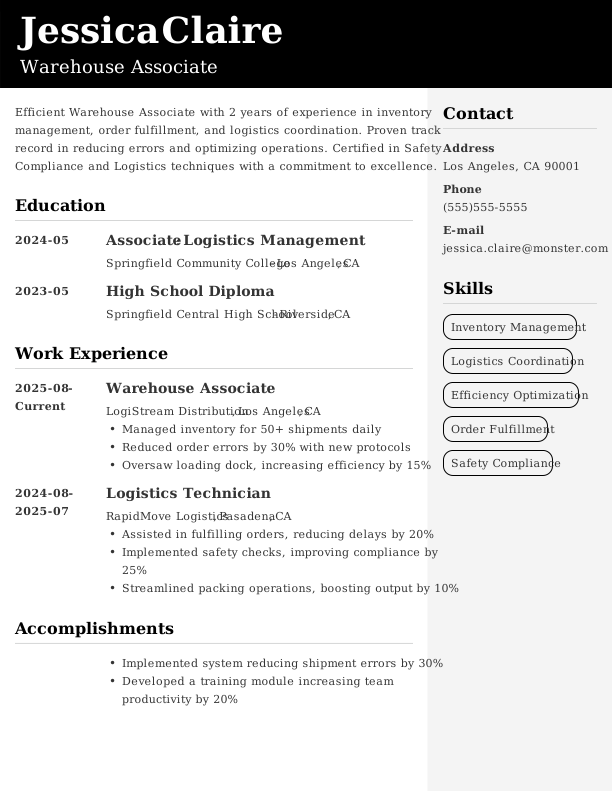
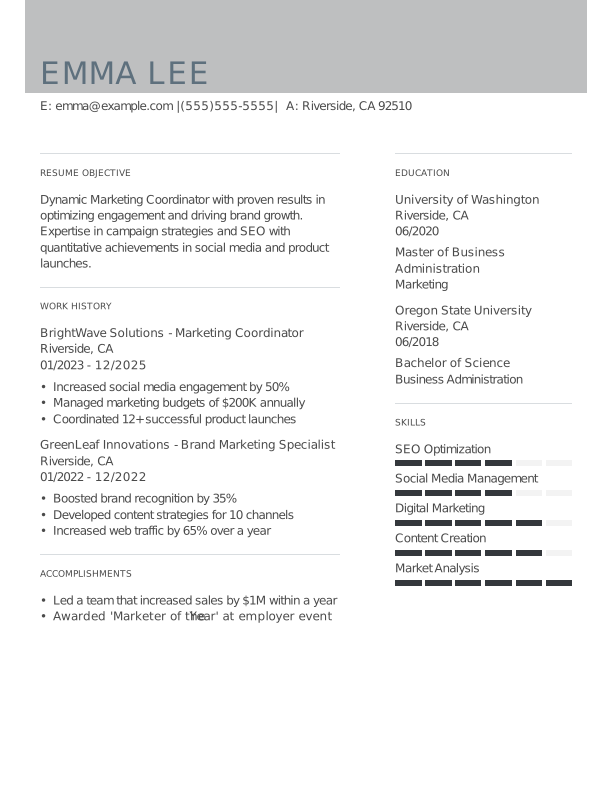
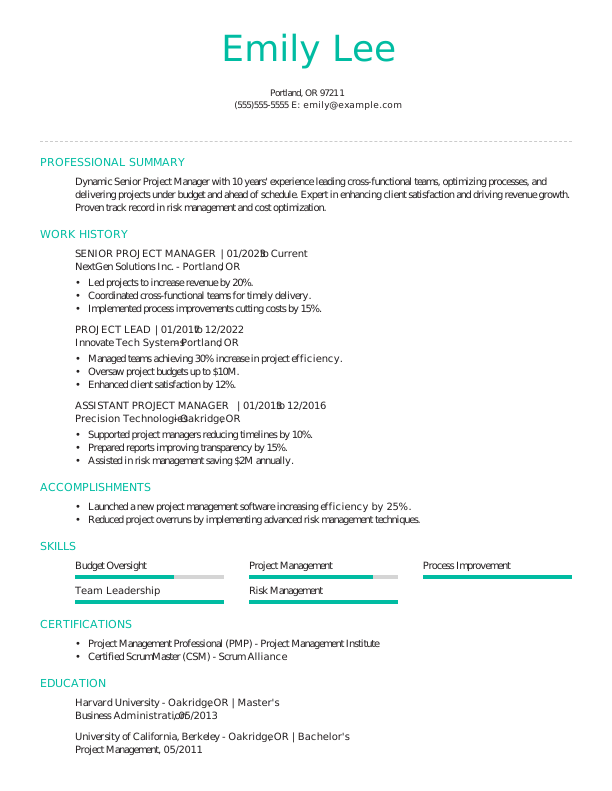
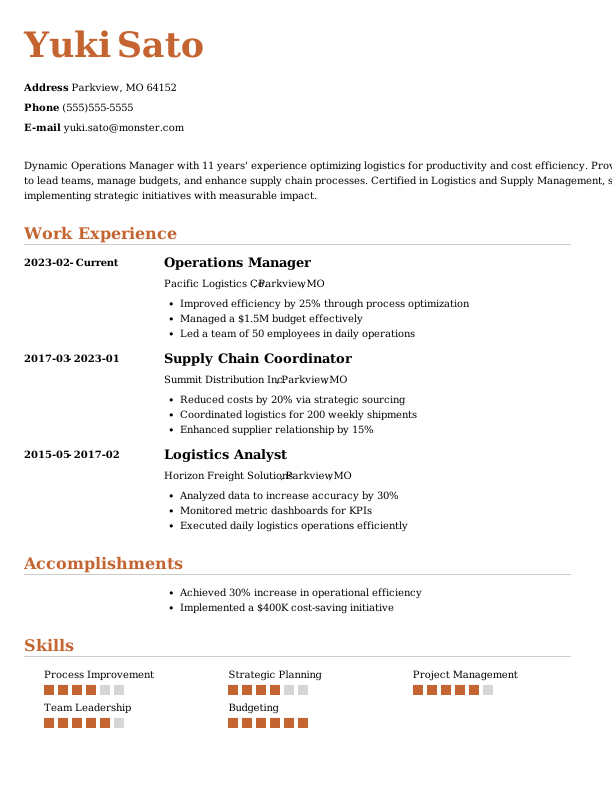
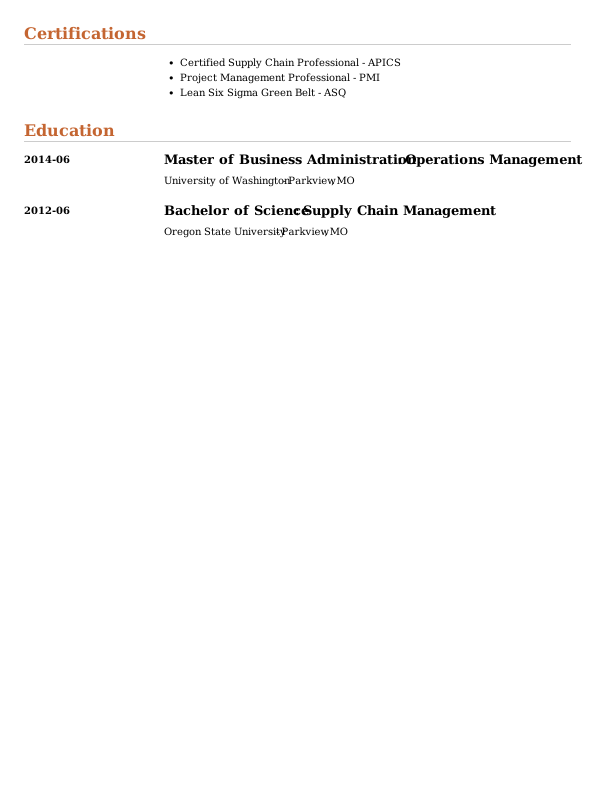
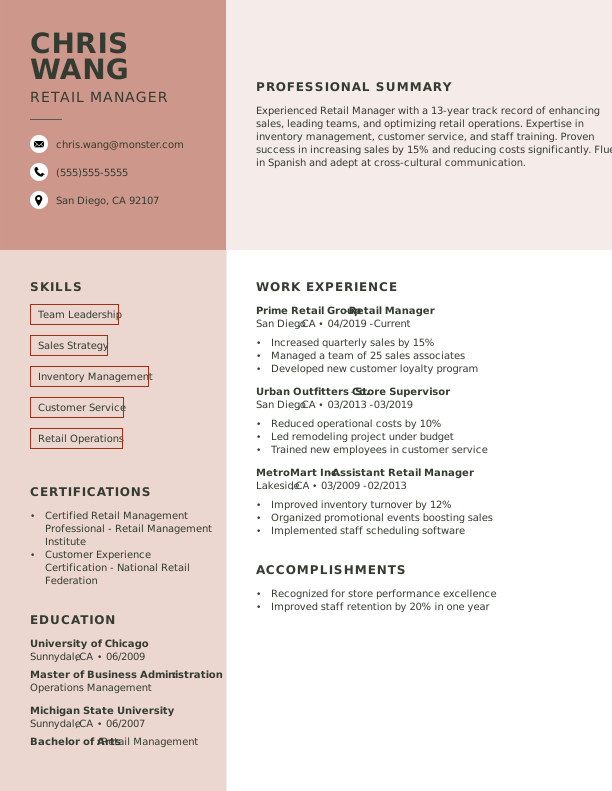
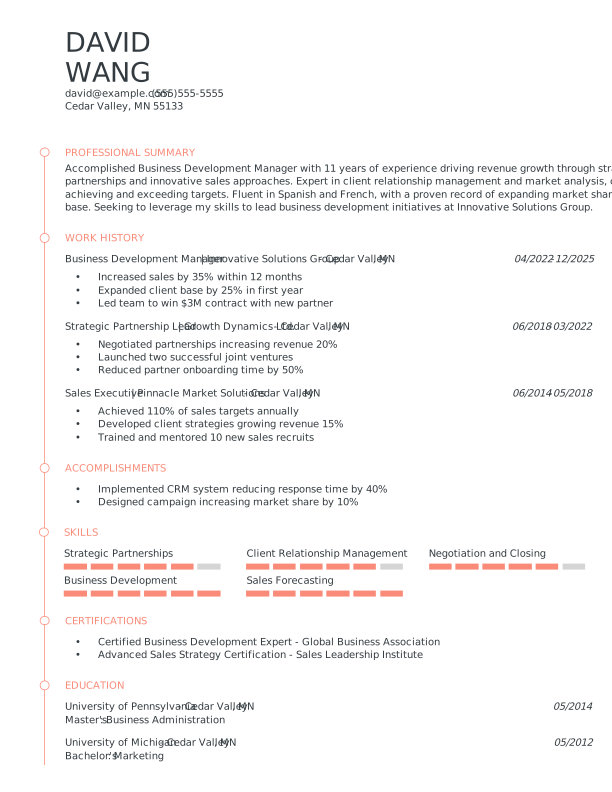
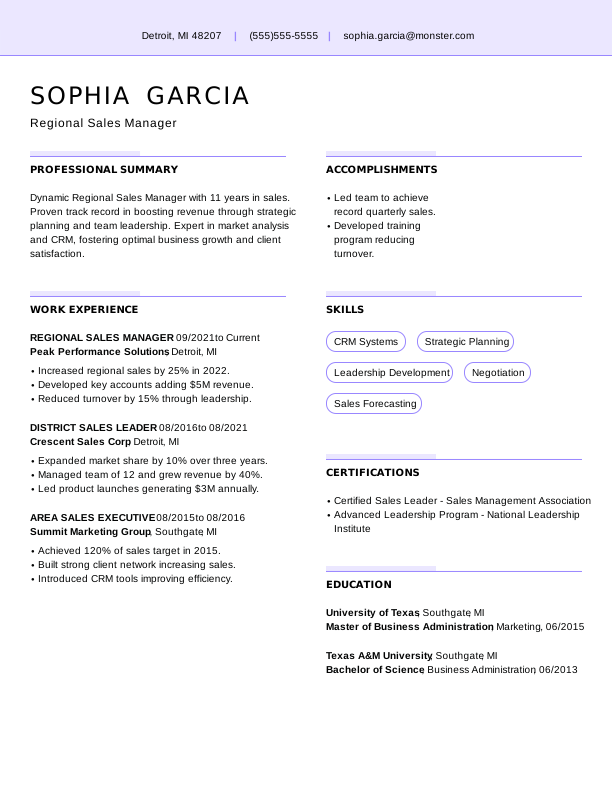
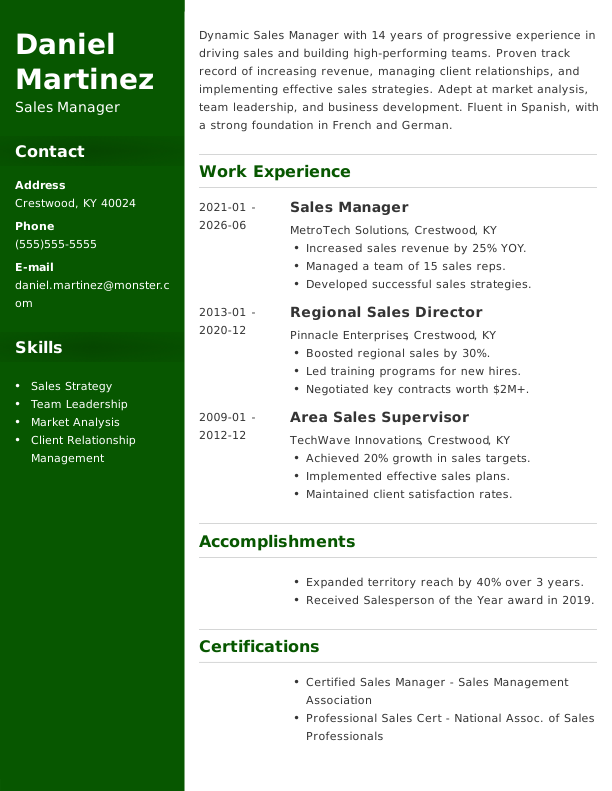
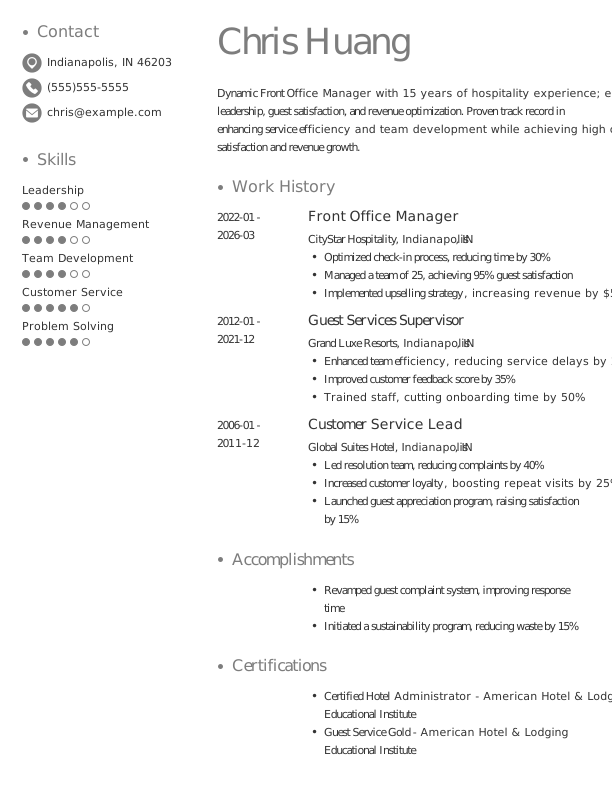
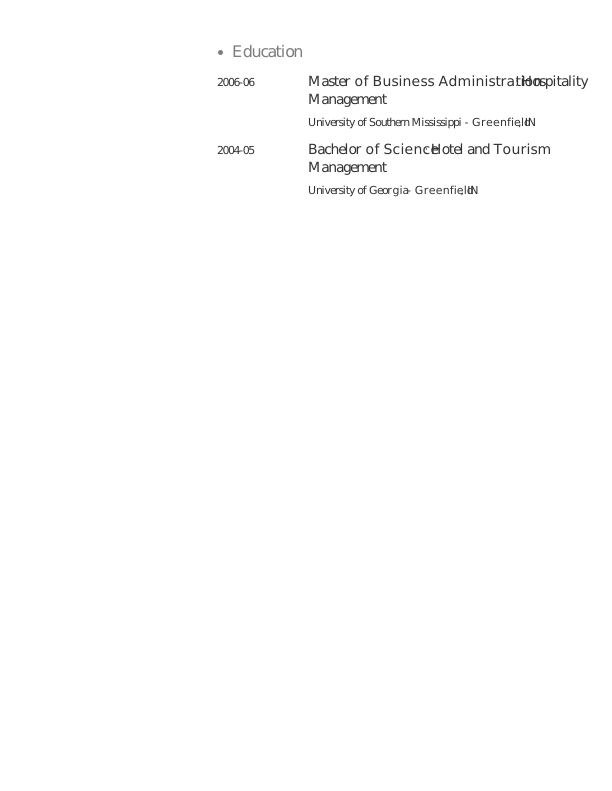
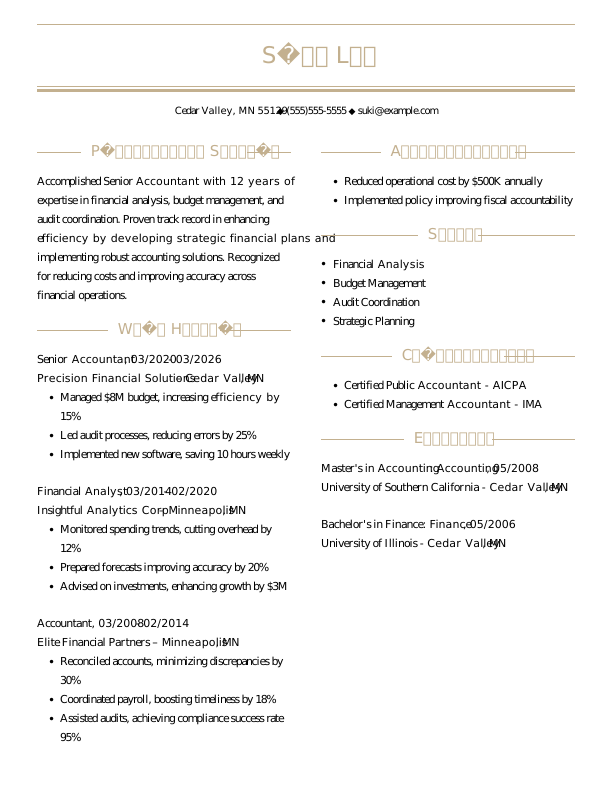
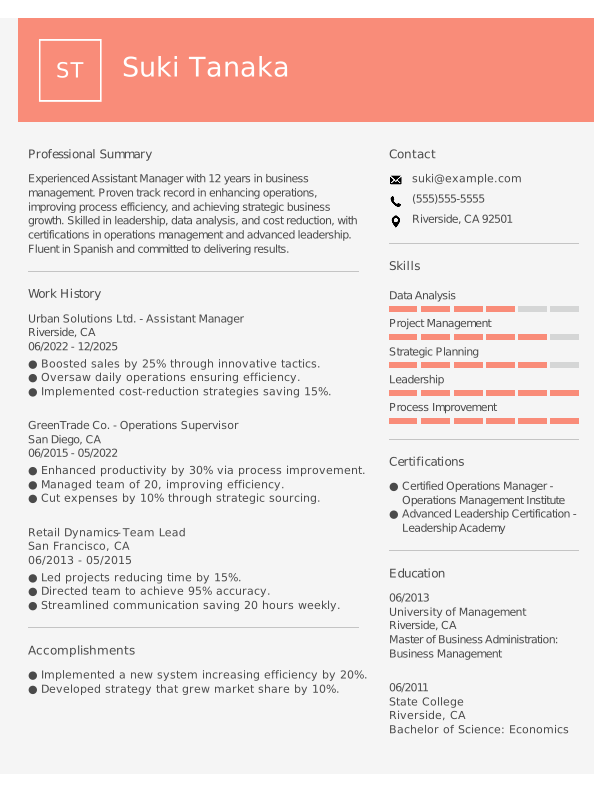
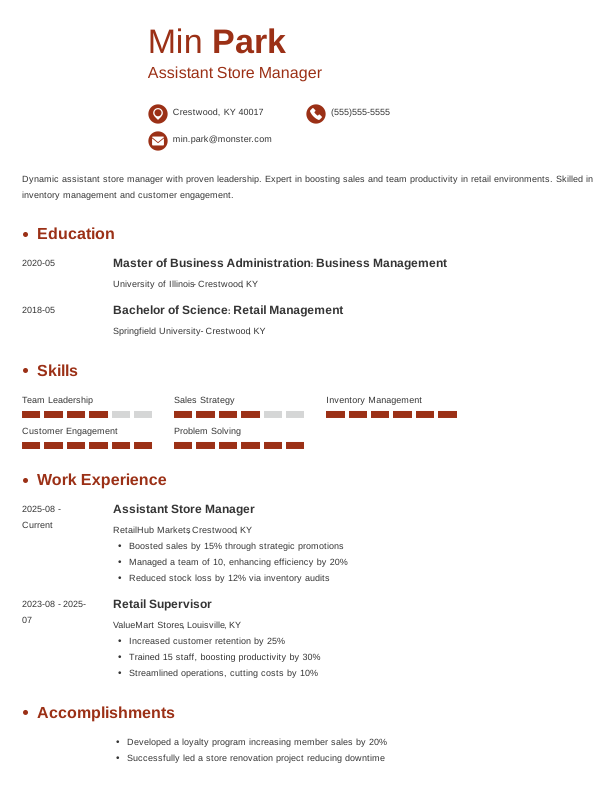
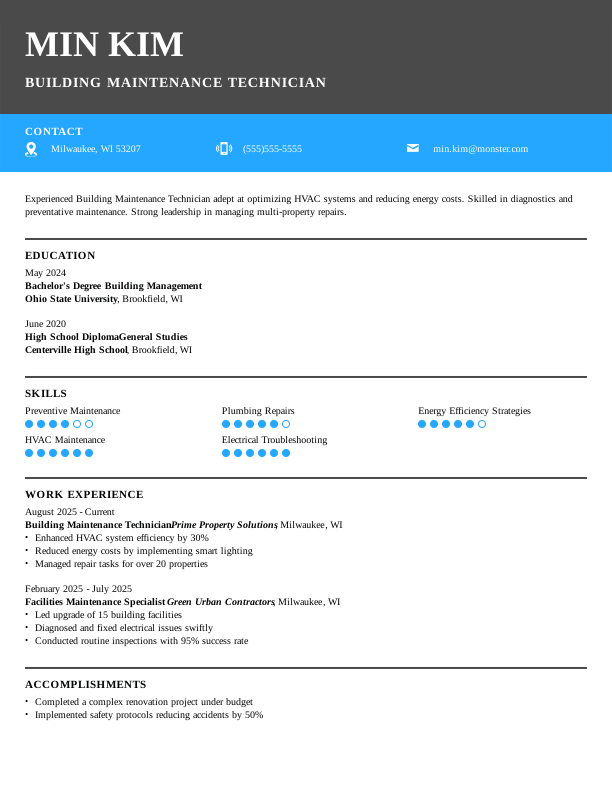
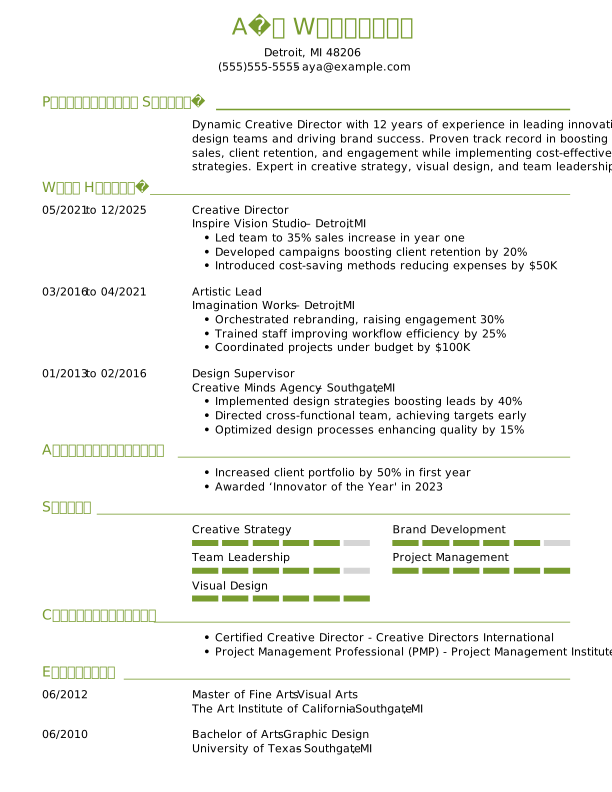
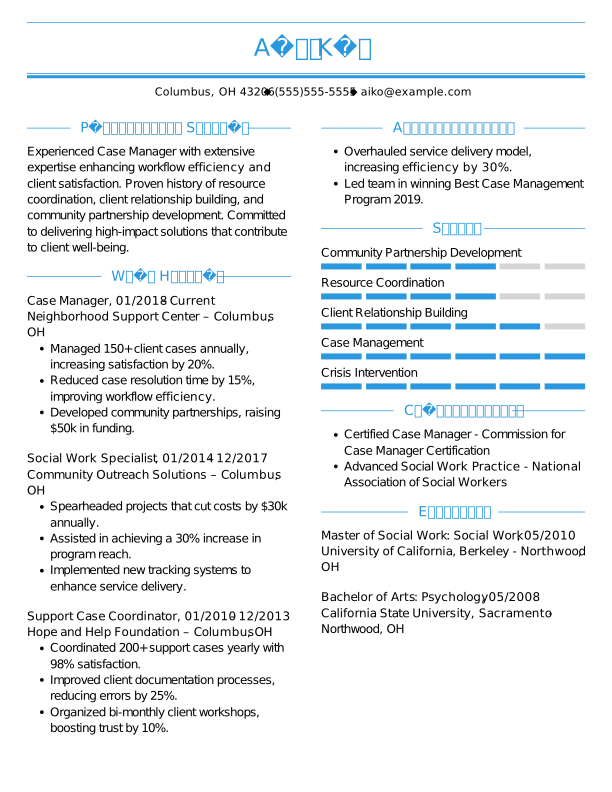
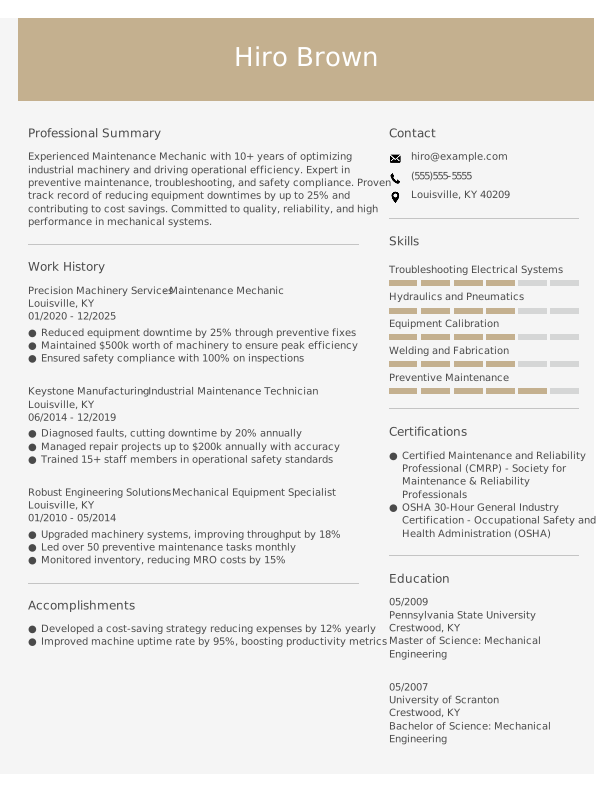
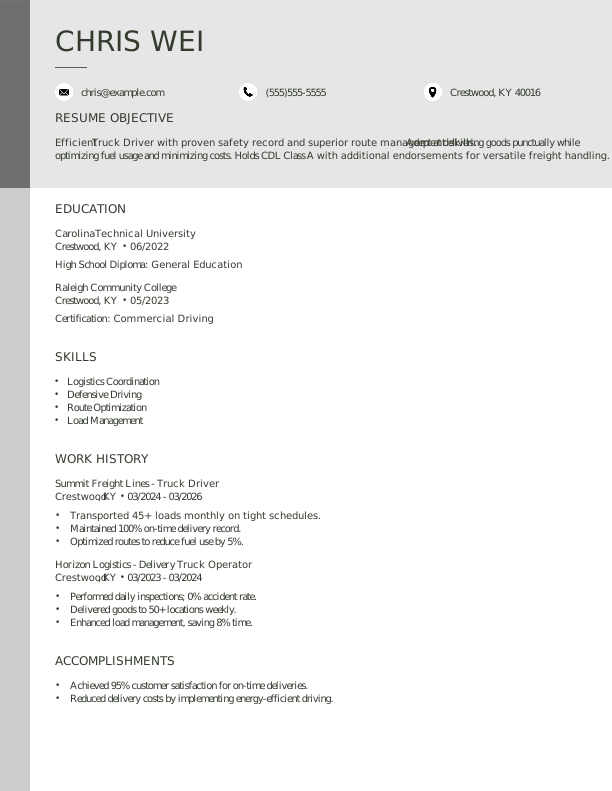
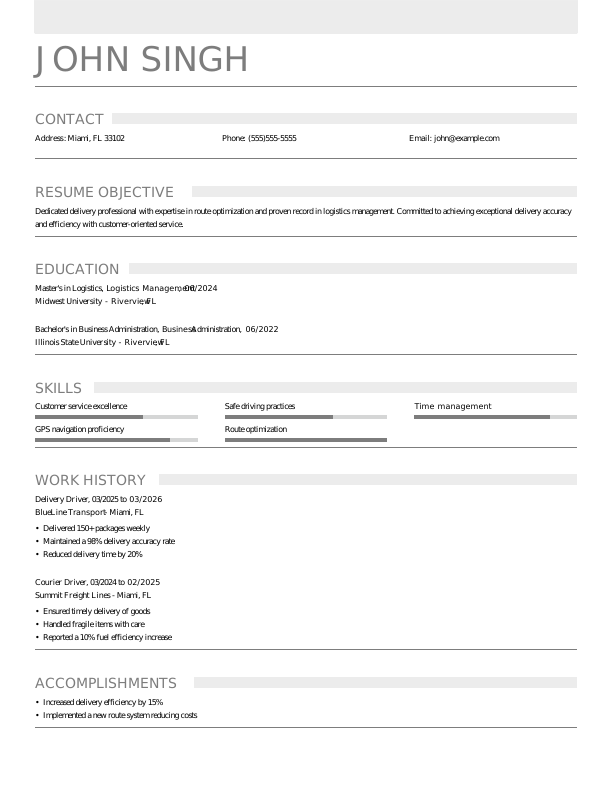
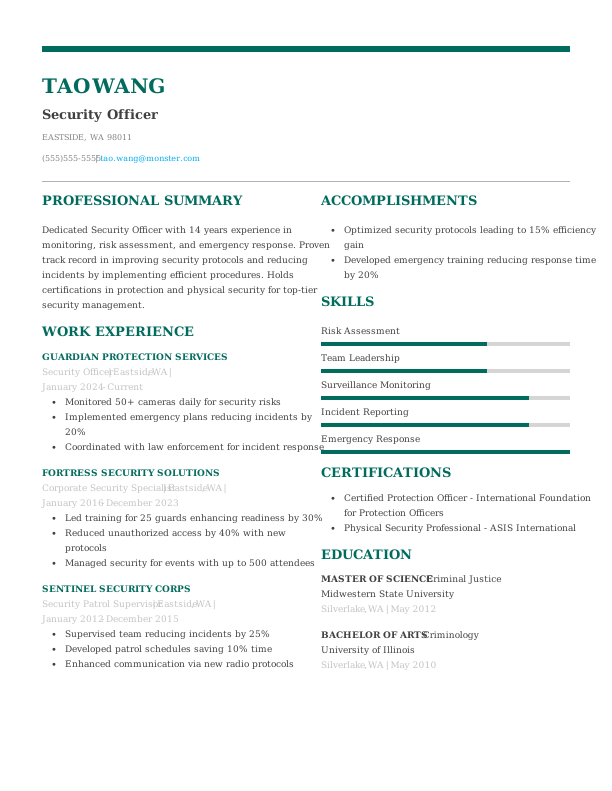
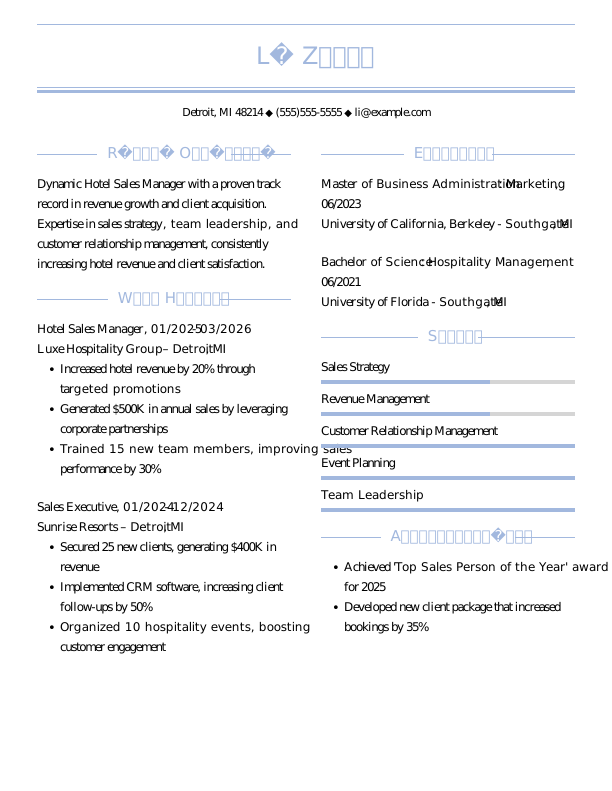
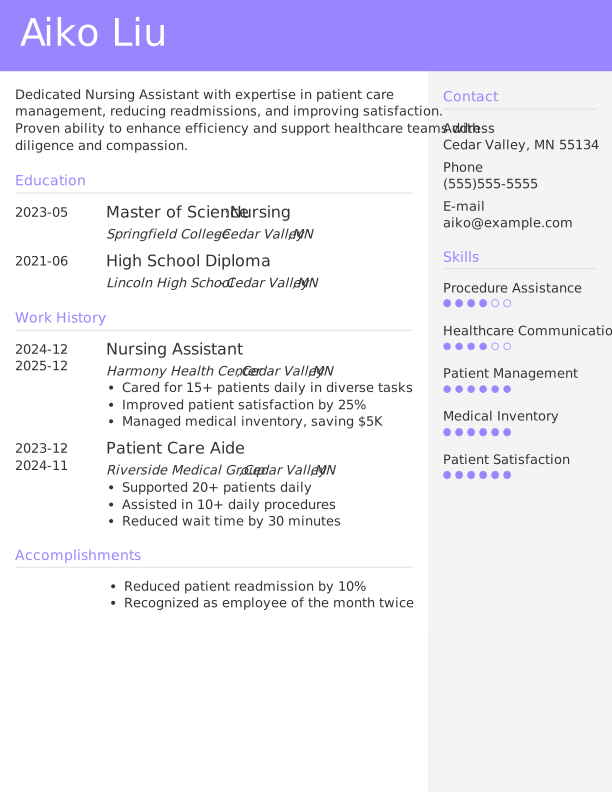
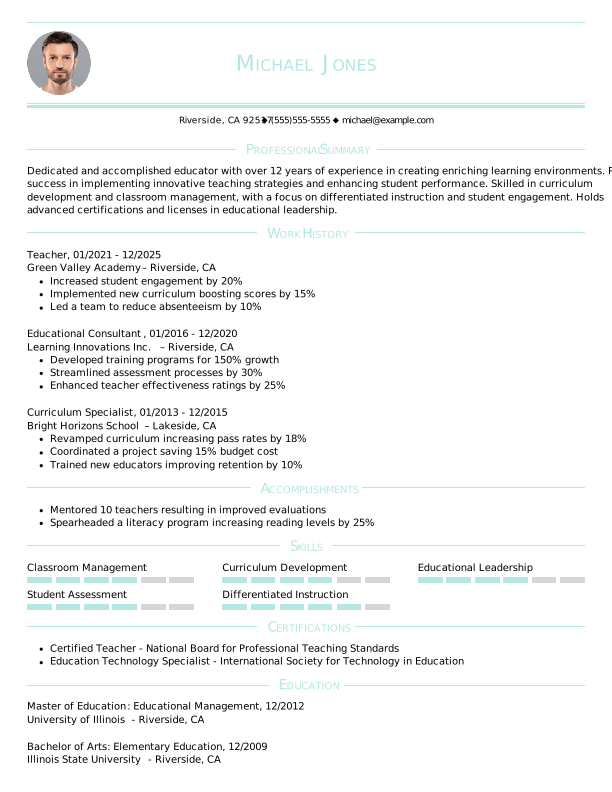
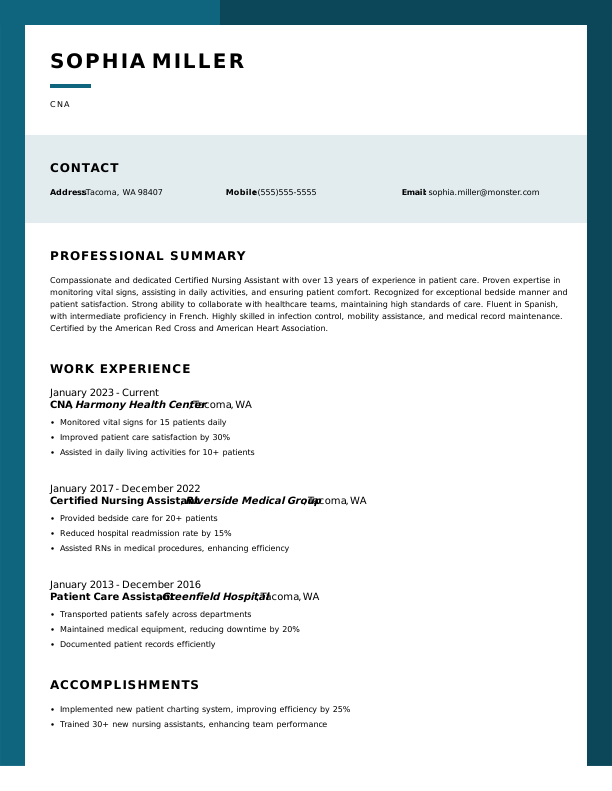
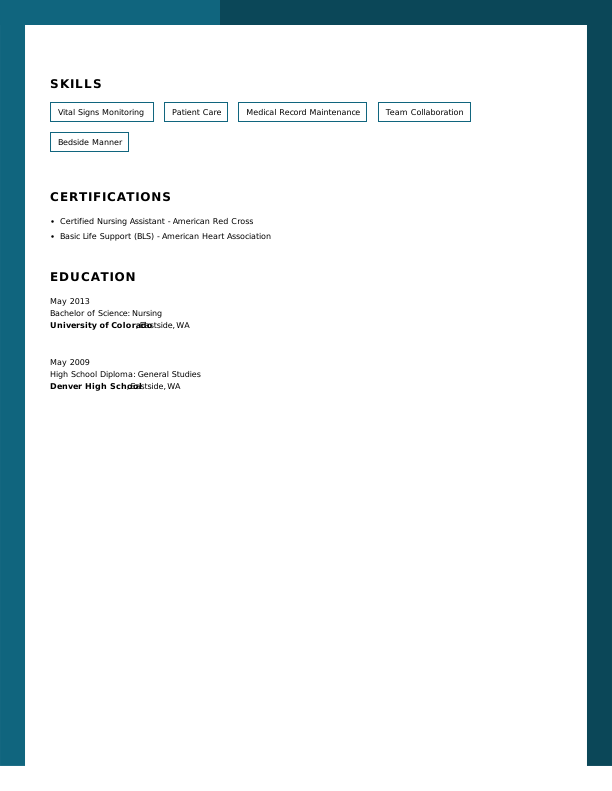
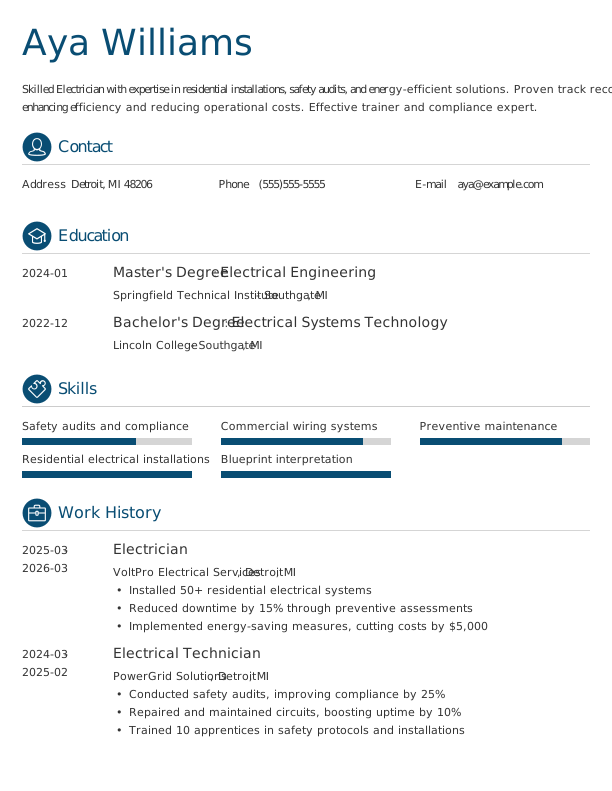
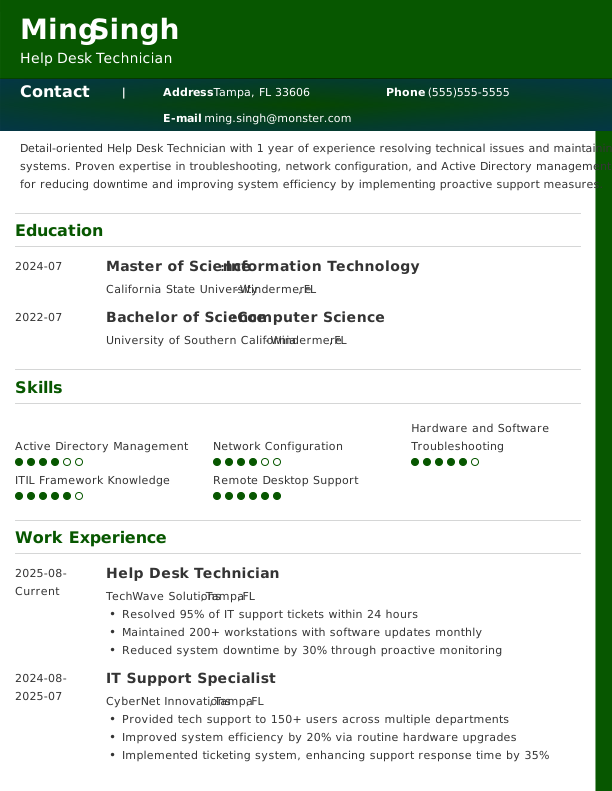
Create a winning resume with Monster’s free ATS-friendly resume templates. Download a free, customizable template or use our resume builder to create and refine your resume—customize it easily, anywhere and anytime.
How Our Free Resume Templates Help You Land the Job
Monster helps you create a professional resume that gets results. Use our AI-powered builder and recruiter-friendly templates to stand out from the competition.
ATS-Friendly for Better Visibility
Our templates are optimized to pass applicant tracking systems. Use the ATS Resume Checker to further optimize your result for each job you apply to!
Simple & Intuitive to Use
Create your resume quickly and easily. Our powerful builder guides you step by step so you can focus on showcasing your skills instead of formatting.
Built to Impress Recruiters
Each template is designed with key hiring trends in mind, making your skills and achievements easy to scan so recruiters see your unique value right away.
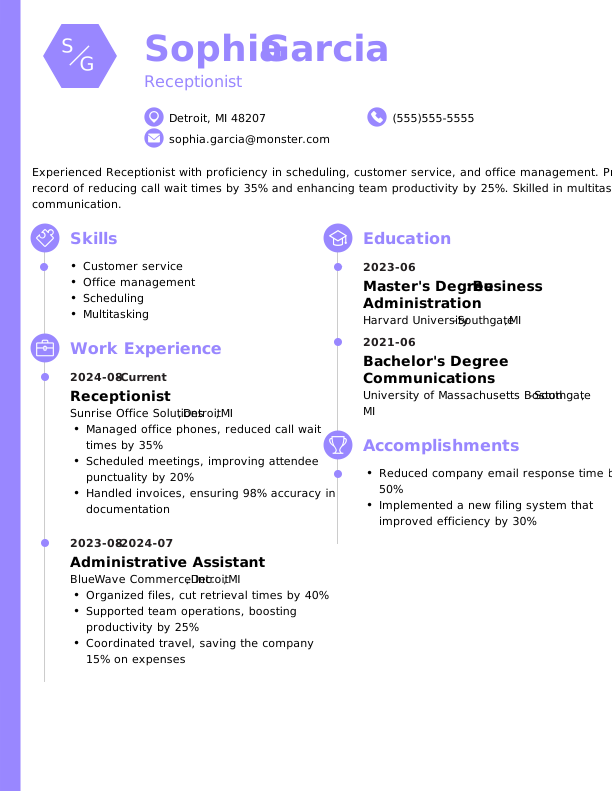
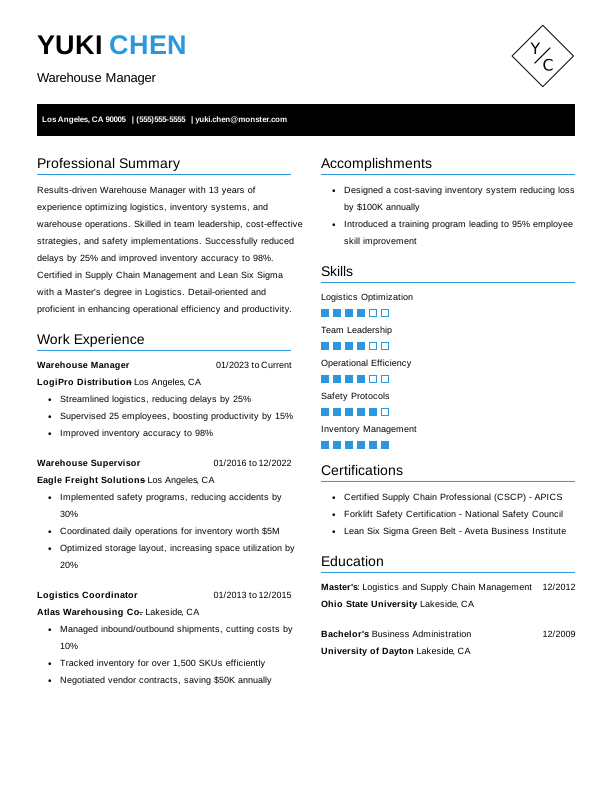
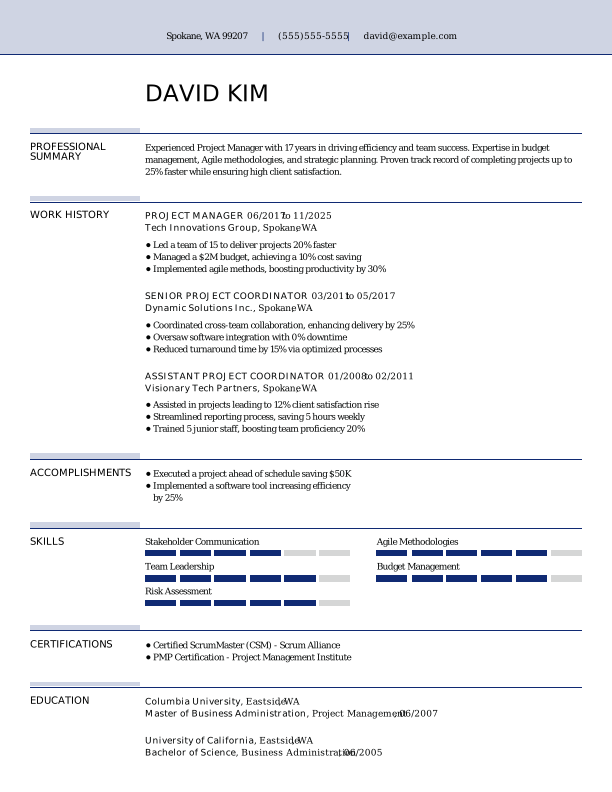
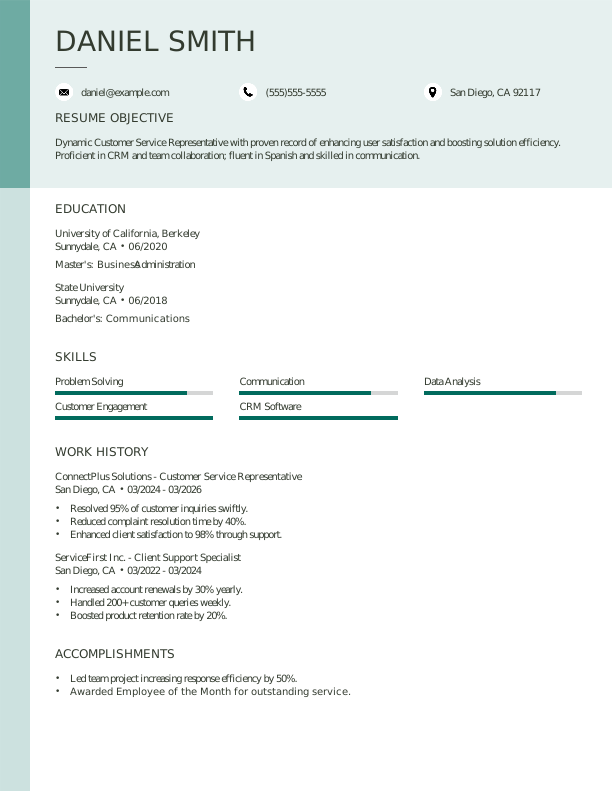
Professional, High-Impact Designs
With polished, professional layouts, our resume templates help you present your experience effectively and make a strong impression on hiring managers.
Customizable to Match Your Style
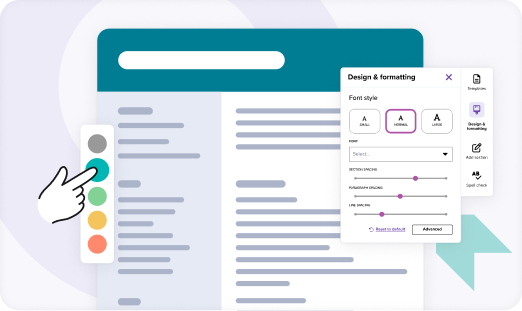
Personalize every detail to reflect your style and career goals, from layout and color to font and spacing. Adjust with ease to make your resume truly your own.
AI-Powered for Optimal Results
AI-powered content suggestions help you update your resume and tailor your experience to each role, boosting your chances of landing interviews.
What Users Say About Monster’s Resume Builder & Templates
The resume template is phenomenal. By far this is the best tool I have used so far.
Choosing the right resume template is the first step to making a strong impression. Consider your career level, industry, and personal style to select a template that highlights your skills.
Identify Your Career Level
Select a free template that matches your experience, whether that’s entry-level, experienced, or executive, to ensure your resume effectively presents your achievements.
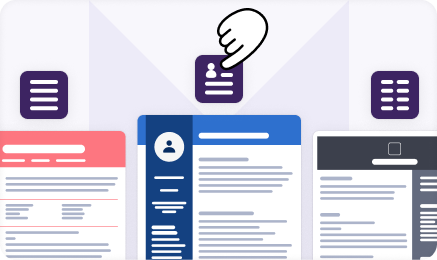
Determine the Resume Type
Assess whether a chronological, functional, or combination resume best fits your experience and career goals. The right format emphasizes your strengths for maximum impact.
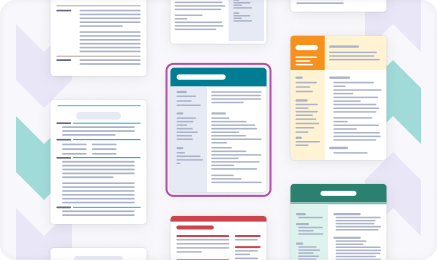
Pick a Visual Style
Select a design that reflects your personality and profession. Choose from creative, modern, or traditional styles to showcase your skills and make a strong impression on employers.
Select the Layout
Consider how information is organized on the page. Opt for a resume or CV template that ensures your top skills and qualifications are easy to spot at a glance.
Match Your Career Field
Select from professional resume templates tailored for your career field. Industry-specific designs help you showcase your strengths and align with employer expectations.
Match Your Resume With a Cover Letter
Monster provides hundreds of cover letter templates for all types of professions. Find one that meets your needs and helps your resume stand out even more.
The best resume template is one that fits your career level, industry, and experience. If you’re early in your career, choose a template that highlights your education and relevant skills.
Experienced professionals should opt for a template that emphasizes measurable accomplishments and work experience directly related to the role.
Consider your field, too. Creative roles benefit from modern designs, while traditional industries favor classic, straightforward formats.
What do good resume templates include?
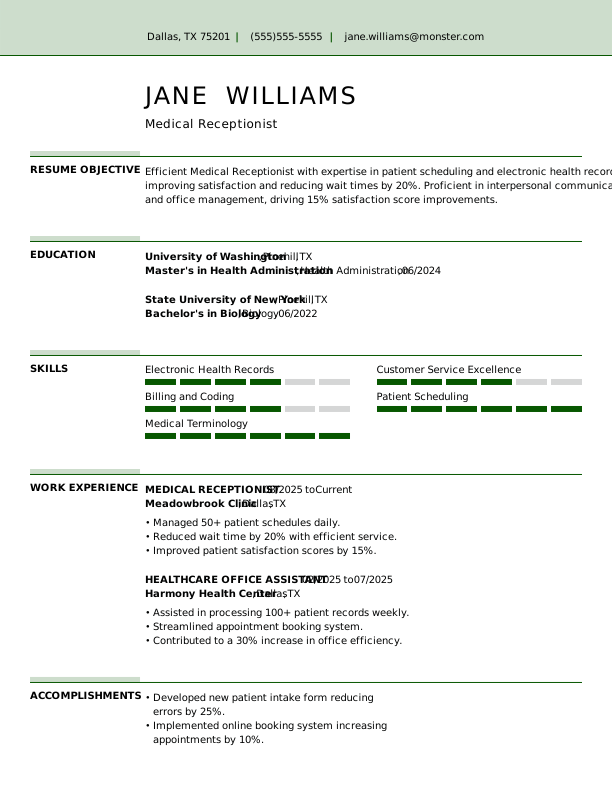
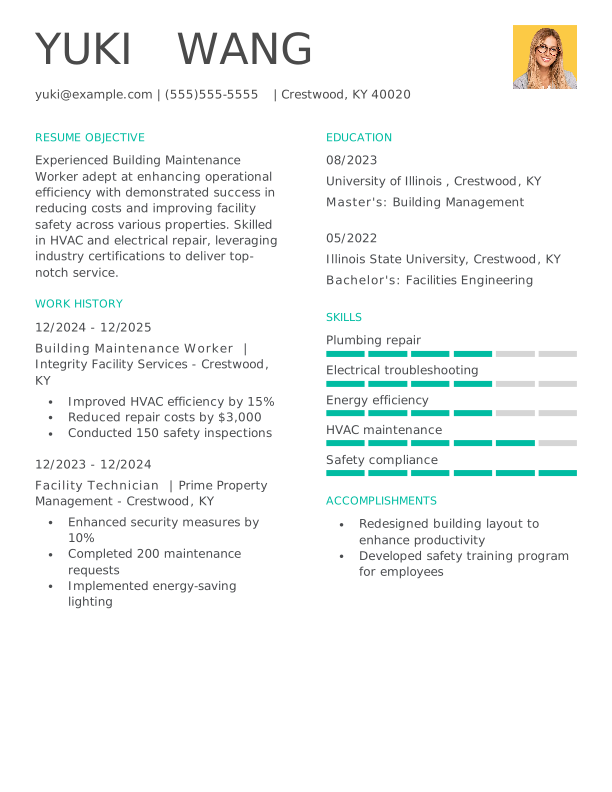
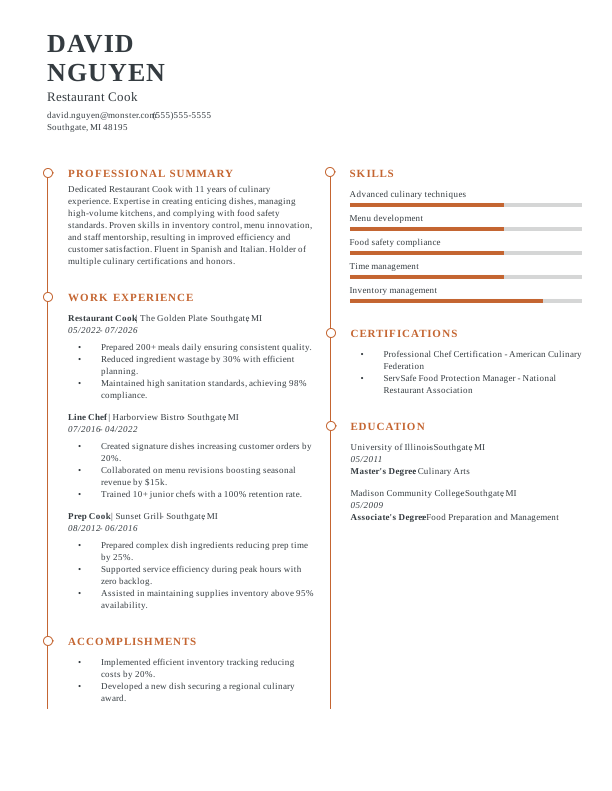
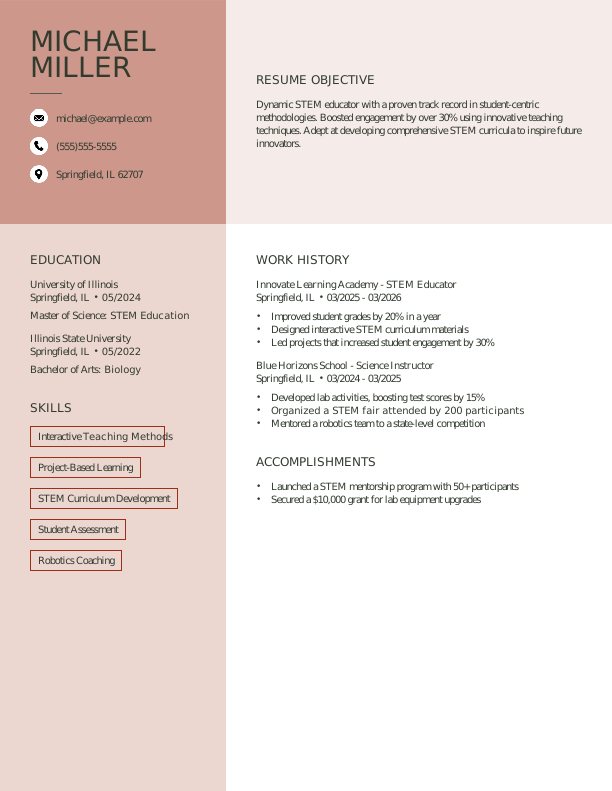
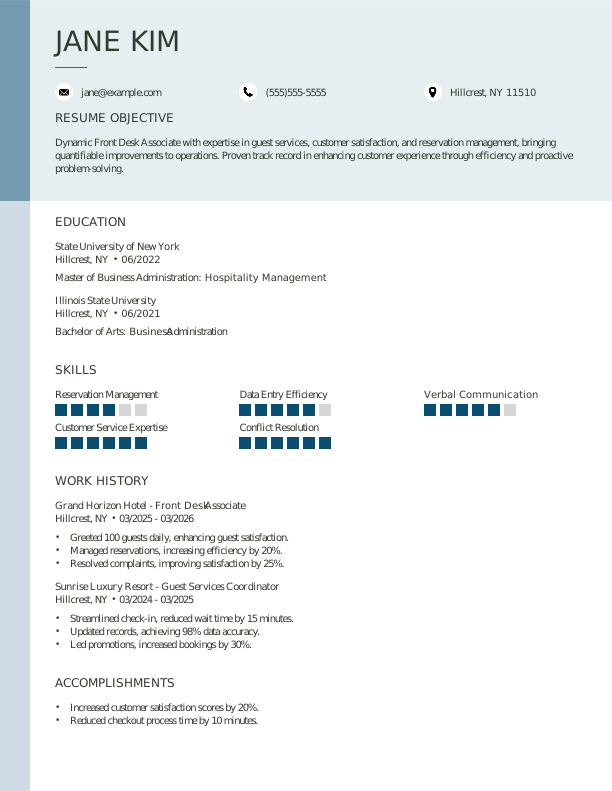
Resume templates are designed to help your skills, experience, and achievements stand out while making it easy for recruiters and ATS to read. A high-quality template should include:
ATS-optimized structure: Templates should be formatted to pass ATS by using standard headings, minimal graphics, and proper keyword placement.
Customizable layouts and styles: Select templates that enable you to customize fonts, spacing, and sections to align with your career level, industry, and personal brand.
Clearly defined headings and sections: Distinct sections for work experience, education, skills, and certifications ensure your resume is easy to navigate.
Professional, readable fonts and formatting: Using legible fonts and consistent formatting creates a polished look that reinforces your professionalism.
Sample content or guidance: Templates with example phrasing, bullet points, and section suggestions help you articulate achievements with industry-relevant language.
By including these elements, a good resume template ensures your application is visually professional, easy to read, and optimized to impress recruiters and hiring managers.
How do I download sample resume templates?
Downloading resume and CV templates from Monster is a simple and fast process. Start by browsing templates using helpful filters such as career level, resume type, style, and layout.
Click on a template to preview the sample content and formatting, ensuring it aligns with your career goals. Once you’ve selected a template, choose your preferred file format (PDF, DOC, or TXT) depending on how you want to edit and submit your resume.
After downloading, personalize the template by adding your skills, experience, and achievements, then save it for use in your job applications.
Can I edit and customize your free resume templates?
Yes, Monster’s resume templates are fully editable, giving you complete control over the layout, fonts, colors, and sections when you customize them using your preferred text editor.
Add or remove sections to highlight your experience and qualifications and create a resume that is unique to you and relevant to your industry.
Be sure to tailor the content for each job you apply to, emphasizing the skills and achievements most relevant to that role. This ensures your resume makes a strong impression on employers.
Are Monster’s resume templates ATS-friendly?
All of Monster’s free resume templates are optimized with best practices for passing applicant tracking systems (ATS). Key features that make our templates ATS-friendly include:
Clean and simple formatting: Our templates avoid complex graphics, tables, or unusual layouts that can confuse automated screening systems.
Standard headings and section titles: Each template includes clear, conventional headings, allowing ATS software to categorize your information accurately.
Consistent structure and clean fonts: With a clear, organized flow and professional resume fonts, our templates are easy for both ATS and recruiters to evaluate quickly.
Keyword-optimized content: Our templates include sample content with industry-relevant language and keywords that improve your resume’s visibility in ATS.
Using our ATS-friendly templates can help increase the likelihood that your resume will reach real recruiters and stand out during the initial screening process.
How do I choose the right template for my industry?
Choosing the right resume template for your industry starts with understanding the expectations of employers in your field. For example, creative industries, such as design or marketing, often benefit from modern, visually engaging templates that showcase personality and creativity.
On the other hand, traditional fields like finance, law, or administration typically require clean, straightforward layouts that emphasize experience and qualifications. You can choose a one- or two-page resume based on your years of experience in your field.
Consider the role you’re applying for and select a resume or CV template that matches the expectations of that field. Using industry-specific templates can also help ensure your resume resonates with recruiters and stands out during their initial review.
Can I upload my new resume on Monster and connect with recruiters?
Yes. Uploading your new resume on Monster is a simple way to get discovered by recruiters. Thousands of employers actively search the resume database to find qualified candidates, so having your resume uploaded can increase your visibility. Just create a free account, upload your resume, and adjust your profile settings to control who can see it. You can also opt in to receive personalized job recommendations, making it faster and easier to apply to roles that match your experience.
Why Job Seekers Trust Monster
Read reviews from users who found success and advanced their careers.


 Free
Free Popular