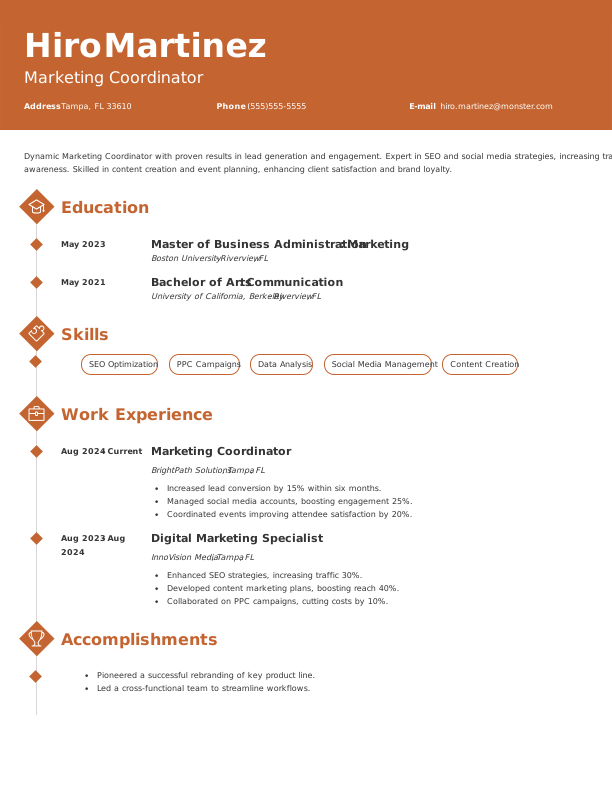
Hero Bg

Choose from 766 ATS-friendly templates

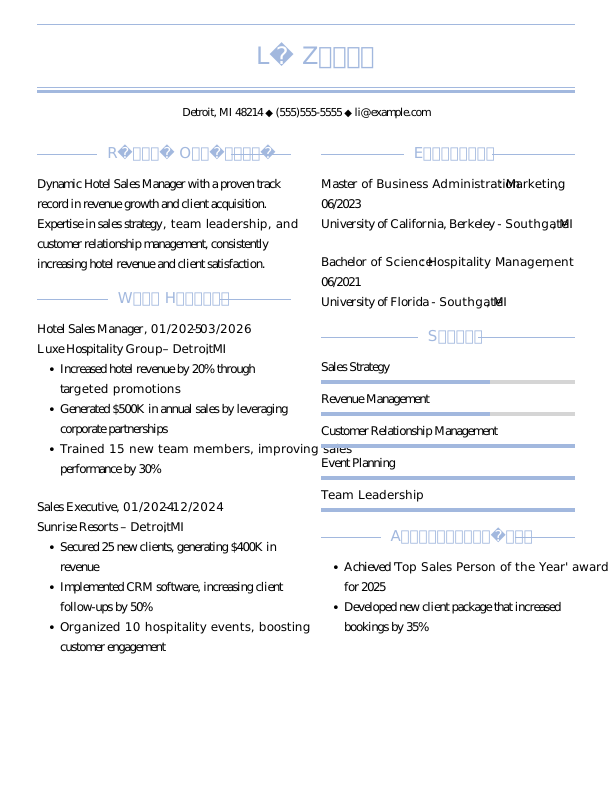
Manager Experienced Resume Template Example

Executive Assistant Entry Level Resume Template Example
Executive Assistant Entry Level Resume 1 Template Example
badgesFreebadgesPopular
Preview

Executive Assistant Entry-Level Resume

Data Entry Clerk Experienced Resume Template Example
Data Entry Clerk Experienced Resume 1 Template Example
badgesFreebadgesPopular
Preview

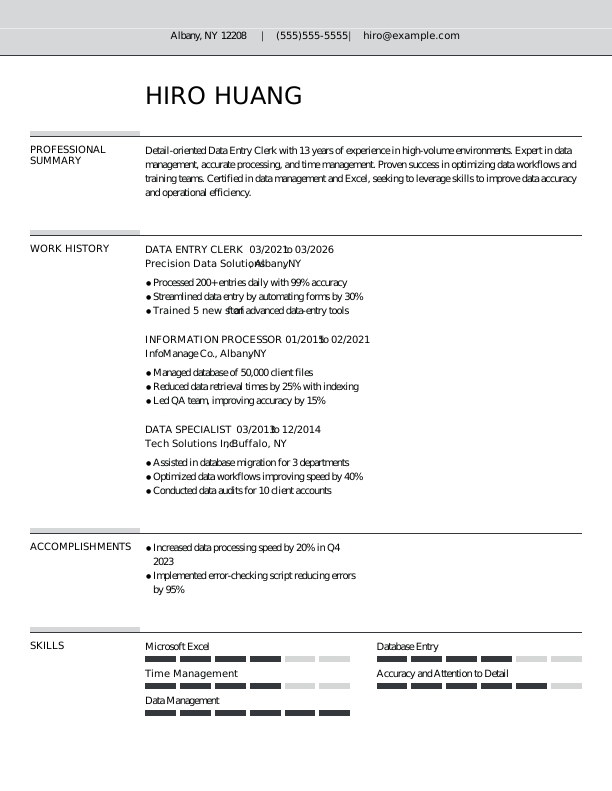
Data Entry Clerk Experienced Resume Template Example

Virtual Assistant Experienced Resume Template Example
Virtual Assistant Experienced Resume 1 Template Example
badgesFreebadgesPopular
Preview

Virtual Assistant Experienced Resume Template Example

Electrician Experienced Resume Template Example

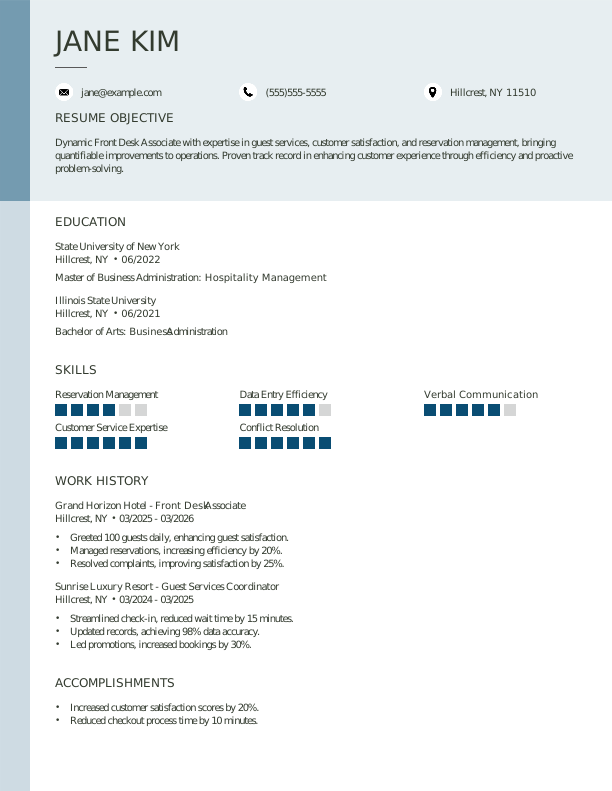
Front Desk Associate Entry Level Resume Template Example
badgesFreebadgesPopular
Preview

Front Desk Associate Entry-Level Resume
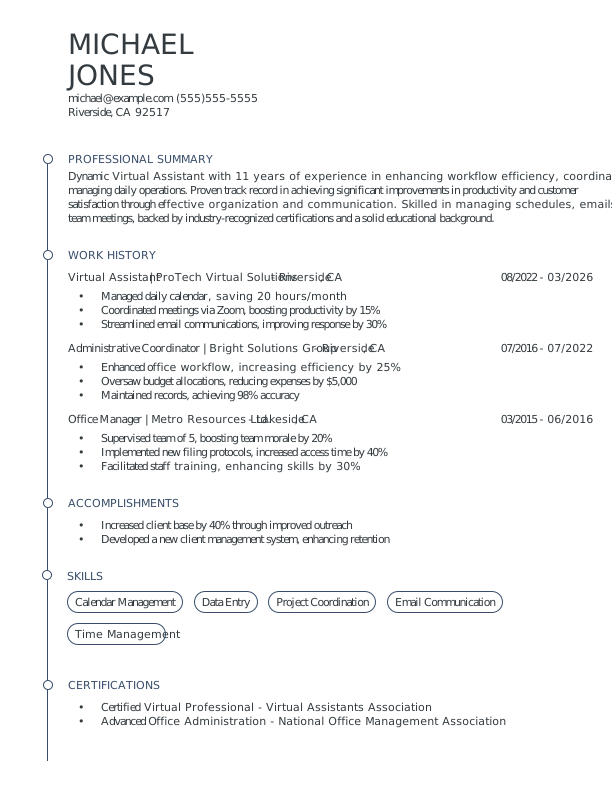
Dishwasher Student Resume Template Example

Records Clerk Experienced Resume Template Example

Office Administrator Entry-Level Resume

Superintendent Experienced Resume Template Example

Clerical Assistant Experienced Resume Template Example
Operations Assistant Entry-Level Resume

Fund Accountant Experienced Resume Template Example
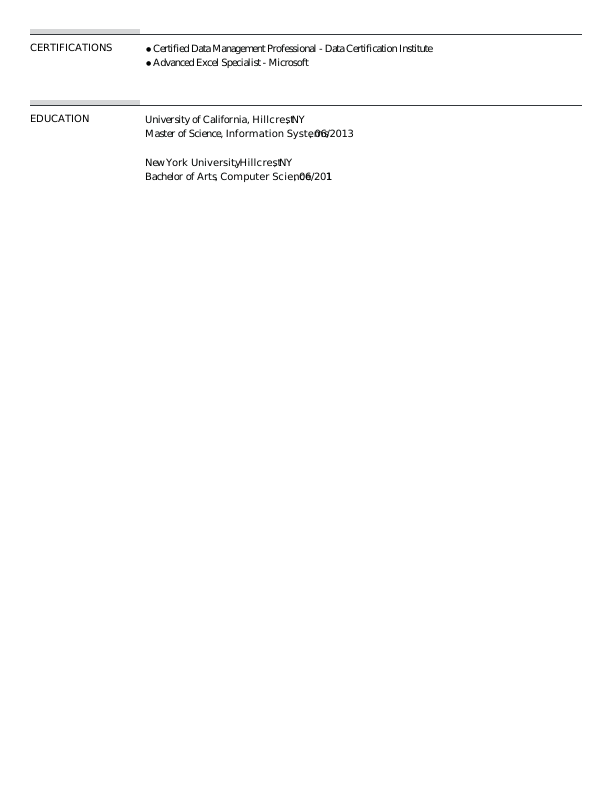
Office Administrator Student Resume Template Example

Project Manager Experienced Resume Template Example
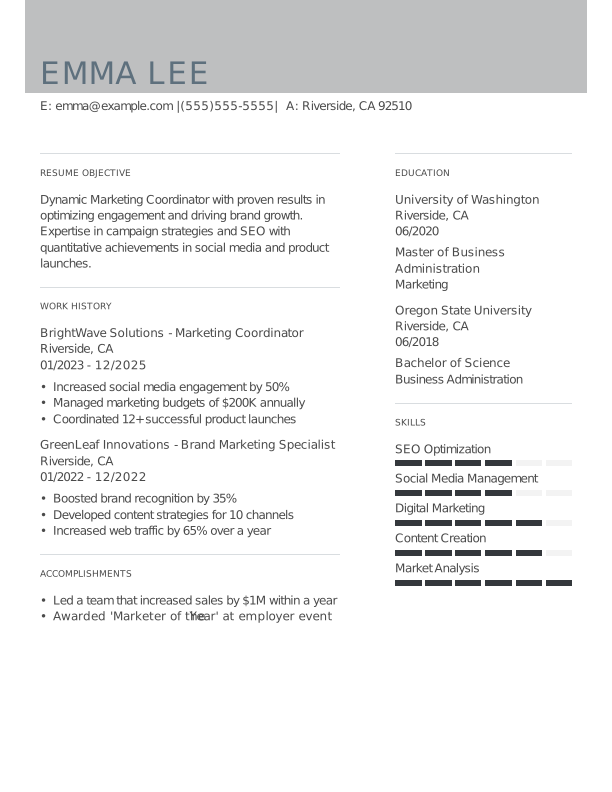
Middle School Teacher Experienced Resume Template Example

Content Creator Entry-Level Resume

Paraeducator Entry-Level Resume

Photographer Experienced Resume Template Example

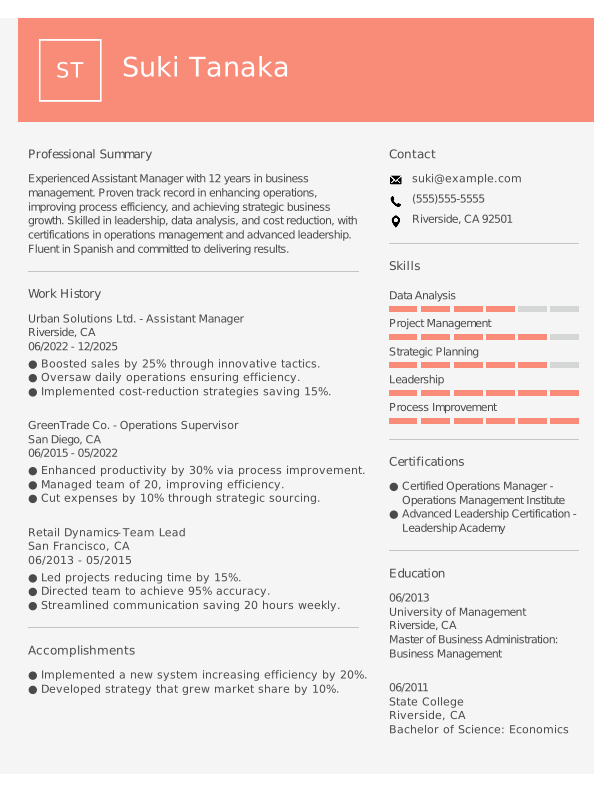
Assistant Manager Experienced Resume Template Example
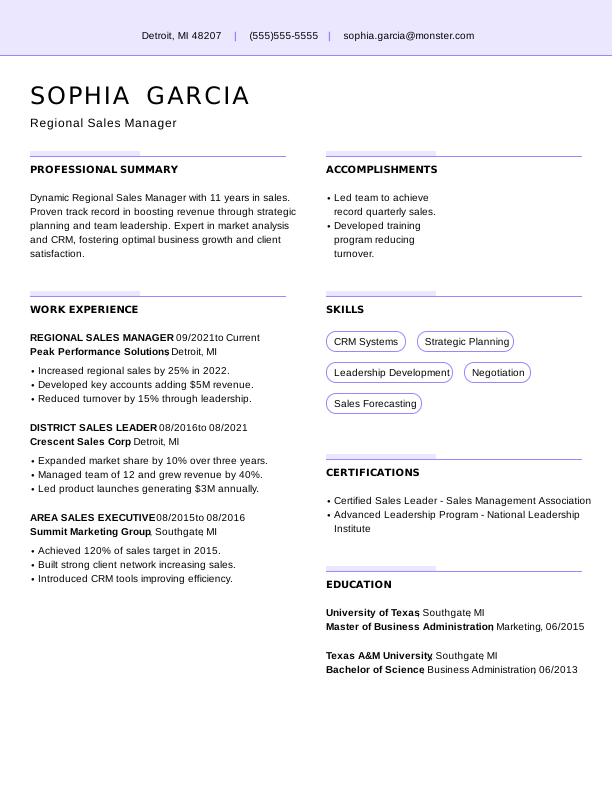
UX Designer Student Resume

Caregiver Entry-Level Resume

Bartender Entry-Level Resume

Barista Student Resume Template Example

Create Your Professional Resume With Monster Resume Templates

Choose Template

Choose a Template

Select an expertly crafted template and start building a polished resume that highlights your key skills and qualifications.

Customize

Customize and Tailor

Add your experience with guided prompts and ready-made content. Adjust layouts, fonts, and colors to match your style.

Download

Download and Apply

Preview your resume, download it in your preferred file format, and share it with employers to start landing interviews.

How Our Free Resume Templates Help You Land the Job

Monster helps you create a professional resume that gets results. With recruiter-friendly designs and AI-powered tools, you can easily craft a resume that stands out to employers in your field.

ATS

ATS-Friendly for Better Visibility

Our templates are optimized to pass applicant tracking systems (ATS), featuring proper formatting and targeted keywords that get you noticed.

Right Icon

Simple and Intuitive to Use

Create your resume quickly and easily. Our powerful builder guides you step by step so you can focus on showcasing your skills instead of formatting.

Zoom Icon

Built to Impress Recruiters

Each template is designed with key hiring trends in mind, making your skills and achievements easy to scan so recruiters see your unique value right away.

Template Design Icon

Professional, High-Impact Designs

With polished, professional layouts, our resume templates help you present your experience effectively and make a strong impression on hiring managers.

Cursor Point Icon

Customizable to Match Your Style

Personalize every detail to reflect your style and career goals, from layout and color to font and spacing. Adjust with ease to make your resume truly your own.

Ai Powered Icon

AI-Powered for Optimal Results

AI-powered content suggestions help you update your resume and tailor your experience to each role, boosting your chances of landing interviews.

Finding Your Best Resume Template

Choosing the right resume template is the first step to making a strong impression. Consider your career level, industry, and personal style to select a template that highlights your skills.

Identify

Identify Your Career Level

Select a free template that matches your experience, whether that’s entry-level, experienced, or executive, to ensure your resume effectively presents your achievements.

Determine the Resume Type

Assess whether a chronological, functional, or combination resume best fits your experience and career goals. The right format emphasizes your strengths for maximum impact.

Determine
Pick

Pick a Visual Style

Select a design that reflects your personality and profession. Choose from creative, modern, or traditional styles to showcase your skills and make a strong impression on employers.

Select the Layout

Consider how information is organized on the page. Opt for a resume or CV template that ensures your top skills and qualifications are easy to spot at a glance.

Select
Match

Match Your Career Field

Select from professional resume templates tailored for your career field. Industry-specific designs help you showcase your strengths and align with employer expectations.

Frequently Asked Questions

Last Update:

How long should my modern resume be?

A modern resume should be one to two pages, depending on your experience level. The modern format balances visual appeal with substance. Don’t sacrifice content for design, but keep it concise enough that hiring managers can scan it quickly.

What’s the best resume format?

Modern resumes typically use a reverse-chronological format with clean design elements like subtle color accents, clear typography, and strategic use of white space. Columns can help organize information, but ensure the layout remains ATS-compatible if applying online.

Should I include a cover letter with my resume?

Yes, even with a visually striking modern resume, a cover letter adds context and personality. Match your cover letter’s design to your resume for a cohesive application package that reinforces your personal brand.

How do I customize my resume for different job postings?

Update your summary and skills section to reflect each role’s priorities. Modern resumes often include a prominent skills or core competencies section—tailor this list to mirror the job posting’s requirements for maximum impact.

What are common action verbs to use on a resume?

Modern resumes benefit from dynamic, results-oriented language. Use verbs like “spearheaded,” “transformed,” “launched,” “optimized,” “drove,” “pioneered,” “elevated,” “accelerated,” “innovated,” and “delivered.” Pair these with metrics that demonstrate impact.

Explore Related Career Advice

How to Write a Resume (Examples, Template, & Tips)

How to Write a Resume (Examples, Template, & Tips)

Megan Dawkins, Career Industry Editor
The Credibility Gap: 13% of Job Seekers Admit to Lying on Their Resumes

The Credibility Gap: 13% of Job Seekers Admit to Lying on Their Resumes

Vicki Salemi, Career Advice Expert
The New Resume Taboo: Why 1 in 3 Workers Would Hide a Layoff

The New Resume Taboo: Why 1 in 3 Workers Would Hide a Layoff

Vicki Salemi, Career Advice Expert
More Pages, Less Confidence: The State of Resumes in 2026

More Pages, Less Confidence: The State of Resumes in 2026

Vicki Salemi, Career Advice Expert
12 Best Fonts for Resumes in 2025 (With Formatting Tips)

12 Best Fonts for Resumes in 2025 (With Formatting Tips)

Emily March, Career Advice Writer
Resume Skills Section Guide: Top Skills to Include & Formatting Tips

Resume Skills Section Guide: Top Skills to Include & Formatting Tips

Elizabeth Muenzen, Career Advice Writer
How to Organize Resume Sections: 5 Must-Have Sections & Tips

How to Organize Resume Sections: 5 Must-Have Sections & Tips

Elizabeth Muenzen, Career Advice Writer
Why You Should Avoid Lying on Resumes

Why You Should Avoid Lying on Resumes

Elizabeth Muenzen, Career Advice Writer
How to Explain Employment Gaps: Examples for Resumes, Interviews, & More

How to Explain Employment Gaps: Examples for Resumes, Interviews, & More

Kirsten Chorpenning, Career Advice Expert