
How to Upload Your Resume to the Database

Create a Free Account
Sign up for free to post your resume and get tailored job matches, thousands of Quick Apply jobs, and a free resume review.
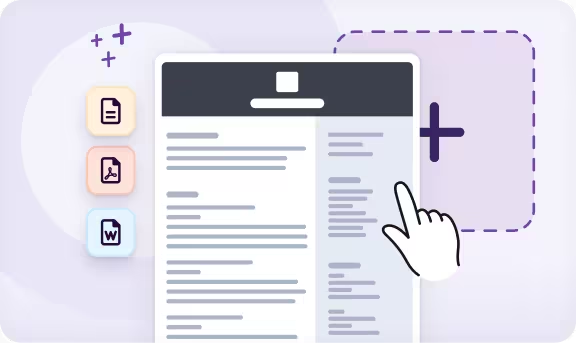
Add Your Resume
Click to upload your resume as a DOC, DOCX, PDF, RTF, or TXT file (max size: 5 MB), or add it from Google Drive, Dropbox, or Microsoft Word.
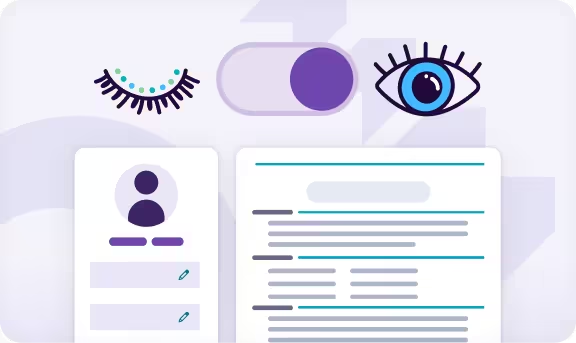
Set Your Visibility
Choose how your profile and resume are viewed and searched by employers to fit your job search goals and preferences.

14,000+ Companies Are Searching Resumes on Monster*
When you upload your resume to the database, you instantly join an extensive and growing network of companies seeking top talent. In a recent survey, recruiters told us that resume search is the primary tool they use to find the best candidates.
Here’s how our smart sourcing system works to help you get noticed:
Highly Targeted Matches
Recruiters use advanced filters, including job title, location, education, and specific skills or certifications, to pinpoint and contact candidates with the exact qualifications you have.
You can also opt in to receive recommended jobs in your inbox based on your resume and Quick Apply to thousands of jobs directly through Monster in just a few clicks.
Direct Recruiter Outreach
Hiring managers are notified when new, active candidates meet their search criteria, and they can reach out directly through the platform to connect you with relevant job opportunities.
When you upload your resume, you’ll also receive a free Resume Check to help you refine your content and formatting and secure better matches and faster outreach from employers.
Personalized Communication
Easily set your visibility preferences to align with your job search goals. You can hide your resume from employers, post a confidential version without your name and contact information, or make your profile and resume fully visible to employers when you’re open to work.
Improve Your Resume With Monster’s Resume Builder
Use our powerful Resume Builder to update your existing resume or create a new one with step-by-step prompts, professional content, and expert tips to stand out to employers.

AI-Powered Writing Support
Update your resume effortlessly with AI-powered writing assistance and keyword-optimized content suggestions tailored to your industry and target role.

ATS-Ready Templates
Choose from hundreds of professional resume templates designed with clean layouts that help your resume perform better in ATS.

Easy Customization
Fine-tune fonts, colors, and spacing with intuitive, mobile-friendly editing tools to personalize your resume while preserving a polished layout.

Expert Insights
Get expert tips every step of the way to create an eye-catching resume that effectively showcases your skills and achievements.

High-Impact Content
Add professionally written and AI-enhanced content designed to showcase your tangible impact in past roles and impress hiring managers in your industry.

Unlimited Customization
Make unlimited versions of your resume tailored to your job applications. Download, continue editing, or create new versions of your resume anytime.
Get Hired With Monster’s Free Resume Templates
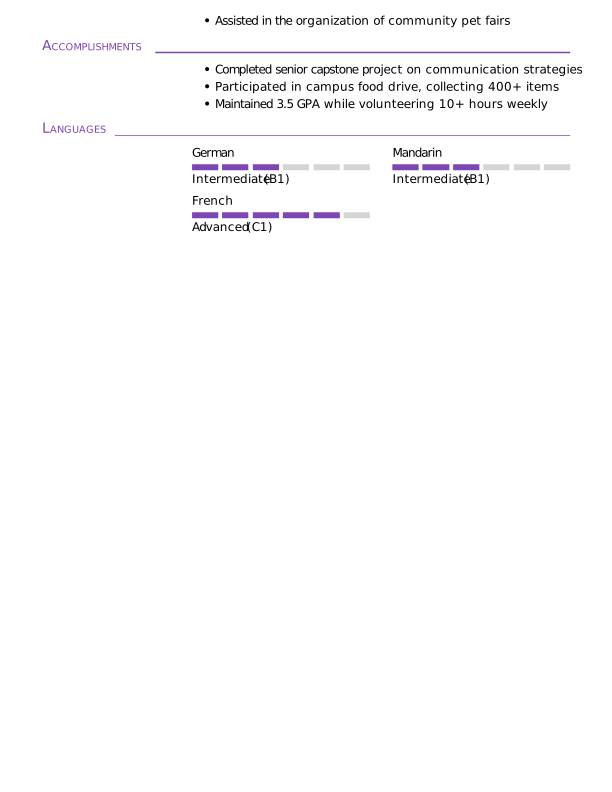
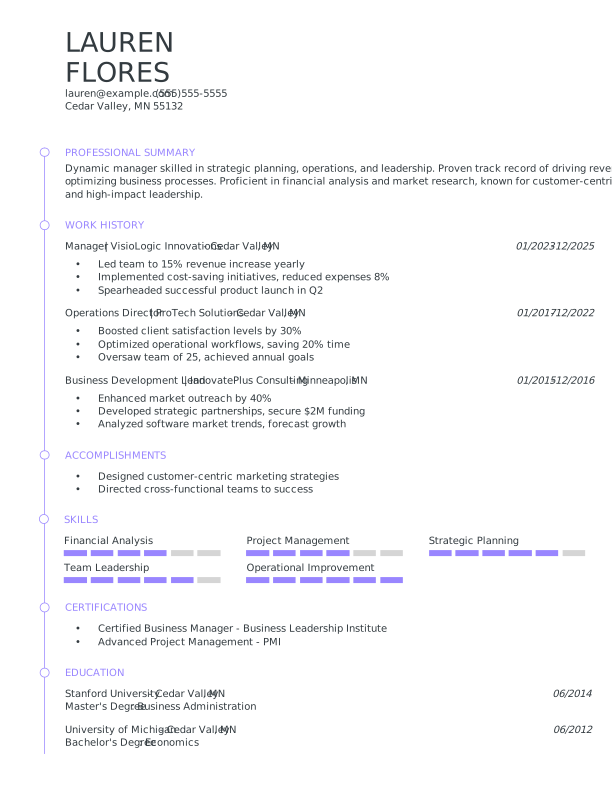
Choose from hundreds of free, ATS-friendly resume templates. Each template is expertly crafted to highlight your strengths and help you land more interviews.
Browse Templates
- Artist
- ATS-Friendly
- Business
- Classic & Traditional
- College Student
- Construction Worker
- Corporate
- Creative & Unique
- Customer Service
- Management
- Healthcare
- Logistics
- Maintenance
- Modern
- Production
- Sales
- Simple & Basic
- Social Work
- Teacher
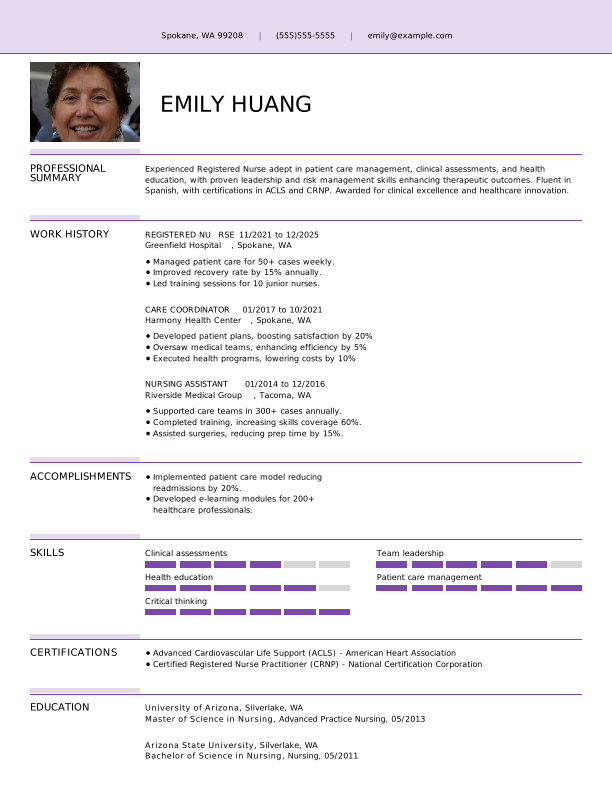
 Free
Free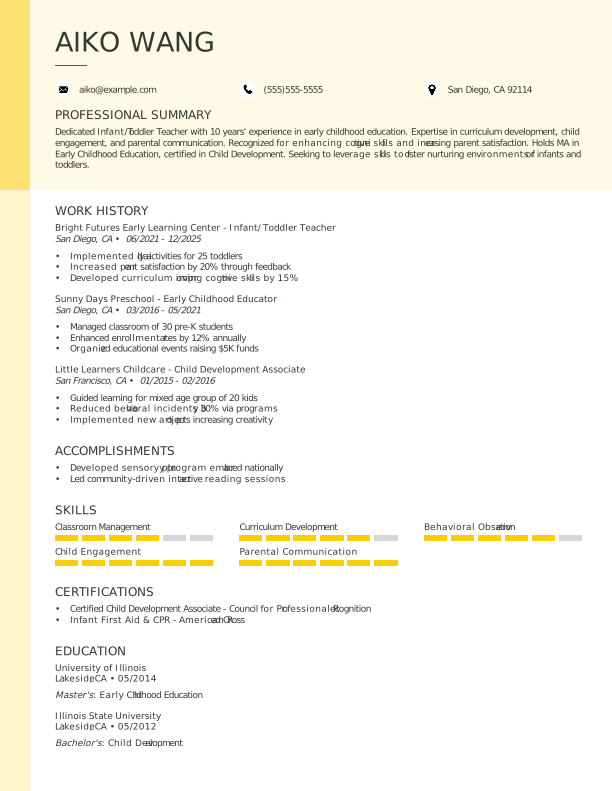
 Popular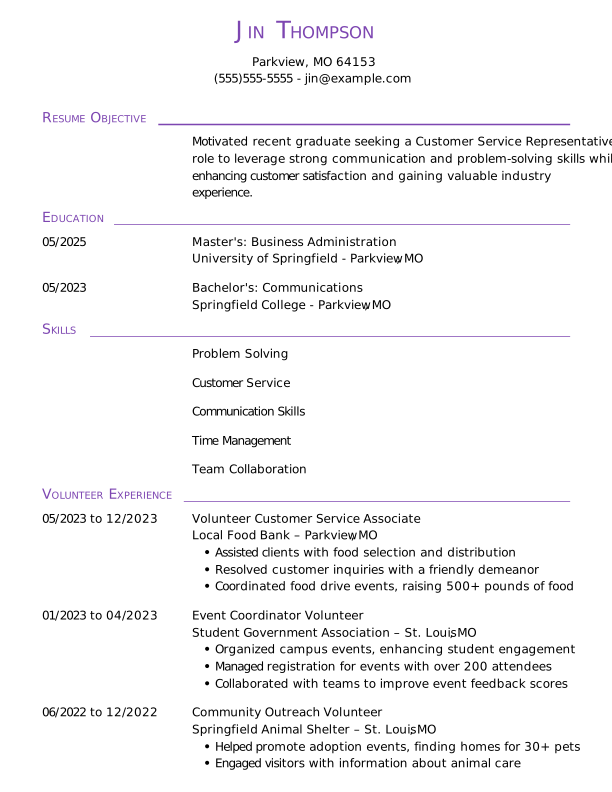
 Download PDF
 Download Word Doc
Frequently Asked Questions
Last Update:
Is it free to upload my resume to Monster?
Yes, it’s free to upload one resume to Monster’s resume search database. When you submit your resume, you’ll also have the option to receive recommended jobs in your inbox, access thousands of Quick Apply jobs, and get a resume check and personalized feedback for free.
What are the benefits of uploading my resume to the job database?
Uploading your resume to the database places you directly in front of thousands of recruiters and provides valuable job-seeking tools with several key benefits:
- Recruiter visibility: Your resume is instantly accessible and searchable by thousands of employers who use the database as their primary tool for finding top candidates.
- Direct outreach: Hiring managers are notified when you meet their search criteria and can reach out to you directly about relevant opportunities, even before they’re posted.
- Targeted matches: Recruiters use advanced filters to source talent, ensuring the jobs you’re contacted about are precise matches for your qualifications.
- Visibility control: You can set your visibility preferences to hide your resume, post a confidential version, or make your profile fully visible to employers.
- Free resume check: You automatically qualify for a free professional Resume Check to help refine your content for better matches and faster employer outreach.
- Job application features: You receive recommended jobs directly in your inbox based on your resume, and you can easily use Quick Apply for thousands of jobs on Monster.
How do I let recruiters know I’m open to work?
To let recruiters know that you’re open to work, update your settings to “Visible to employers” when you upload your resume to the database. This makes your profile and resume fully visible to employers and allows them to reach out to you directly about new job opportunities.
You can easily adjust your visibility preferences at any time. For example, if you’re conducting a passive search, you can choose to post a confidential version or hide your resume completely.
How should I set my visibility if I’m in a passive job search?
If you’re conducting a passive job search, you can post a confidential version of your resume that hides your name and contact information but allows employers to reach out to you via the message center or directly if you apply to the job.
Alternatively, you can hide your resume and profile entirely if you’d prefer to only receive relevant job opportunities in your inbox rather than direct contact.
What criteria do employers use to search resumes in the database?
Employers use both basic and advanced filters to search for candidates with specific skills, experience, and qualifications. The information used for these search options is captured directly from your uploaded resume and Monster Profile.
Basic search criteria:
- Job title
- Location and search radius
- Skills and keywords, including certifications and languages
Advanced filters:
- Education
- Salary expectations
- Veteran status
- Willingness to relocate
- Specific work authorization
Can employers reach out to me directly?
Yes, when you upload your resume, employers searching the resume database can reach out to you directly about relevant opportunities.
Hiring managers are also notified when your specific qualifications match their search criteria, allowing them to connect with you directly or through Monster’s messaging platform
Is my information safe and secure?
Yes, Monster is committed to protecting your privacy and providing a safe, secure user experience. Explore our Privacy Center for more information.
How do I remove my resume from the database?
To remove your resume from the database, log in to your account, navigate to “My Documents,” click “Edit” under the resume you’d like to remove, click “Remove,” then select “Yes, Delete.”
How long does my resume remain searchable?
Your resume remains searchable as long as your Monster account is active and your visibility is set to allow employers to find you.
To ensure you continue receiving relevant opportunities and to maintain your resume’s performance in recruiter searches, it’s recommended that you update it periodically.
