
Free Resume Builder to Land the Job
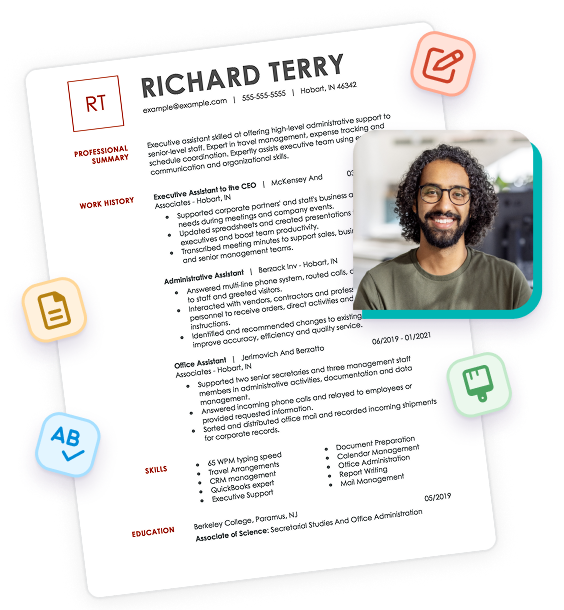
Users see a 30% higher chance of landing a job and a 42% boost in recruiter response rate* with Monster’s free AI Resume Builder. Create an ATS-friendly resume in minutes.


How to Use Our Resume Builder
Monster’s free online Resume Builder lets you create a resume you can trust. Build yours in minutes from any device with hundreds of professional templates, AI-powered content suggestions, and step-by-step guidance.

Choose a Template
Select a professionally designed ATS-friendly template to quickly build a polished, impactful resume on desktop or mobile with confidence and peace of mind.
Customize & Tailor
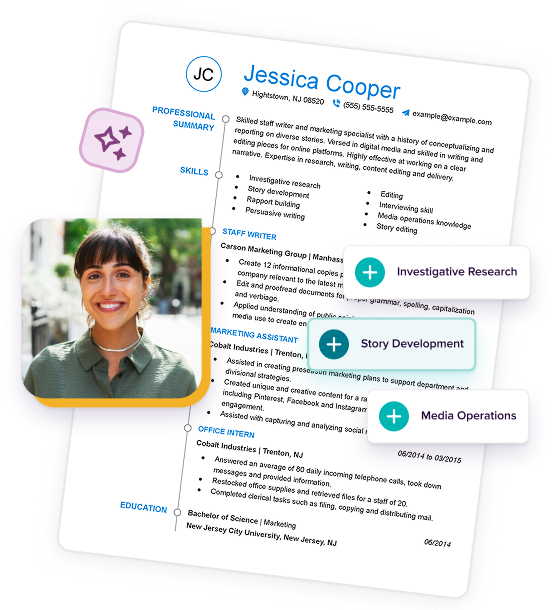
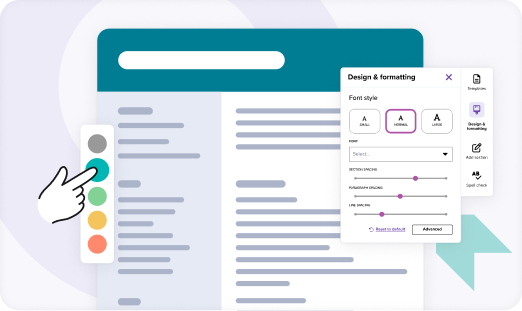
Follow guided prompts and AI-powered suggestions to tailor your resume for each job. Customize fonts, colors, and spacing to make it your own.

Download & Apply
Preview, download, and apply confidently with a recruiter-ready resume. You can also upload your resume to Monster’s resume database to help recruiters discover you.
What Users Say About Monster’s Resume Builder & Templates

Monster Resume Builder is hands down the best resume builder I have ever used. I recommend it for anyone!


Monster is a top ATS-friendly resume builder. It creates, writes, and designs a resume recruiters won’t pass by.

Super helpful resume builder. Helps to cater each resume for different fields of work. Gives great tips and insights!
This is the first resume that I made without struggling. The recommendations make it so much more professional.
Monster made refining my resume so easy with the step-by-step instructions. I am very pleased with the results!

The tool was easy to use and provided excellent guidance and optimization for ATS. Great work, Monster!
Monster Resume Builder was very user friendly and easy to navigate. I would highly recommend it to everyone!
Monster showed me what was wrong with my resume. In 5 minutes, I updated my resume to make it ATS proof!
I welcome the help revisiting my resume to make me more recognizable. It was very easy and much appreciated!
This was the best resume-building experience I have ever had! I HIGHLY recommend your resume builder!
The Monster resume builder is incredible. I wish I would have known that it was going to be this easy!
I had no idea how to build a resume. Monster made it so easy! No more than 10 minutes and I had a resume!
The process of building my resume on Monster was so easy. I feel like Monster cares about job applicants’ needs.
It was easy to make a resume. Especially with the AI. It was extremely helpful to enhance your bullet points.
The AI resume writing was helpful and easy to use. It saved me time and effort. Simplified the entire process.
One of the only resume builders that made building a resume with no experience truly easy.
I was very pleased at the ease of using the Resume Builder. Monster has helped me level-up my game!
It was easy to use on my phone. The suggested changes to my resume were well received and made total sense.
It was fast and easy. I would have never been able to update my resume on my own. Helped me tremendously!
The resume builder does a great job highlighting core skills and key points. My resume is far more attractive.
Monster has a GREAT resume builder! It made the job painless and quick!
Build a Resume That Gets Noticed With Monster’s Resume Builder & Templates
Create a polished, professional resume with AI-powered tools, customizable templates, and expert guidance designed to help you apply with confidence.

Build Smarter With AI
Create or update your resume faster and easier with AI-powered writing assistance and tailored suggestions for your industry and target role.

Get Past ATS Filters
Increase the chances of your resume reaching recruiters with ATS-friendly templates and Monster’s ATS Resume Checker.

Customize Effortlessly
Personalize your resume with easy-to-use editing tools that help you adjust fonts, colors, and spacing while maintaining professional formatting.

Get Noticed by Recruiters
Stand out from the competition with a resume that showcases your skills and achievements, then upload it to connect with recruiters who are actively hiring.

Tailor Every Application
Create unlimited versions of your resume tailored for different roles. Download, continue editing, or start a new resume anytime, anywhere.

Save Time & Apply Faster
Use Monster’s professional templates and smart suggestions to build a polished resume quickly and spend more time applying for jobs.
Get Hired With Monster’s Free Resume Templates
Choose from hundreds of free, ATS-friendly resume templates. Each template is expertly crafted to highlight your strengths and help you land more interviews.
Browse Templates
- Artist
- Business
- Classic & Traditional
- College Student
- Construction Worker
- Corporate
- Creative & Unique
- Customer Service
- Management
- Healthcare
- Logistics
- Maintenance
- Modern
- Production
- Sales
- Simple & Basic
- Social Work
- Teacher
 Free
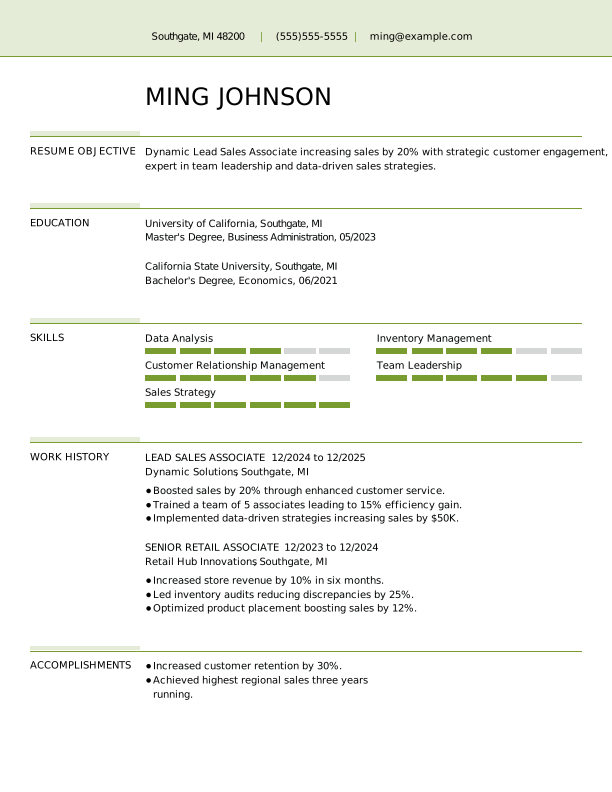
FreeLead Sales Associate Entry-Level Resume
 Popular
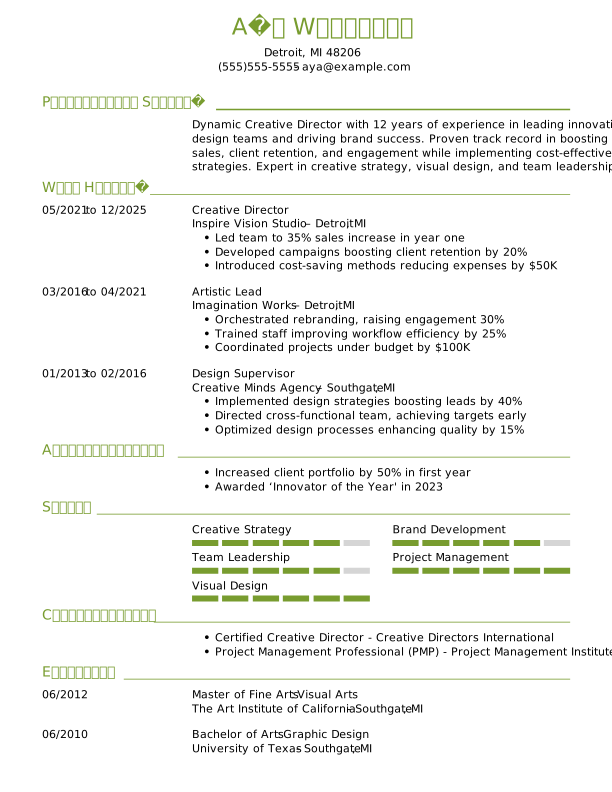
Creative Director Experienced Resume Template Example
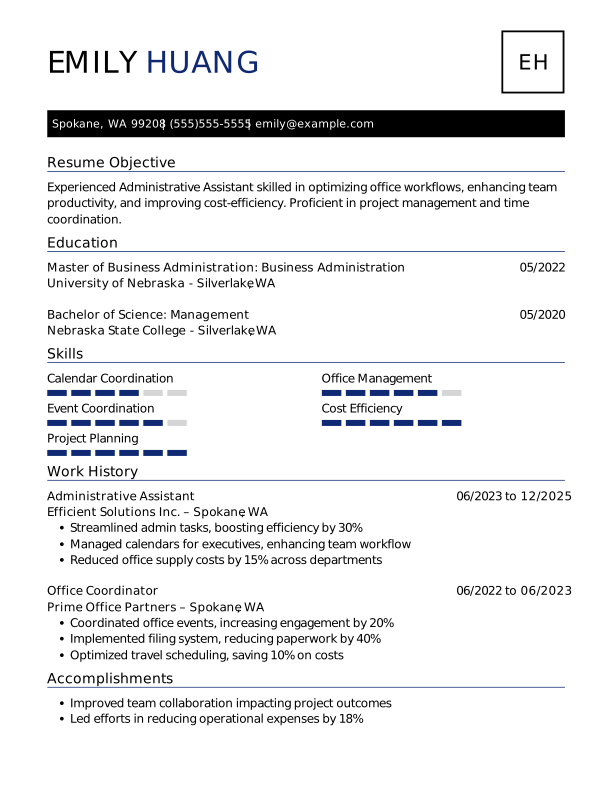
Administrative Assistant Entry-Level Resume
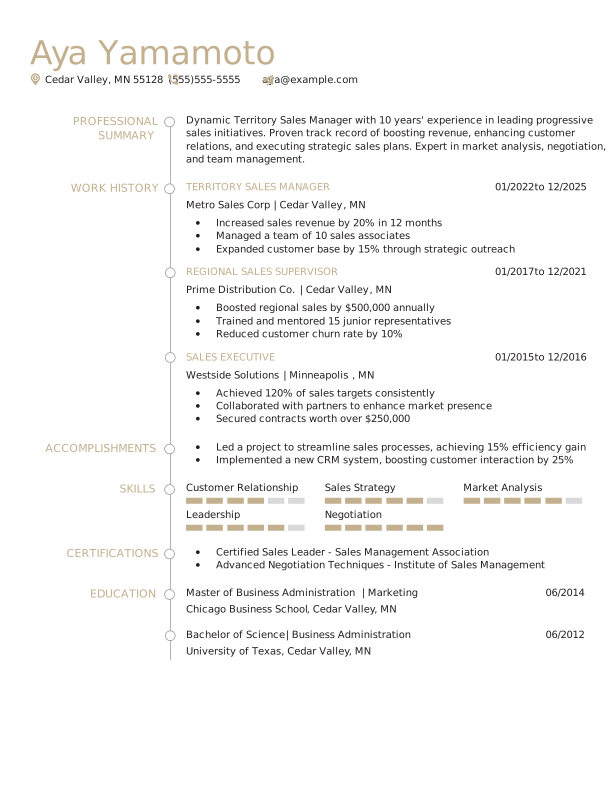
Sales Manager Experienced Resume
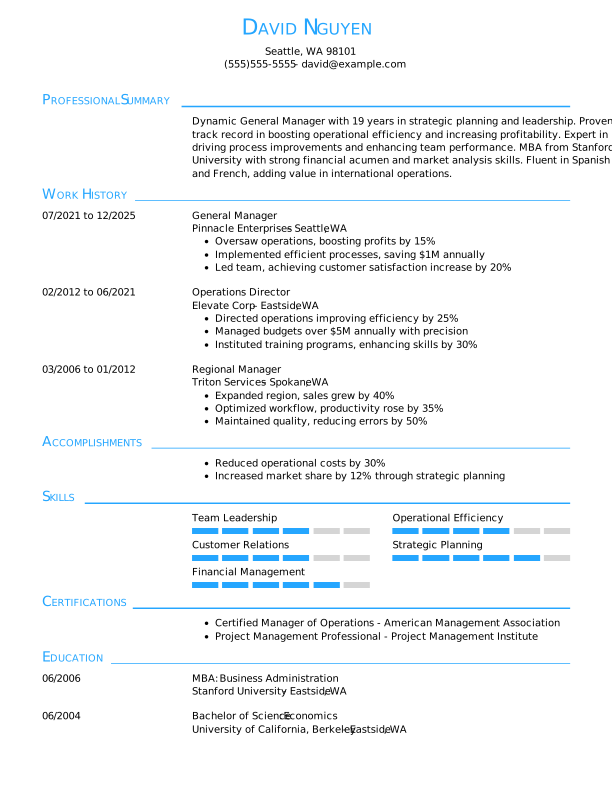
General Manager Experienced Resume Template Example
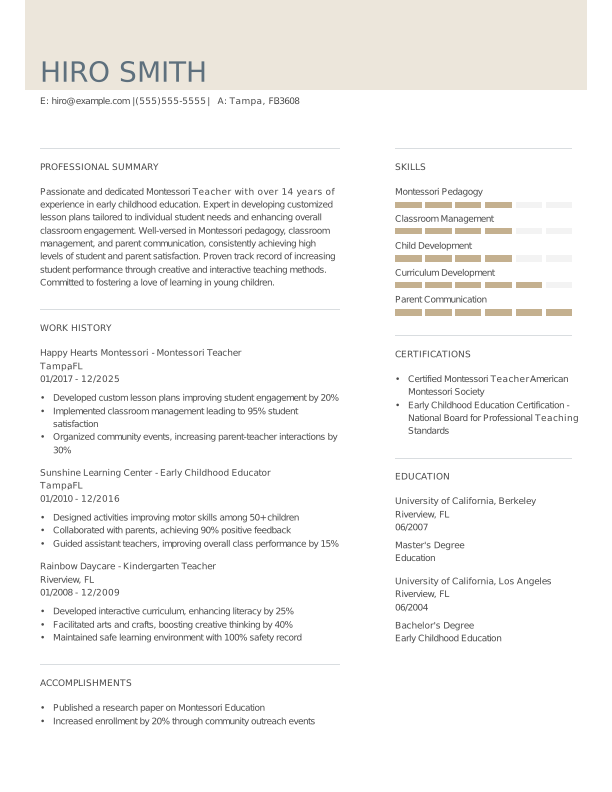
Montessori Teacher Experienced Resume Template Example
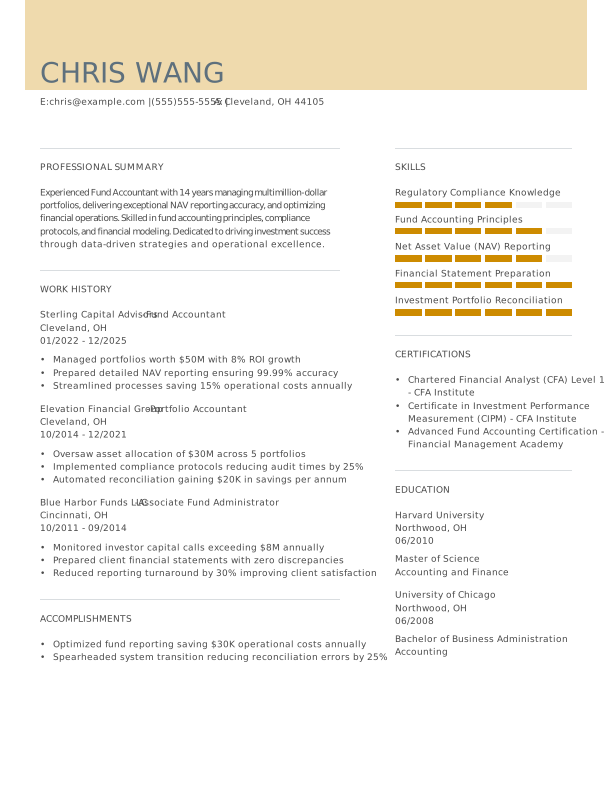
Accountant Experienced Resume
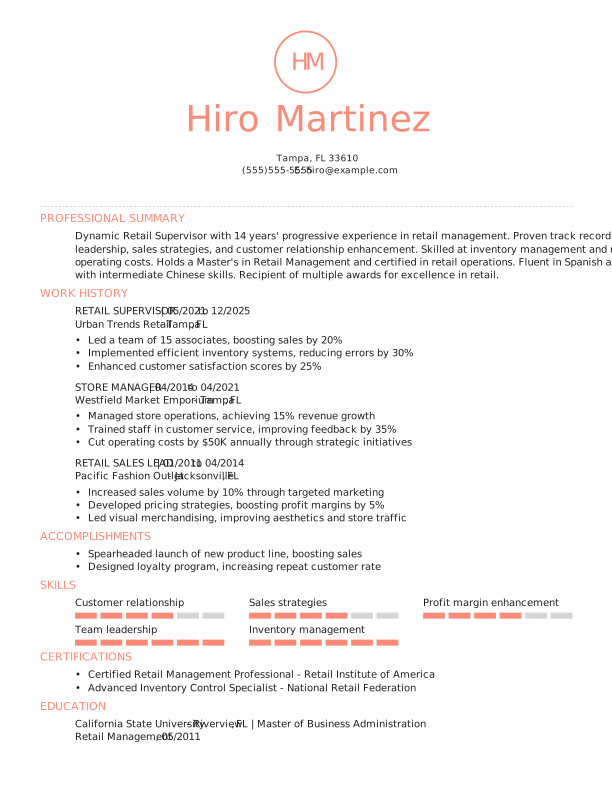
Retail Supervisor Experienced Resume Template Example
Create a FREE Resume
Get access to our job-winning builders and job search tools
Features
Free Access
Resume Builder
Create and edit unlimited resumes with step-by-step prompts and ready-made content.
Learn More


Resume Upload
Add one resume to the Monster database to get found by recruiters and hiring managers.
Learn More
Resume Check
Get personalized resume feedback and actionable suggestions for improvement.
Learn More
Monster Job Listings
Access millions of job listings and sort by industry, company, and title to find your perfect fit.
Learn More
QuickApply Jobs
Apply directly through Monster in just a few clicks with QuickApply, saving you time and effort.
Learn More

Monster Resume:
Your Strategic Job-Search Partner
Monster’s career experts are here to support you through every step of your search. With actionable guidance and data-driven insights, we’ll help you find and land your dream job.
Expertise You Can Trust
Get clear, practical advice from Certified Professional Resume Writers (CPRW) and career experts dedicated to helping you navigate your search and craft stronger applications.
Industry-Specific Knowledge
Our career experts offer tailored guidance for a wide range of fields, with real-world examples and insights to help you stand out to employers in your industry.
Proven Strategies & Real Data
From resume writing to interviewing, our experts leverage data and hiring trends to provide results-focused tips for showcasing your most impressive skills and qualifications.
Clear & Actionable Advice
Explore proven techniques that you can apply immediately to refine your job search, strengthen your applications, and grow your career with confidence.
Explore Related Career Advice


How to Put Transferable Skills on Your Resume: 120 Skills, Examples, & Tips

Updated:
Aug 27, 2026
|
16 min read

How to Write a Functional Resume (Formatting Tips, Template, & Examples)
Updated:
Aug 7, 2026
|
17 min read

Functional vs Chronological Resume: Which Format Is Right for You?
Updated:
Aug 3, 2026
|
16 min read
100+ Resume Adjectives to Help You Write a Stronger Resume in 2026 (With Examples)
Updated:
Jul 30, 2026
|
12 min read


Manage Your Career Like an Expert
Take control of your professional journey with Monster’s expert resources. Explore advice, research, and tips to make informed decisions and advance your career with confidence.

Job Search
Discover strategies to get noticed, network effectively, and streamline your job search process.

Resumes
Get practical tips to create a resume or CV that stands out to employers and wins interviews.

Cover Letters
Learn how to craft a compelling cover letter that highlights your experience and fit for the role.

Career Paths
Explore career paths, industry trends, and growth opportunities to plan your next move.

Interviewing
Prepare for interviews with tips on answering common questions and following up effectively.

Career Development
Develop key skills and knowledge to grow in your current role or pivot to new opportunities.

Leaving a Job
Navigate job changes and career transitions with practical advice and planning resources.
Frequently Asked Questions
Is the Monster Resume Builder free to use?
Yes, Monster’s AI Resume Builder is completely free. You can build a resume from scratch or improve your existing resume with our professional templates and guided prompts.
There are no hidden fees, and you don’t have to enter credit card information to access your document. Once your resume is complete, you can download it for free in PDF or DOCX format.
You can create unlimited resumes for free and save them to your dashboard. Return anytime to continue editing and downloading your job application documents.
Monster also offers free supporting resources, such as career advice articles, sample resumes, and cover letter guidance to help you throughout your job search.
What should I look for in a resume maker?
The best AI resume builder will help you create an ATS-friendly resume quickly and easily. When choosing a resume maker, look for a tool that is easy to use, offers professionally designed templates, and lets you customize layouts, fonts, and sections.
Monster’s AI Resume Builder app combines all the benefits of a resume builder into a single tool, helping you create a polished, recruiter-ready resume that stands out.
You can choose from a range of modern, professional templates suited to different industries and experience levels. It’s easy to personalize your template by rearranging sections or changing fonts and colors to match your style.
Powerful features, such as AI-generated content for key sections like your resume summary, make it easy to highlight your skills and qualifications effectively.
Are Monster’s resume templates ATS-friendly?
Yes, all Monster resume templates are designed to meet best practices for applicant tracking systems (ATS), so you can write a resume that ATS software can easily scan and parse.
Key ATS-friendly features include:
- Clean formatting: Our templates avoid complex tables, text boxes, or graphics that can confuse ATS software.
- Standard headings: We use clear section titles, like “Experience,” “Education,” “Skills,” and “Certifications.”
- ATS-safe fonts: Simple resume fonts like Arial, Calibri, and Times New Roman are easy for ATS and human readers to scan.
- Keyword optimization: Our templates seamlessly incorporate industry terms and phrases to increase the chances you’ll be recognized for the right roles.
- Compatible formats: You can download your resume in ATS-friendly formats like PDF and DOCX.
Monster’s resume templates and AI resume writer help you avoid common resume mistakes to create an ATS-friendly and recruiter-ready resume quickly.
Is Monster’s AI Resume Builder suitable for any experience level?
Yes, Monster’s AI Resume Builder supports job seekers at every stage of their career, from entry-level candidates to executives.
The resume creator offers guided prompts, AI-powered content suggestions, and plug-and-play templates that adapt to your experience level, helping you include the key elements of a resume that highlight your skills, accomplishments, and certifications.
Is it easy to customize Monster’s resume templates?
Yes, Monster’s Resume Builder makes it simple to fully customize the design and layout of your resume on both desktop and mobile. You can easily adjust fonts, colors, spacing, and section order, or switch between a one- and two-page resume, without breaking your formatting.
To tailor your resume for specific job applications, you can add, remove, or reorder sections to emphasize your most relevant experience, skills, and accomplishments, ensuring that every application is targeted and recruiter-ready.
Can I upload my new resume to Monster and connect with recruiters?
You can! Monster’s resume upload tool makes it easy to get your resume in front of recruiters and hiring managers. With thousands of companies using the resume database to connect with job seekers, uploading your resume can improve your chances of being seen by recruiters. Simply create a free Monster account, upload your resume, and set your visibility in your profile. You can also choose to have recommended jobs sent directly to your inbox so you can apply quickly and easily.
What formats can I download my resume in?
With Monster’s Resume Builder, you can download your resume for free in multiple formats to suit any application or system. Options include PDF for a professional, polished look, DOCX for easy editing, and plain text (TXT) for online forms. You can download your resume as many times as needed and make updates or create new versions at any time, from any device.
Is Monster’s Resume Builder AI-powered?
Yes, Monster’s Resume Builder uses AI-powered tools to help you create and improve your resume. Get writing suggestions, keyword recommendations, and guidance to help tailor your resume to your experience, industry, and target roles.
Can I upload my existing resume to Monster?
Yes, you can upload your existing resume to Monster and use our builder to update, customize, and improve it. You can also upload your resume to connect with recruiters or check your resume’s ATS score.
Can I create multiple resumes for different jobs?
Yes, you can create and save multiple versions of your resume for different jobs you want to apply to. Customize each resume by updating your skills, experience, and keywords to better match the roles you’re applying for.
Does Monster’s Resume Builder work on mobile devices?
Yes, Monster’s Resume Builder works on mobile devices, allowing you to create, edit, and update your resume wherever you are. Easily customize your resume, save your progress, and continue building your resume from your phone or tablet.