
Free Two-Column Resume Templates & Examples
Elevate your career prospects with expertly designed free two-column resume templates. Along with valuable writing tips, you can write a two-column resume that helps highlight your best qualifications, stand out to employers, and land interviews.
Real-World Resumes That Get Results
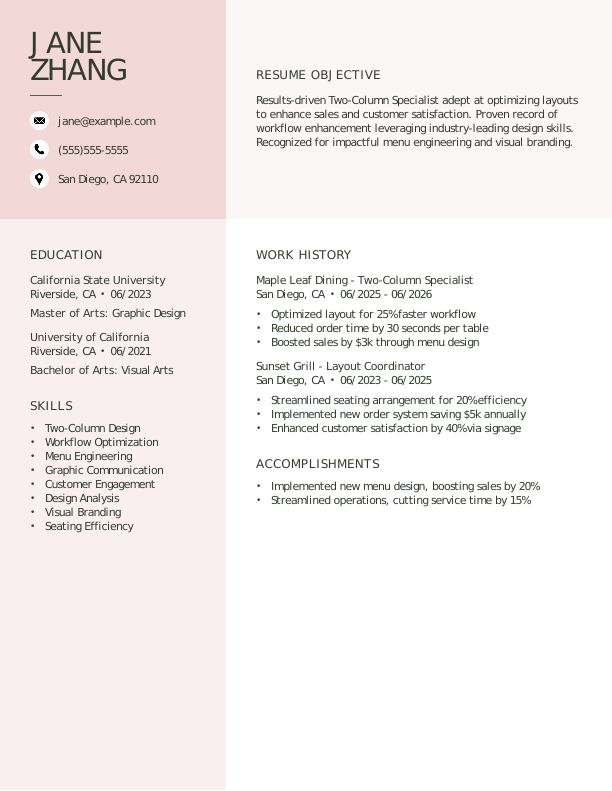
 Free
FreeTwo Column Entry-Level Resume
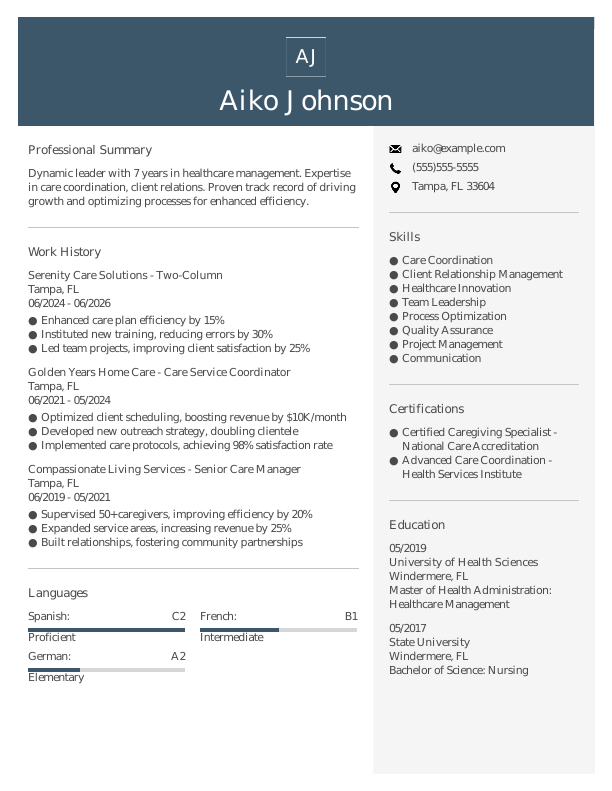
Two Column Mid-Level Resume
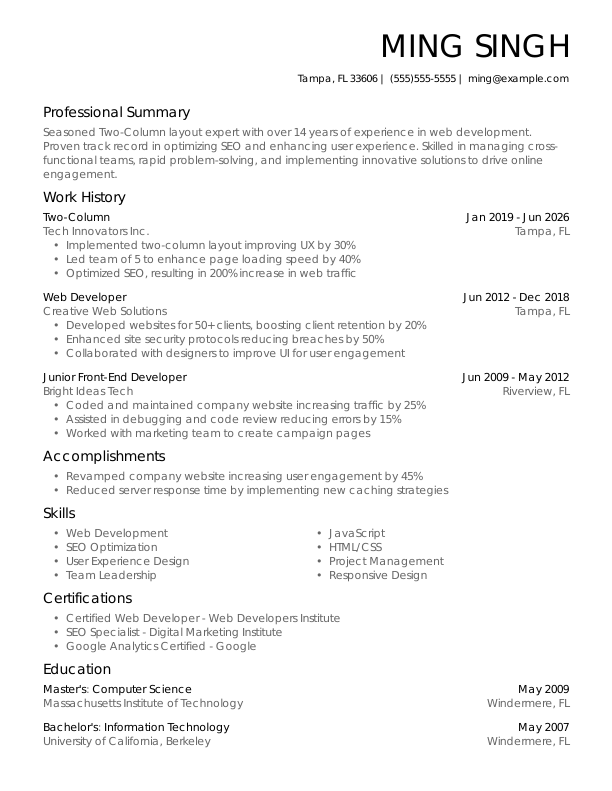
Two Column Experienced Resume
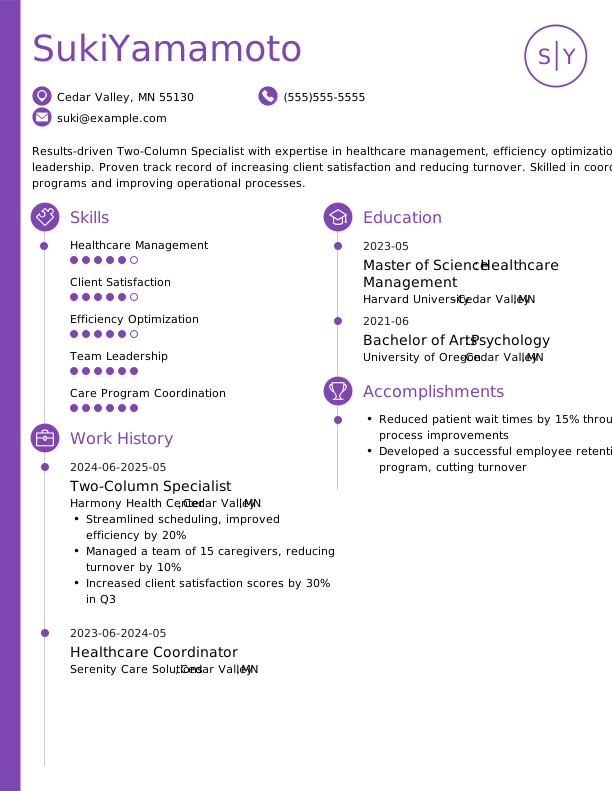
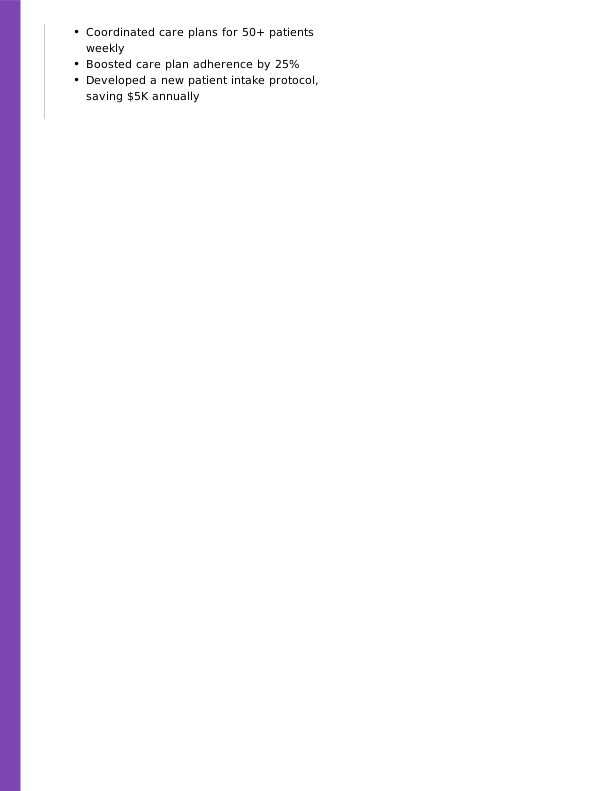
Two Column Modern Resume
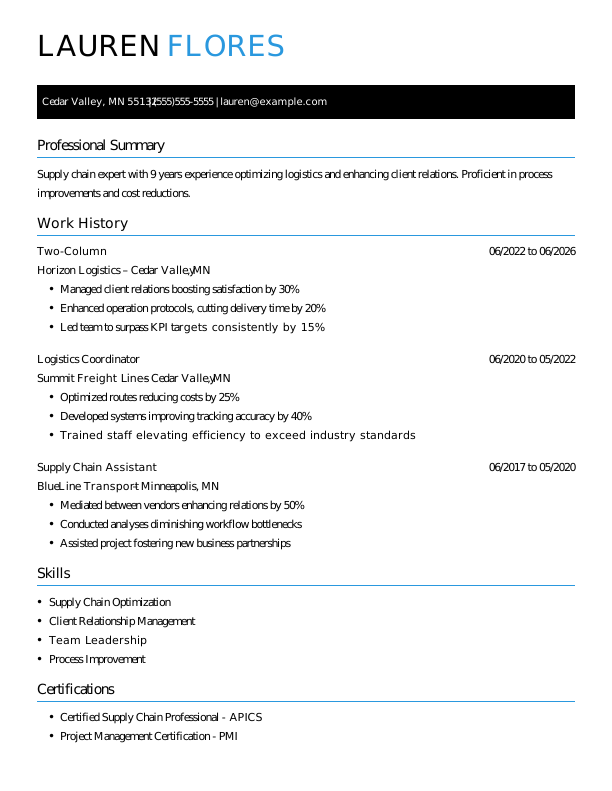

 Popular
Two Column Creative Resume
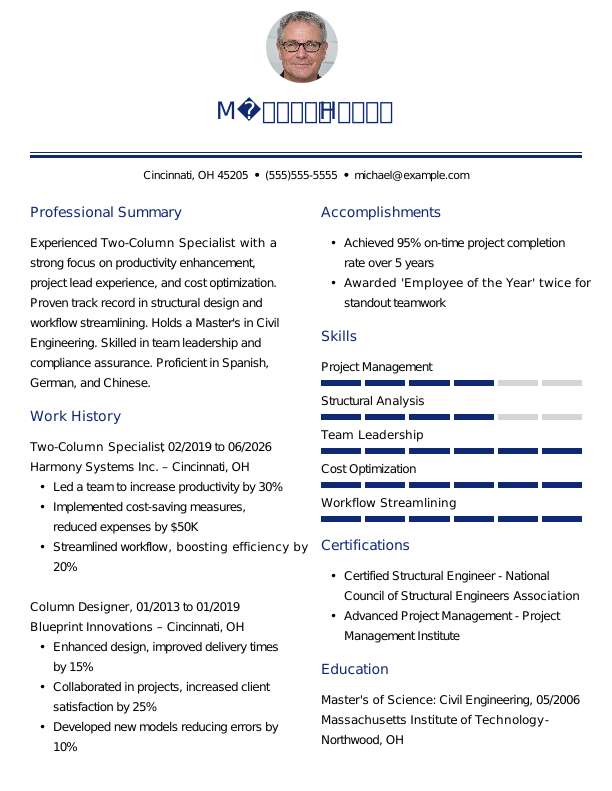

Two Column Traditional Resume
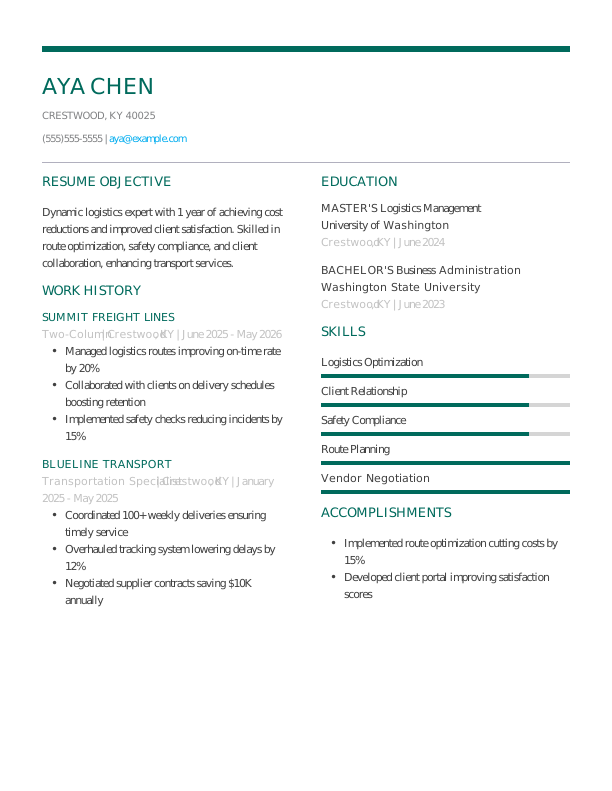
Two Column Simple CV Example

Two Column CV Format
Browse Free Resume Templates
- Accounts Payable
- Adjunct Professor
- Artist
- Auto Mechanic
- Baker
- Business Development Manager
- Business
- Certified Nursing Assistant
- Classic & Traditional
- Cleaner
- College Student
- Concierge
- Construction Worker
- Corporate
- Creative & Unique
- Custodian
- Customer Service
- Dental Assistant
- Direct Support Professional
- Entry-Level
- Flight Attendant
- Hospitality & Food Service
- Front Desk Receptionist
- Healthcare
- High School
- Housekeeping
- Hvac Technician
- Hybrid
- Inventory Manager
- Logistics
- Maintenance
- Management
- Modern
- Mortgage Loan Processor
- Pet Sitter
- Phlebotomist
- Production
- Rbt
- Sales
- Security Services
- Restaurant Server
- Simple & Basic
- Social Work
- Teacher
- Technology
Two-Column Resume Examples
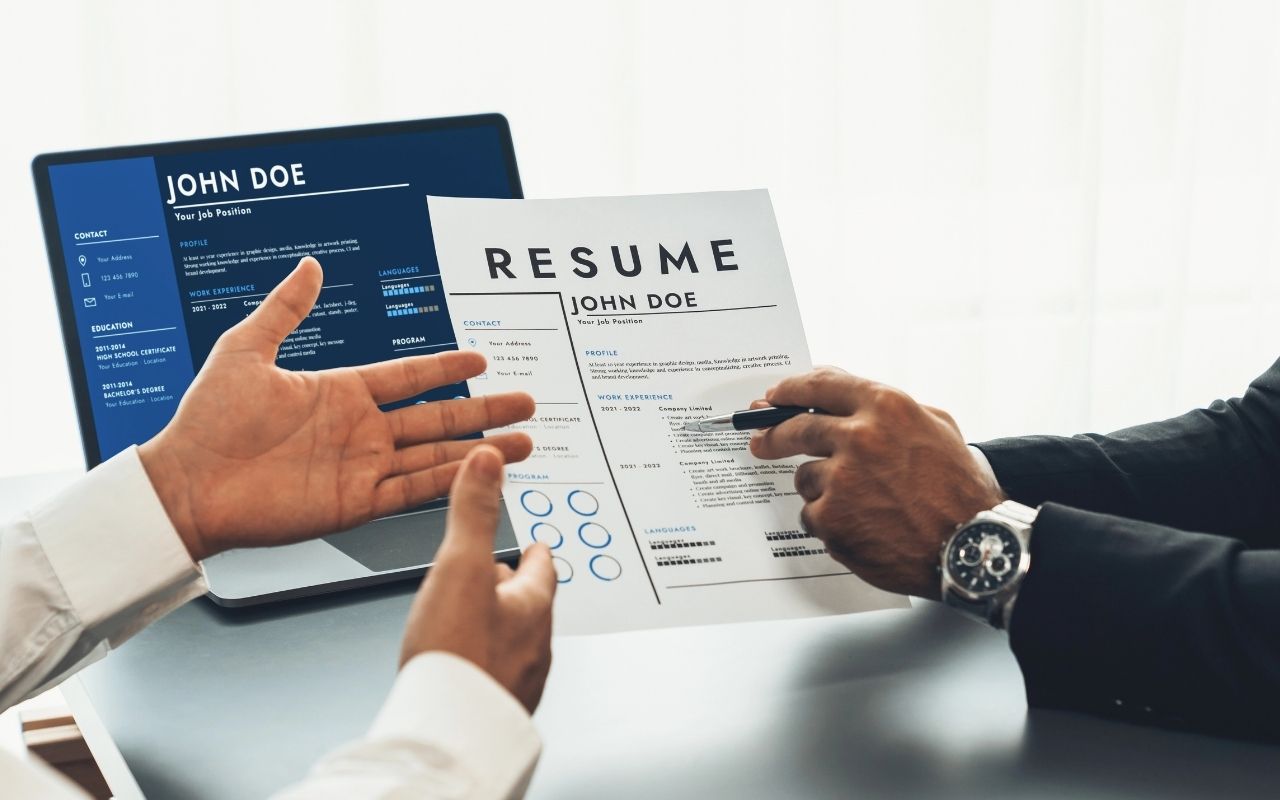
Resumes and CVs with two columns are unique design choices that help you arrange your skills and experience in creative ways. With the following examples and our Resume Builder, you can get started creating one that balances this intriguing layout with professional aesthetics.
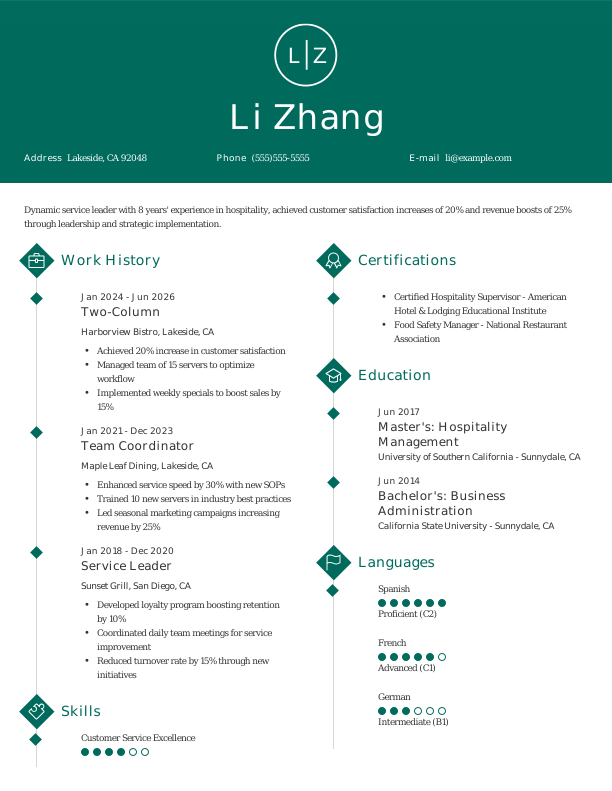
Colorful Two-Column Resume
Many two-column resumes are used to highlight creativity, including the addition of a noticeable element of color. Doing so breaks up the monotony of whitespace-dominated resumes and immediately conveys an outside-the-box approach.
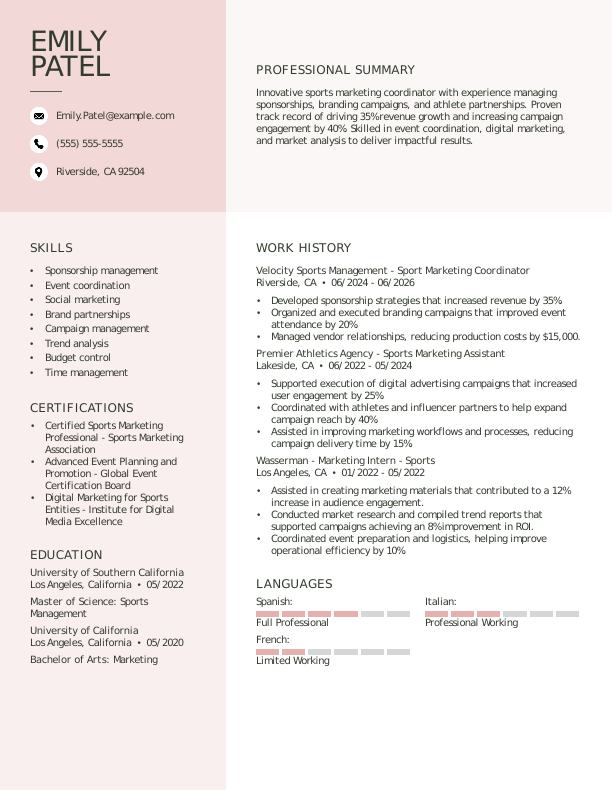
Traditional Two-Column Resume
With a minimal yet bold contact header, this two-column resume takes a classic approach. The information is spread out across the page with clear bulleted lists and effective whitespace.
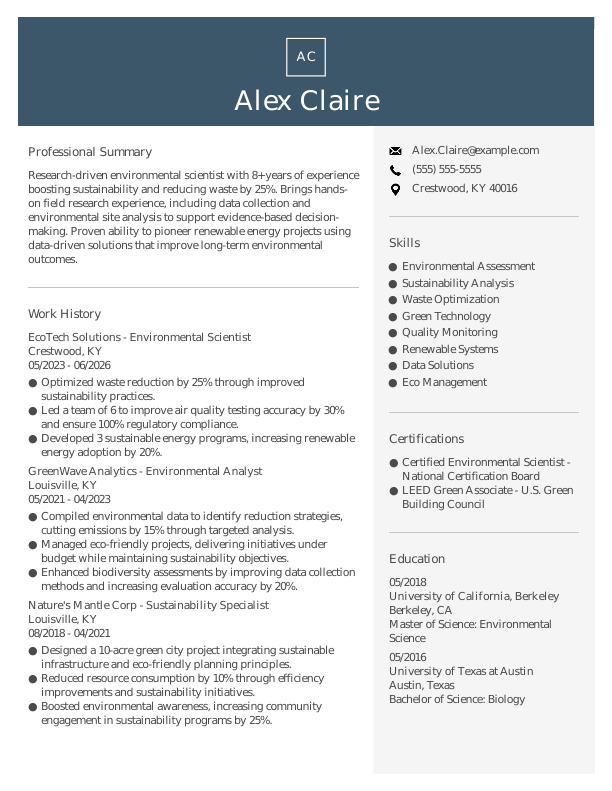
Modern Two-Column Resume
A balance between artistic and traditional, this two-column resume example uses contemporary design choices along with normal layout schemes to add a subtle pop to the application.
How to Write a Two-Column Resume
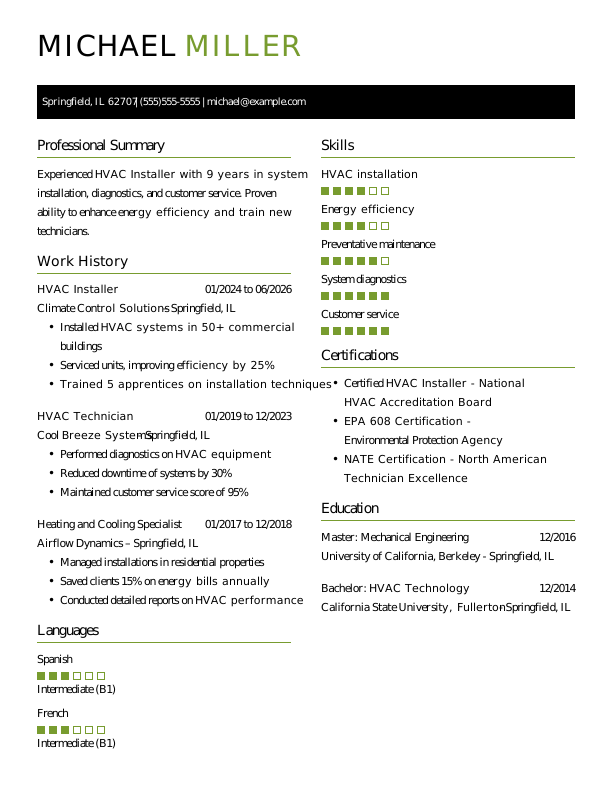
Like any resume, a two-column resume requires you to still provide the necessary information that clearly outlines your qualifications. The only major difference, obviously, is that you will split your sections across two columns.
Use the guidance below on how to write a resume to highlight your strengths and tailor your resume for the specific roles you’re interested in.
1. Contact Info
Your contact information should be clear, professional, and easy to find at the top of your resume.
Make sure to include:
- Full name
- Phone number
- Professional email address
- City and state (ZIP code is optional)
- LinkedIn profile or personal portfolio (if relevant)
 PRO TIP
Skip listing personal details like age, religion, or Social Security number on your resume unless directly requested by the employer.
2. Resume Profile
A resume profile is a brief introductory section that highlights your key qualifications and skills. It serves as a compelling pitch to hiring managers, aiming to spark their interest and prompt them to explore your resume further.
Typically located at the top of your resume, this profile can take the form of either a summary or an objective, each serving distinct purposes. Understanding these differences can guide you in crafting a profile that best represents your professional narrative:
- A resume summary highlights your key experiences, competencies, and achievements that are relevant to the role. This format is especially useful for individuals with established work histories or transferable skills who want to showcase their significant contributions in a competitive job market.
- A resume objective highlights your career aspirations and outlines what you aim to achieve in your professional journey. This section is especially useful for recent grads, coding bootcamp graduates, career changers, or those with limited experience looking to enter a new field.
Let’s take a look at an example of each to see how a resume summary and a resume objective differ:
Resume summary example:
Dedicated project manager with over 6 years of experience leading cross-functional teams in technology and marketing sectors. Proficient in agile methodologies, stakeholder engagement, and risk management. Acknowledged for driving project success and improving team collaboration to achieve strategic goals.
Resume objective example:
Recent computer science graduate with a strong desire to launch a career in software development within an innovative tech company. Enthusiastic about creating user-friendly applications and eager to contribute problem-solving abilities and teamwork skills to a dynamic programming environment.
3. Work Experience
The work experience on your resume is an important foundation for showcasing your qualifications. Employers review your job history to see the meaningful contributions you’ve made, focusing more on impact rather than solely on job titles and responsibilities.
Your professional background demonstrates how your experiences align with the requirements of the target role.
The work experience section should contain:
- Job title
- Employer name and location
- Dates of employment (month/year)
- 3–5 bullet points describing your relevant responsibilities and achievements
Tailor your content to align with the specific job you’re pursuing, using relevant industry language. Start each bullet point with an action verb (like “Developed,” “Implemented,” “Streamlined”) to create strong, compelling statements.
Incorporate quantifiable metrics wherever possible. Specific achievements and numbers not only illustrate your contributions but also help differentiate you from other job seekers in the competitive job market.
In general, consider following the format of:
[action verb] + [responsibility] = [result/achievement]
For example:
Developed and implemented a new inventory management system that reduced stock discrepancies by 30% and improved order fulfillment speed by 25%.
Note that you can also flip the result/achievement with the responsibility:
Achieved a 15% increase in customer satisfaction scores through streamlined processes and improved product tracking.
4. Skills
The skills section provides a concise overview of your professional abilities relevant to the role. This summary allows hiring managers to quickly evaluate your qualifications.
Skills can be categorized into three distinct groups:
- Soft skills are personal qualities that influence how well individuals collaborate in a team-oriented environment, particularly in fields like healthcare or education. Common soft skills include communication, adaptability, problem-solving, and empathy.
- Hard skills are specific, measurable abilities gained through education, training, or experience. For software developers, this includes coding in multiple programming languages, debugging applications, and using version control systems.
- Technical skills are specialized abilities essential for performing specific tasks within a profession. For example, in software development, this includes proficiency in programming languages like Python and familiarity with version control systems like Git.
PRO TIP
If you’re a newer professional, place your skills section higher on the resume right after your summary. For those with more experience, position this section lower and weave your skills into your work history for a cohesive presentation.
5. Education
Properly listing your education on your resume is important for showcasing your qualifications. Begin by listing your most recent or relevant degree, including both the type of degree and the institution’s name.
If you’re a recent graduate, consider adding optional details like your graduation year, GPA (if 3.5 or higher), any honors received, and relevant coursework to improve your profile.
Resume education section example:
Master of Business Administration (MBA)
Harvard University, Cambridge, MA
Graduated: 2024 | Graduated with Distinction
PRO TIP
If you’ve progressed from an Associate Degree to a Bachelor of Science or earned another relevant degree, be sure to list them in reverse-chronological order.
6. Certifications
Certifications on your resume highlight your qualifications and can help make up for limited experience in your field. While this section may not be standard on every resume, it’s particularly valuable for professionals seeking roles in competitive areas.
Employers often seek specific credentials, such as those required for teaching or specialized technical positions.
To strengthen your application, only include certifications relevant to the job you’re applying for. Make sure to keep these up to date and formatted clearly so potential employers can easily review them.
Certification examples:
- Certified Marketing Manager (CMM) | American Marketing Association | Expires: 03/2028
- Google Analytics Individual Qualification (GAIQ) | Google | Expires: 07/2027
- HubSpot Content Marketing Certification | HubSpot Academy | Expires: 11/2028
- Digital Marketing Certified Associate (DMCA) | Digital Marketing Institute | Expires: 05/2027
Start Building Your Job-Winning Resume
Use Your Existing Resume
Import your current resume to transfer your information to one of our professional templates.
Create a New Resume
Start fresh with a template that catches your eye and follow the prompts to add your details.
Tailor Your Work History to Beat the ATS
Your work experience is more than a list of job titles. It’s an opportunity to demonstrate the measurable impact you’ve had on projects, teams, and organizational goals. This approach also contributes to crafting an ATS-friendly resume that applicant tracking systems (ATS) can easily scan.
To create an effective work history, tailor it specifically to the role you’re applying for by using relevant keywords and phrases. Begin by carefully analyzing the job description. Identify commonly mentioned skills or qualifications and incorporate those elements into your experience descriptions wherever applicable.
Example of Resume Skills
Including the right skills for your resume demonstrates to employers and ATS that you possess the necessary abilities to excel in your field. Because resumes are often scanned quickly, ensure that your skills section is focused, relevant, and closely aligned with the job description.
5 Soft Skills for Your Resume or CV
- Effective communication
- Team leadership skills
- Conflict resolution abilities
- Strategic thinking
- Emotional intelligence
5 Hard Skills for Your Resume or CV
- Data analysis (SQL, Python)
- Project management methodologies (Agile, Scrum)
- Cloud computing (AWS, Azure)
- Network security protocols
- Software development lifecycle (SDLC)
Key Takeaways
- Customize your resume for the job posting. Incorporate keywords from the description to improve visibility with ATS and appeal to hiring managers.
- Highlight quantifiable successes to demonstrate your value. Include specific metrics (e.g., code efficiency improvements, project deadlines met, team size led) that showcase your contributions.
- Select a suitable format based on your career stage. Entry-level job seekers might use a functional or combination format, while seasoned developers often prefer reverse-chronological layouts.
More Resume & CV Examples
- 3d Animator
- 3d Artist
- Architectural Designer
- Brand Designer
- Costume Designer
- Design Director
- Fashion Designer
- Floral Designer
- Florist
- Game Designer
- Graphic Designer
- Illustrator
- Industrial Design
- Interior Designer
- Jewelry Designer
- Product Designer
- Visual Merchandiser
- Web Designer
Cover Letters for Your Resume
Browse our library of cover letter examples to complete your application. A resume will have a better chance of getting noticed.
Frequently Asked Questions
Last Update:
What resume format should I use for my two-column resume?
There are three primary resume formats to choose from when applying for a job. Your selection should reflect your experience level and the aspects of your career you wish to highlight:
- Chronological: The most popular format, it organizes your work experience alongside your responsibilities and achievements in a visually appealing way. This layout is ideal for applicants with relevant work history, as it highlights their qualifications and allows easy navigation through their professional journey.
- Functional: Also known as a skills-based resume, the functional resume emphasizes a qualifications summary and an expanded skills section to showcase your relevant abilities. This approach minimizes focus on work history, making it beneficial for job seekers with limited experience or those transitioning from different fields.
- Combination: A combination resume integrates elements from both chronological and functional formats, featuring distinct sections for skills and work experience. This structure allows professionals to emphasize their competencies while showcasing their career advancement, making it ideal for those seeking to highlight both abilities and growth.
Should I include a cover letter with my resume?
Yes, you should include a cover letter with your job application as it improves your resume by providing context and showcasing why you’re the right fit for the role. It allows you to express personal interest in the position and company while emphasizing experiences that may not be evident from your resume alone, giving you an advantage over job seekers who neglect this important element.
If you’re feeling uncertain about crafting a cover letter, don’t worry. There are many resources available to assist you, including guides on how to write a cover letter, examples tailored for various professions, and different formats to choose from that suit your background and experience level.
For those looking to simplify the process, tools like a cover letter generator can help create a polished, tailored document quickly, based on your specific application needs.
What keywords should I include to pass applicant tracking systems (ATS)?
To succeed in passing ATS screenings, focus on incorporating keywords and phrases from the job posting. Look for specific terms related to your field, such as “data analysis,” “project management,” or “cloud computing.” This ensures that your resume aligns with what employers are actively seeking.
Don’t forget to include relevant certifications like PMP, AWS Certified Solutions Architect, or Six Sigma, and any technical tools you’re adept at, such as Tableau or Microsoft Azure. These additions will highlight your qualifications and help you stand out as a top applicant for the role.
Should I include personal projects or freelance work?
Yes, particularly if you’re new to the field. Including personal projects showcases your skills and problem-solving abilities in real-world scenarios, helping you stand out when formal experience is minimal.

Elizabeth Muenzen is a Certified Professional Resume Writer (CPRW) and member of the Professional Association of Resume Writers & Career Coaches who empowers job seekers to take control of their career paths using Monster’s comprehensive job search and resume tools.
See More From Elizabeth MuenzenExplore Related Career Advice


How to Put Transferable Skills on Your Resume: 120 Skills, Examples, & Tips

Updated:
Aug 27, 2026
|

16 min read


How to Write a Functional Resume (Formatting Tips, Template, & Examples)
Updated:
Aug 7, 2026
|
17 min read


Functional vs Chronological Resume: Which Format Is Right for You?
Updated:
Aug 3, 2026
|
16 min read
100+ Resume Adjectives to Help You Write a Stronger Resume in 2026 (With Examples)
Updated:
Jul 30, 2026
|
12 min read