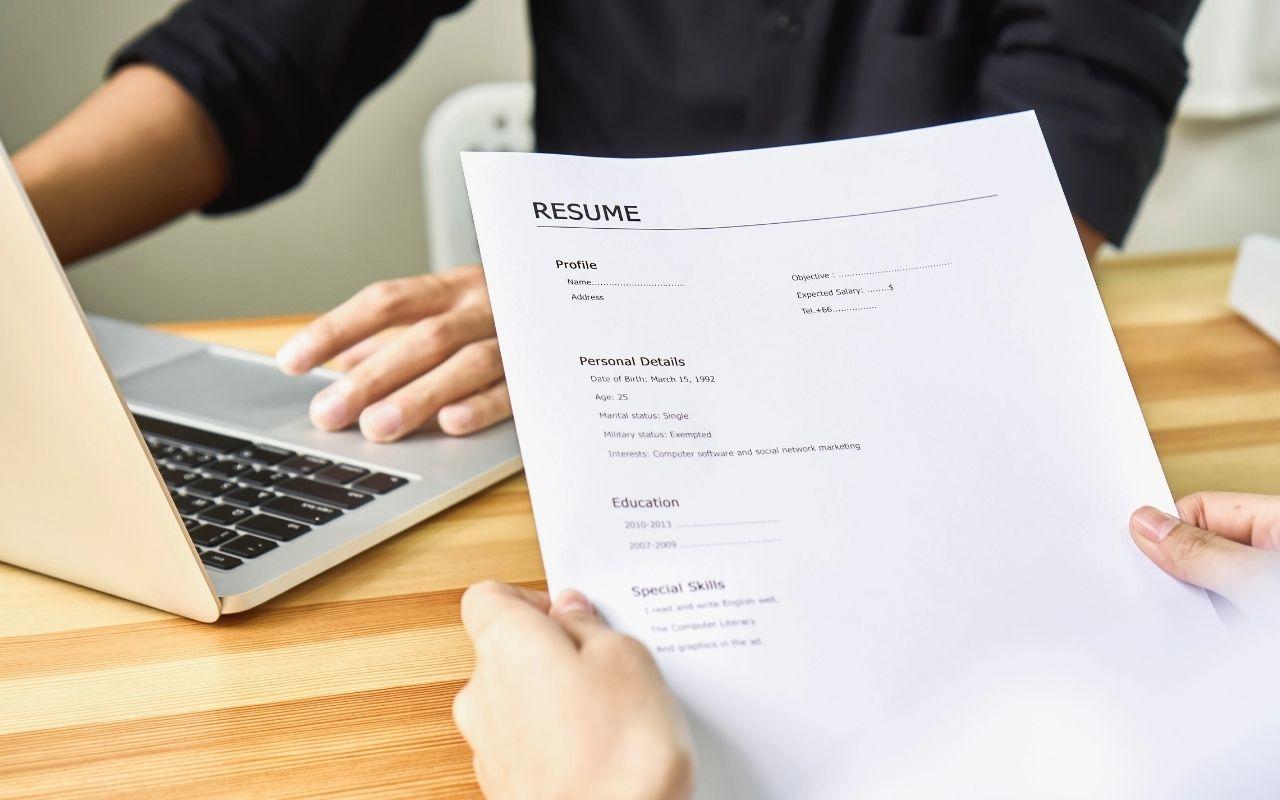
Free Microsoft Word Resume Templates
Use Microsoft Word resume templates from Monster’s Resume Builder to create an ATS-friendly resume. Customize a professional design and optimize it with expert resume tips.
Explore Microsoft Word Resume Templates
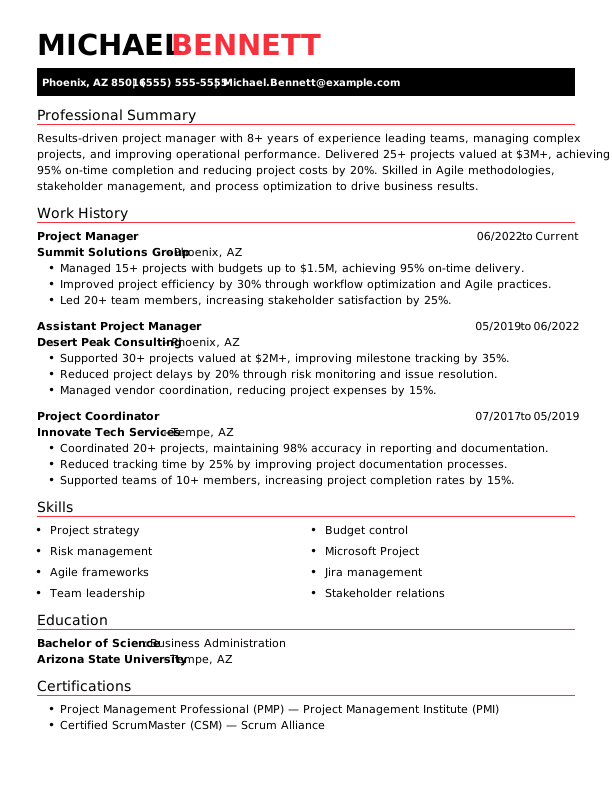
Project Manager Resume Example Chronological Monster
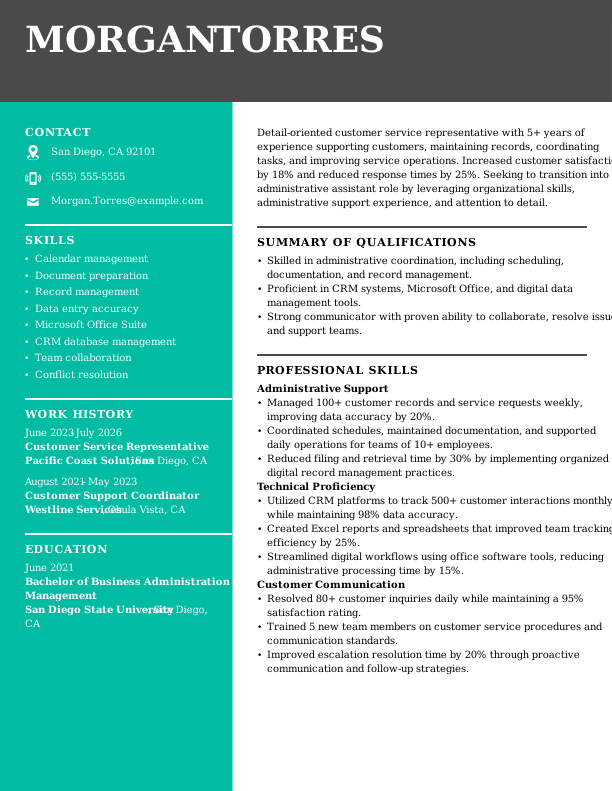
Customer Service Representative Resume Example Career Change Monster
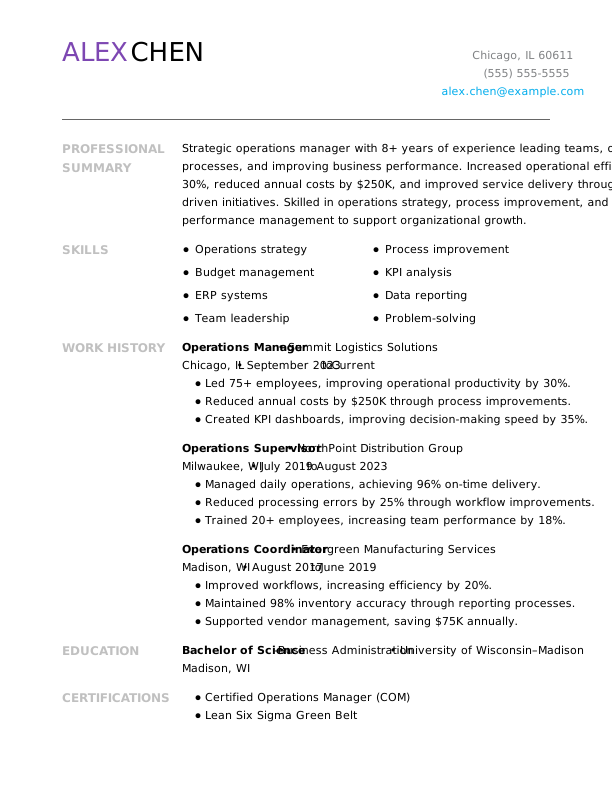
Operations Manager Resume Example Combination Monster
 Free
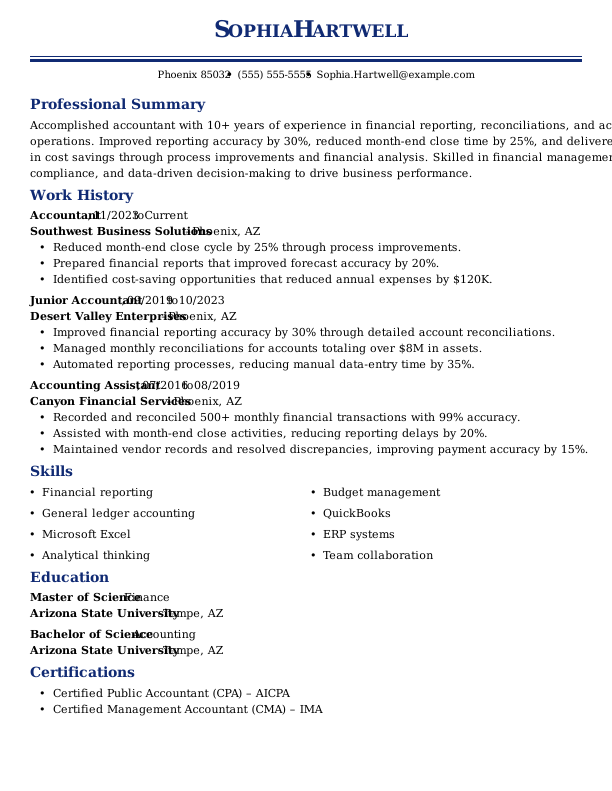
Accountant Resume Example Traditional Monster
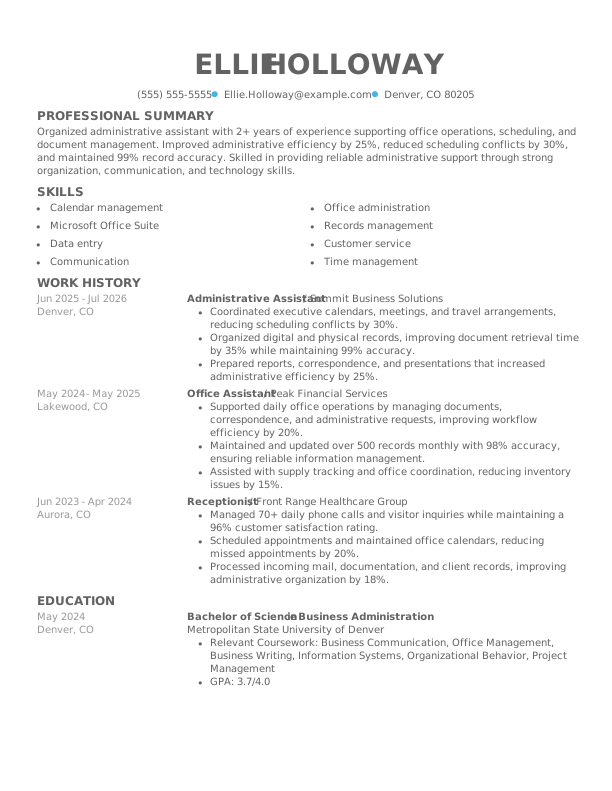
Administrative Assistant Resume Example Simple Monster
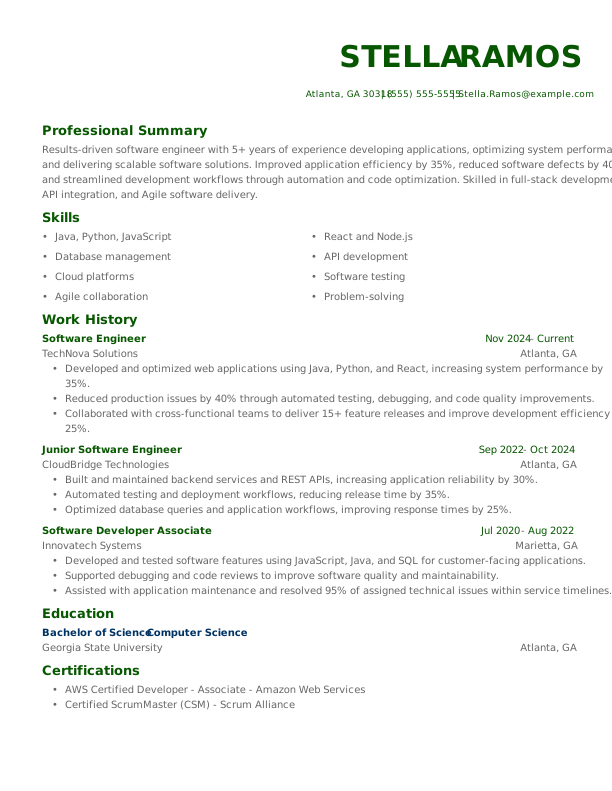
Software Engineer Resume Example Modern Monster
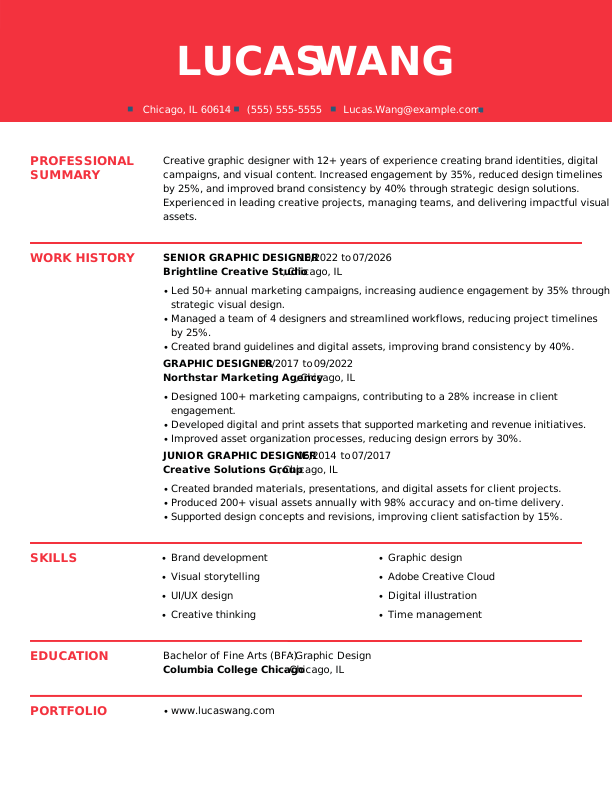
Graphic Designer Resume Example Creative Monster
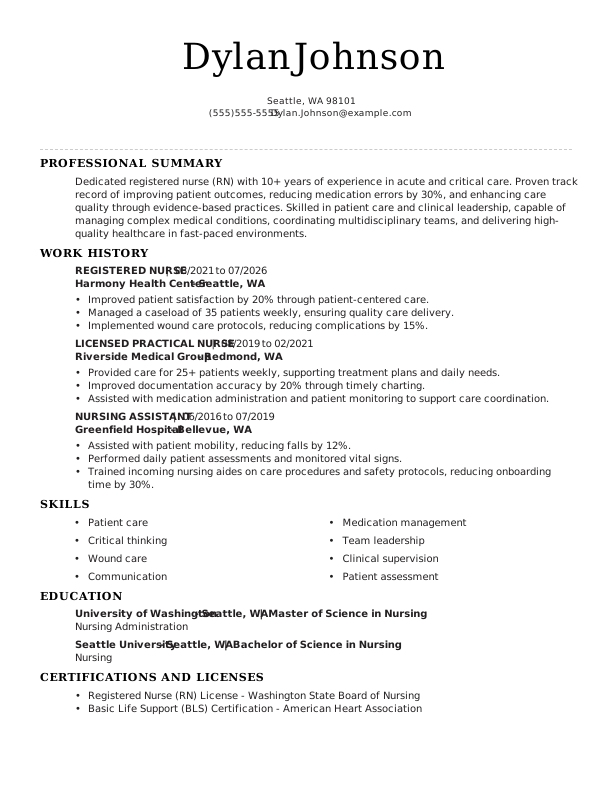
Registered Nurse Resume Example ATS-Friendly Monster
Browse More Free Resume Templates for Word
Popular Searches
- Accounts Payable
- Artist
- Baker
- Business
- Classic & Traditional
- College Student
- Construction Worker
- Creative & Unique
- Customer Service
- Direct Support Professional
- Flight Attendant
- Front Desk Receptionist
- High School
- Hvac Technician
- Inventory Manager
- Maintenance
- Modern
- Pet Sitter
- Production
- Sales
- Restaurant Server
- Social Work
- Technology
How to Format a Resume in Microsoft Word
To format a resume in Microsoft Word, start with an ATS-friendly template, add your information, and keep formatting consistent. For an easier option, you can use Monster’s Resume Builder to customize your content and layout before downloading a DOCX file.

Open a Resume Template in Microsoft Word
To create a resume from scratch, you can use Microsoft Word’s built-in templates or build one manually. If you prefer additional template options, Monster’s Resume Builder also includes professionally designed resume templates you can edit and download as DOCX files in Word.
To use a Monster resume template:
- Download a Monster resume template in DOCX file format.
- Open Microsoft Word.
- Select File > Open and choose the downloaded template.
- Replace the sample content with your own information while preserving the existing formatting.
To create a resume directly in Microsoft Word:
- Select File > New to browse Microsoft’s template library and choose a design.
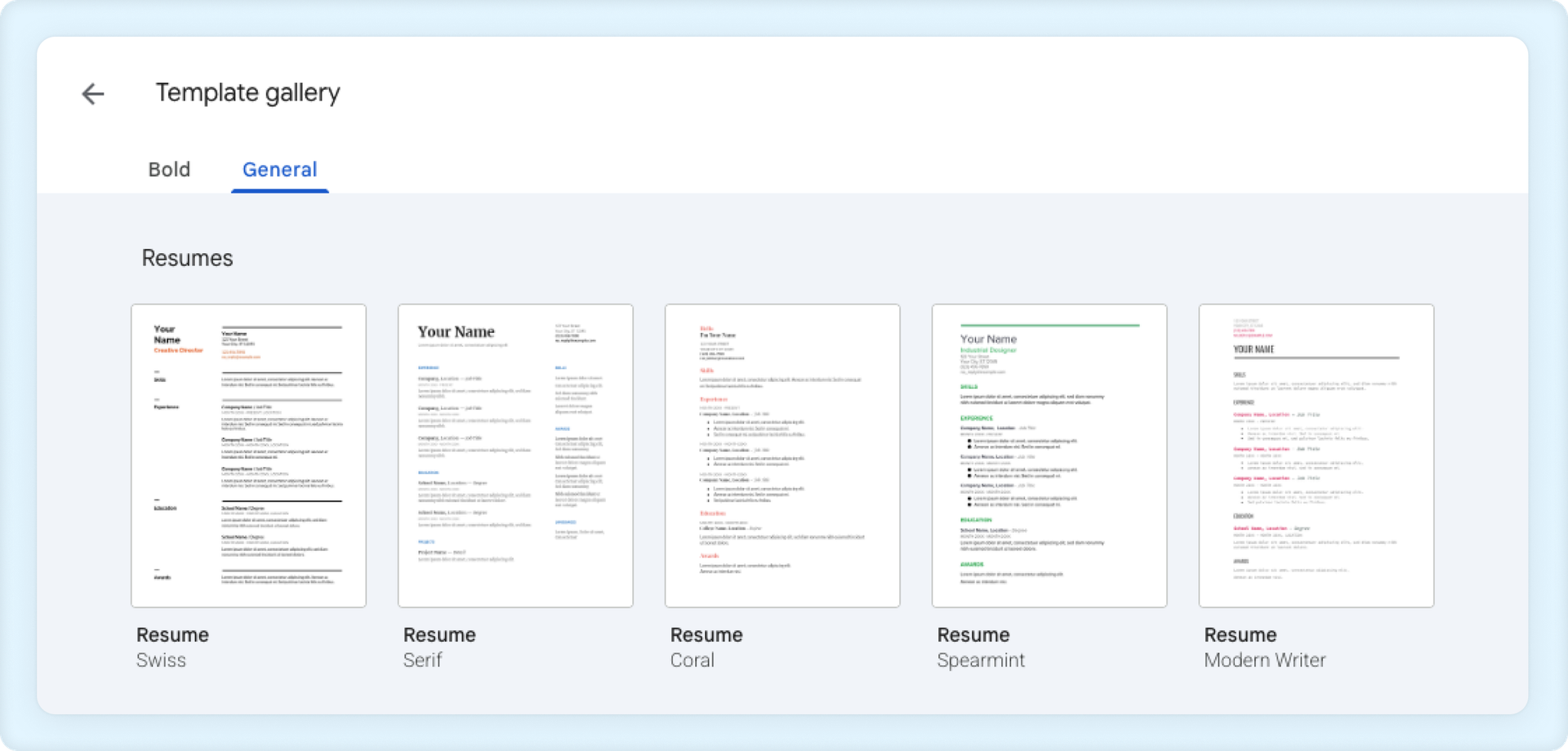

Choose From a Variety of Professional Word Resume Templates
Choose a resume template with a clean, professional layout that’s easy for both hiring managers and ATS to read.
Follow these best practices when choosing a resume template:

A good resume template should:
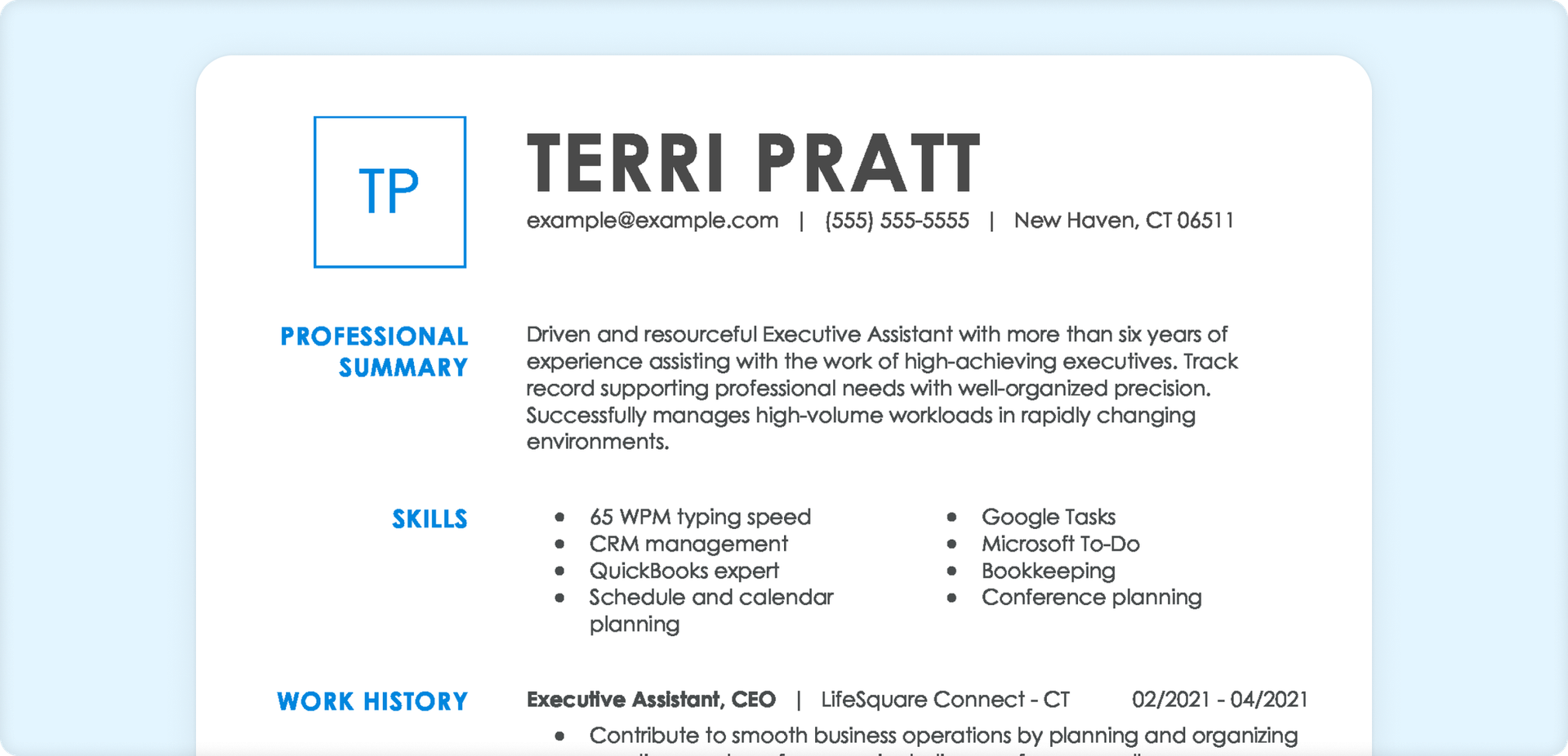
Use a simple, professional layout with clear section headings
Feature a readable font and consistent formatting
Leave enough white space to improve readability
Prioritize your content over decorative design elements
Be easy to edit and save as a DOCX or PDF

A good resume template should not:
Use multiple columns, tables, or excessive text boxes
Rely on graphics, icons, or photos to convey important information
Include elaborate fonts or heavy design elements
Prioritize style over organization and readability
Make it difficult for ATS software to accurately parse your resume

Use Standard Resume Headings
Most professional Word resume templates, including Monster’s, already include standard resume headings. If you’re creating your resume from scratch, organize it using common section titles, including:
- Contact Information
- Summary/Objective
- Work Experience
- Skills
- Education
- Optional sections, such as Certifications, Languages, Awards, etc.

Keep Formatting Clean & Consistent
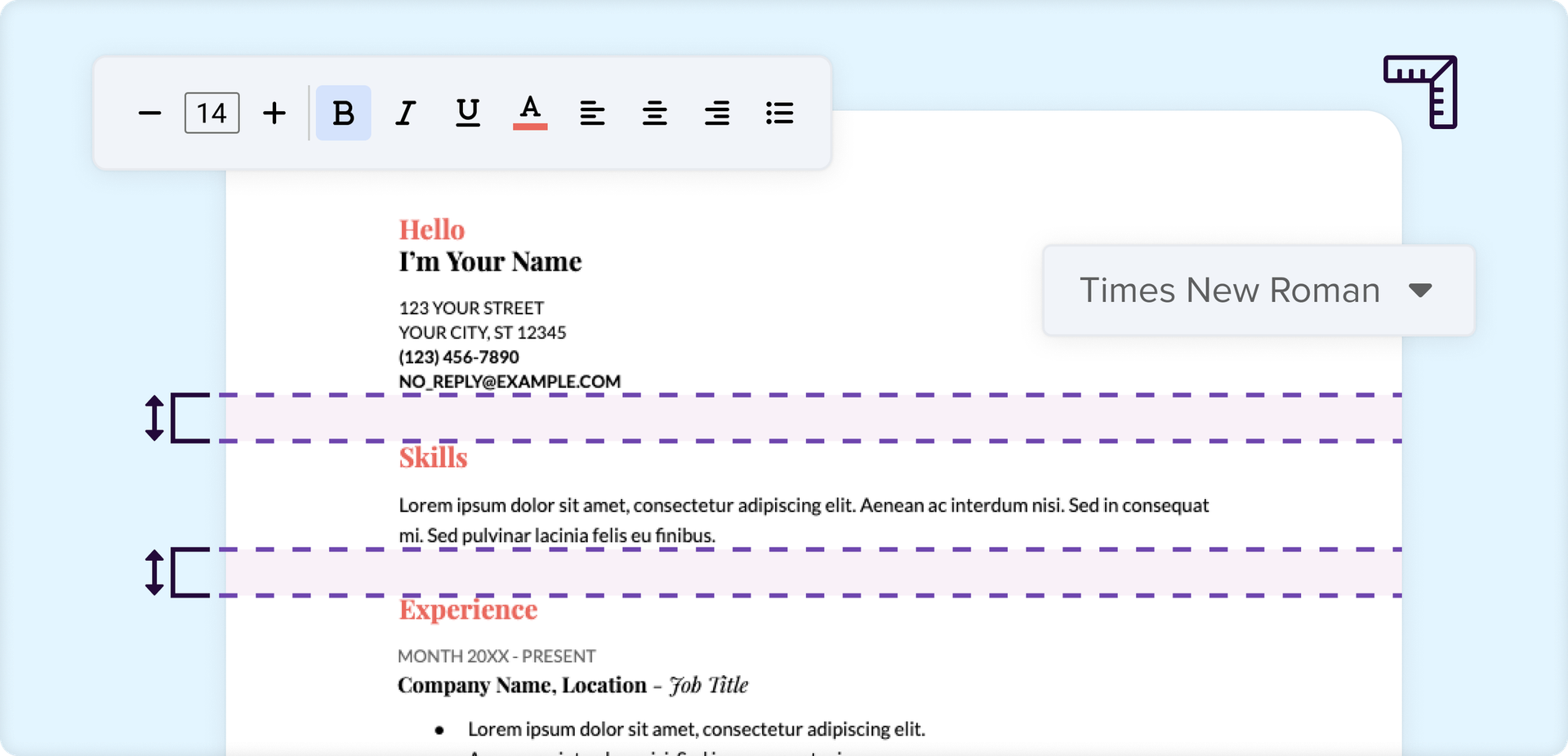
One of the biggest challenges of building a resume in Microsoft Word is keeping formatting consistent as you add or remove content. Small changes to spacing, alignment, or bullet styles can quickly affect the appearance of your document.
With Monster’s Resume Builder, you can customize both your content and layout while the formatting automatically stays clean, consistent, and professional, so you can focus on your experience instead of adjusting margins, spacing, and text styles.
If you’re formatting your resume manually in Word:
- Choose a professional font such as Calibri, Arial, Georgia, or Times New Roman.
- Use a 10–12-point font for body text and a 14–16-point font for section headings.
- Keep spacing, margins, bullet styles, and date formatting consistent.
- Avoid decorative fonts, graphics, tables, and text boxes that may interfere with ATS parsing.

Customize Your Resume for Each Job
Replace all placeholder text in the template with your own information, then tailor your resume for every job you apply to. Incorporate relevant keywords from the job description naturally throughout your professional summary, work experience, and skills section to improve your resume’s relevance in ATS searches.

Save Your Resume
Before submitting your application, proofread your resume for spelling, grammar, and formatting errors.
Save the file with a professional name, such as FirstName_LastName_Resume (e.g., Sarah_Smith_Resume).
We generally recommend saving a PDF version to help preserve your formatting. If an employer specifically requests a Microsoft Word document, submit the DOCX version instead.
If you’re using Microsoft Word for the web, you can:
- Download a PDF by selecting File > Export > Download as PDF.
- Download a Word document by selecting File > Create a Copy > Download a Copy.
If you’re using the desktop version of Microsoft Word, you can:
- Save a PDF by selecting File > Save As > PDF.
- Save a Word document by selecting File > Save As > Word Document (DOCX).
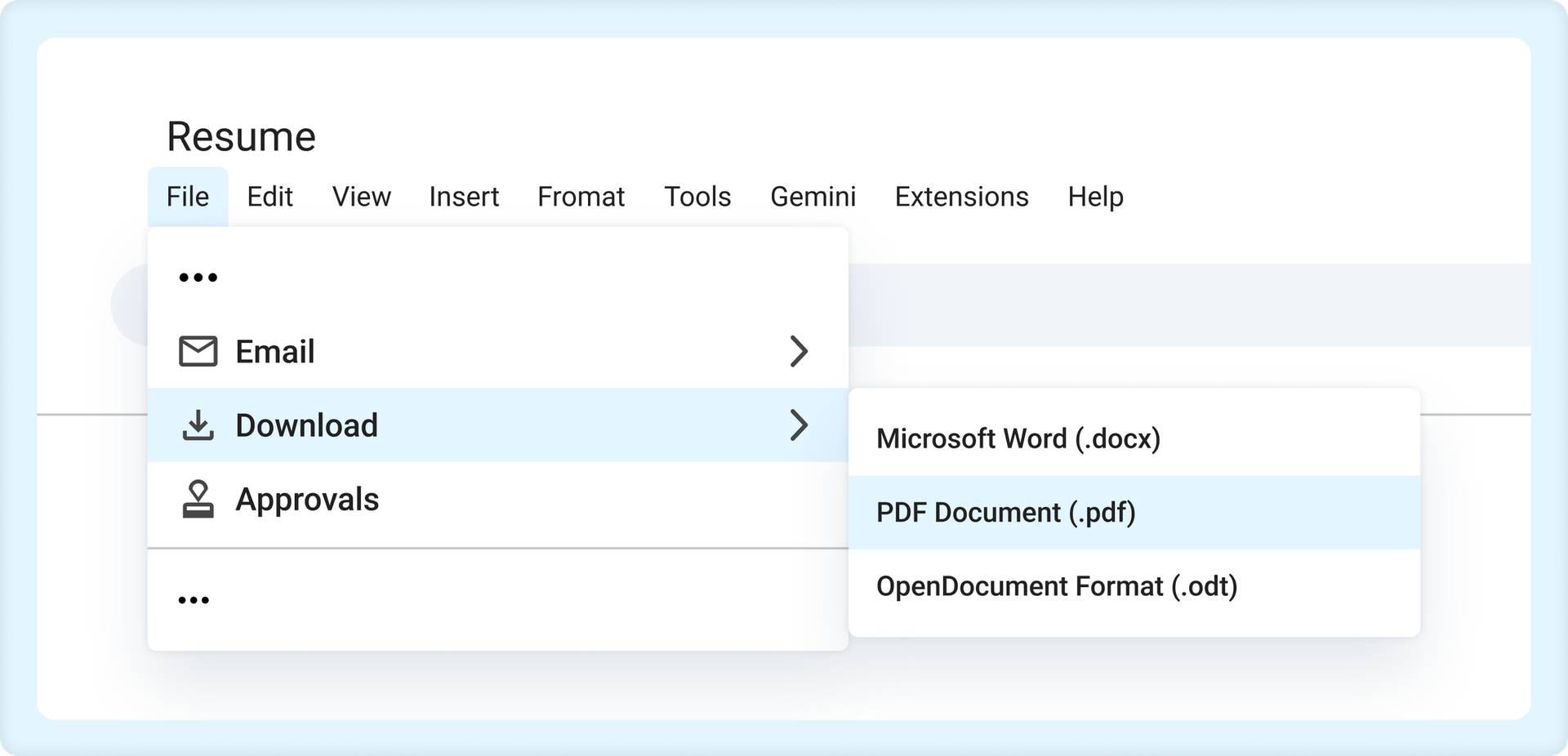
Keep in mind that the exact menu options may vary slightly depending on your version of Microsoft Word and operating system.
Start Building Your Job-Winning Resume
Use Your Existing Resume
Import your current resume to transfer your information to one of our professional templates.
Create a New Resume
Start fresh with a template that catches your eye and follow the prompts to add your details.
Frequently Asked Questions
Last Update:
Should I use Microsoft Word or a resume builder?
Whether you use Microsoft Word or a resume builder depends on your goals, comfort level with editing documents, and desired level of customization.
Microsoft Word gives you complete control over your resume’s formatting and is a great choice if you’re comfortable using Word. A resume builder can be helpful if you prefer guided prompts, automatic formatting, and content suggestions to create your resume faster.
Are Microsoft Word resume templates ATS-friendly?
Yes, Microsoft Word resume templates can be ATS-friendly if they use a simple layout, standard section headings, consistent formatting, and relevant keywords from the job description. Avoid templates with graphics, text boxes, tables, or multiple columns, which may not be parsed correctly by some applicant tracking systems.
What’s the best Microsoft Word resume template?
The best Microsoft Word resume template depends on your experience and career goals. In general, the best resume templates use a simple layout, standard sections, and formatting that makes your qualifications easy to read. A single-column design is often the easiest to customize and maintain, while more complex layouts may require extra attention to ensure your resume remains ATS-friendly.
Can I edit a resume template in Microsoft Word?
Yes, you can edit a resume template in Microsoft Word. You can download a resume template, such as one of Monster’s, as an editable DOCX file or choose one from Microsoft’s template library. Then, replace the placeholder text with your own experience, skills, education, and accomplishments. Before submitting your resume, proofread it carefully and tailor it to each job you apply for.
Should I submit my resume as a Word document or PDF?
You should submit your resume as either a Word document or PDF based on the employer’s instructions. If a job posting requests a Microsoft Word document, submit your resume as a DOCX file. If no file type is specified and PDFs are accepted, a PDF is likely the best choice.
Where can I download free resume templates for Word?
You can download free resume templates for Word from several online resources, including Monster, which offers a variety of professional resume templates that you can download, edit in Microsoft Word, and customize for your work history and industry.
Explore Related Career Advice


How to Put Transferable Skills on Your Resume: 120 Skills, Examples, & Tips

Updated:
Aug 27, 2026
|
16 min read

How to Write a Functional Resume (Formatting Tips, Template, & Examples)
Updated:
Aug 7, 2026
|
17 min read

Functional vs Chronological Resume: Which Format Is Right for You?
Updated:
Aug 3, 2026
|
16 min read
100+ Resume Adjectives to Help You Write a Stronger Resume in 2026 (With Examples)
Updated:
Jul 30, 2026
|
12 min read