

Free ATS-Friendly Resume Templates & Examples
Get more interviews with our free ATS-friendly resume and CV templates. Download real examples and use our expert writing tips to help you stand out to employers.
Choose from 773 ATS-friendly templates

freelancing-vs-full-time-work

father-holding-baby-parental-leave-return

when-its-ok-to-take-a-pay-cut
kirsten-chorpenning

how-to-find-career-mentor

employee-home-working-at-night-work-life-balance-disconnect
job-scam-most-common-sources-infographic

online-job-search-job-scam

biggest-lies-employers-tell-workers

job-termination-on-resume

what-to-do-when-your-first-offer-isnt-your-top-choice

popular-jobs-for-millennials

jobs-for-people-who-can-keep-secrets

approach-cover-letter

happy-graduates-tossing-caps-in-the-air

smiling-woman-conducting-a-job-interview

woman-sitting-at-desk-with-laptop-gazing-out-the-window

man-and-woman-reviewing-documents-together

two-female-coworkers-laughing

stressed-woman-with-head-in-hands-at-office-desk-with-laptop


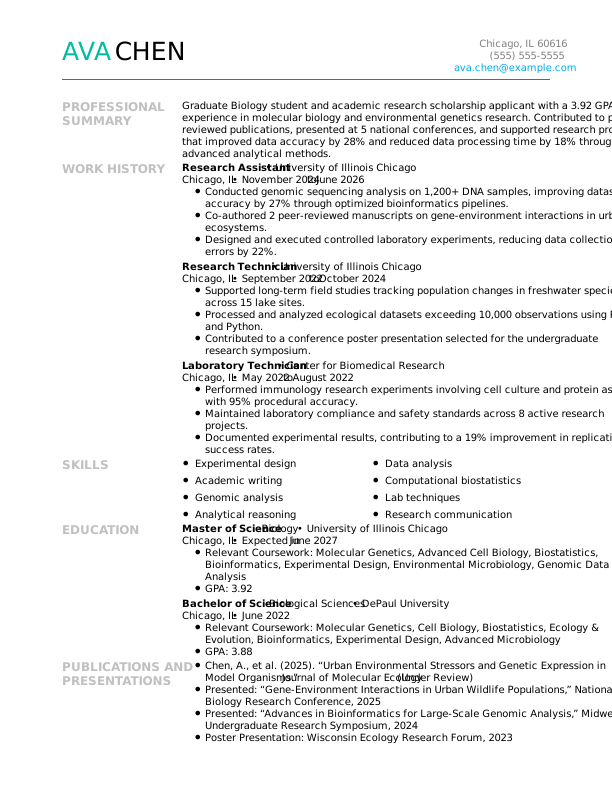
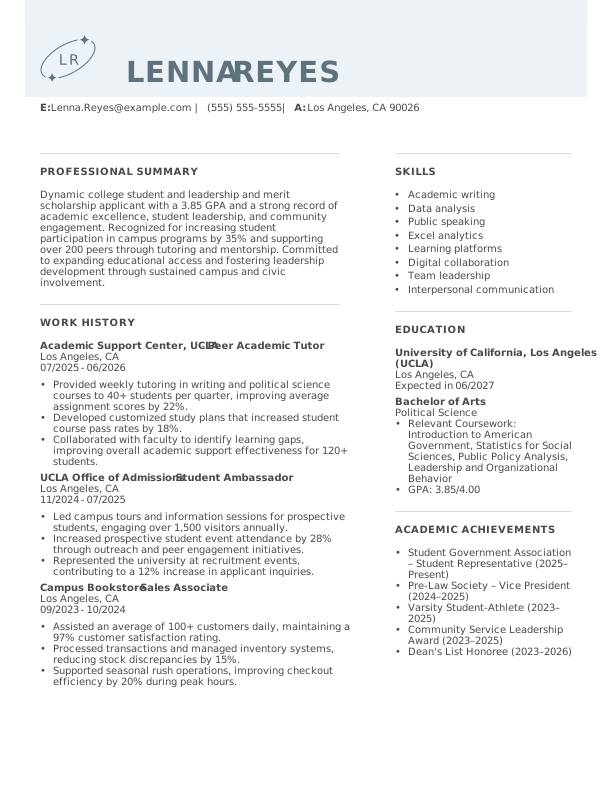
Browse All Free Resume Templates
- Accounts Payable
- Adjunct Professor
- Artist
- ATS-Friendly
- Auto Mechanic
- Baker
- Business Development Manager
- Business
- Certified Nursing Assistant
- Classic & Traditional
- Cleaner
- College Student
- Concierge
- Construction Worker
- Corporate
- Creative & Unique
- Custodian
- Customer Service
- Dental Assistant
- Direct Support Professional
- Entry-Level
- Flight Attendant
- Hospitality & Food Service
- Front Desk Receptionist
- Healthcare
- High School
- Housekeeping
- Hvac Technician
- Inventory Manager
- Logistics
- Maintenance
- Management
- Modern
- Mortgage Loan Processor
- Pet Sitter
- Phlebotomist
- Production
- RBT
- Restaurant Server
- Sales
- Security Services
- Simple & Basic
- Social Work
- Teacher
- Technology
Create Your Professional Resume With Monster Resume Templates

Choose a Template
Select an expertly crafted template and start building a polished resume or CV that highlights your key skills and qualifications.
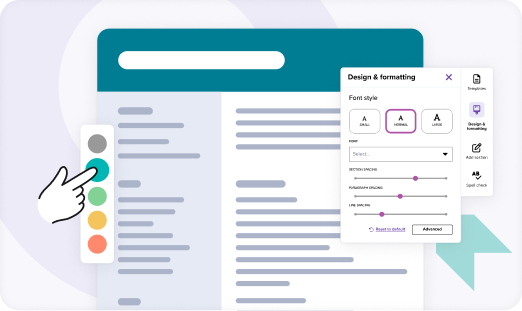
Customize and Tailor
Add your experience with guided prompts and ready-made content. Adjust layouts, fonts, and colors to match your style.

Download and Apply
Preview your resume or CV, download it in your preferred file format, and share it with employers to start landing interviews.
How Our Free Resume Templates Help You Land the Job
Monster helps you create a professional resume that gets results. With recruiter-friendly designs and AI-powered tools, you can easily craft a resume or CV that stands out to employers in your field.

ATS-Friendly for Better Visibility
Our templates are optimized to pass applicant tracking systems (ATS), featuring proper formatting and targeted keywords that get you noticed.

Simple and Intuitive to Use
Create your resume or CV quickly and easily. Our powerful builder guides you step by step so you can focus on showcasing your skills instead of formatting.

Built to Impress Recruiters
Each template is designed with key hiring trends in mind, making your skills and achievements easy to scan so recruiters see your unique value right away.

Professional, High-Impact Designs
With polished, professional layouts, our resume templates help you present your experience effectively and make a strong impression on hiring managers.

Customizable to Match Your Style
Personalize every detail to reflect your style and career goals, from layout and color to font and spacing. Adjust with ease to make your resume or CV truly your own.

AI-Powered for Optimal Results
AI-powered content suggestions help you update your resume and tailor your experience to each role, boosting your chances of landing interviews.
Finding Your Best Resume Template
Choosing the right template for your resume or CV is the first step to making a strong impression. Consider your career level, industry, and personal style to select a template that highlights your skills.

Identify Your Career Level
Select a free template that matches your experience, whether that’s entry-level, experienced, or executive, to ensure your resume or CV effectively presents your achievements.
Determine the Resume Type
Assess whether a chronological, functional, or combination resume best fits your experience and career goals. The right format emphasizes your strengths for maximum impact.

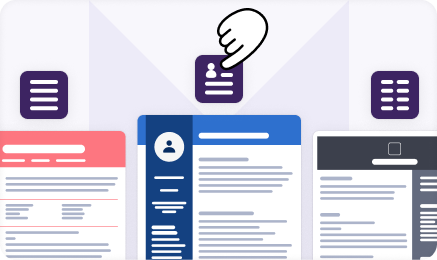
Pick a Visual Style
Select a design that reflects your personality and profession. Choose from creative, modern, or traditional styles to showcase your skills and make a strong impression on employers.
Select the Layout
Consider how information is organized on the page. Opt for a resume or CV template that ensures your top skills and qualifications are easy to spot at a glance.
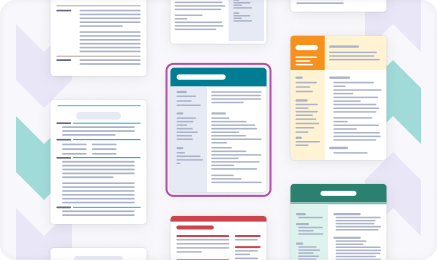

Match Your Career Field
Select from professional resume templates tailored for your career field. Industry-specific designs help you showcase your strengths and align with employer expectations.
Start Building Your Job-Winning Resume
Use Your Existing Resume
Import your current resume to transfer your information to one of our professional templates.
Create a New Resume
Start fresh with a template that catches your eye and follow the prompts to add your details.
Frequently Asked Questions
Last Update:
How long should my ATS-friendly resume be?
For most job seekers, an ATS-friendly resume or CV should be one to two pages. Entry-level candidates should aim for one page, while those with extensive experience can justify two. The key is ensuring every line contains relevant keywords and accomplishments that applicant tracking systems can parse correctly.
What’s the best resume format?
A reverse-chronological format works best for ATS-friendly resumes, as most applicant tracking systems are designed to read this structure. Use standard section headings like “Work Experience” and “Education,” avoid tables, columns, and graphics, and stick to common fonts like Arial or Calibri.
Should I include a cover letter with my resume?
Yes, always include a cover letter unless the job posting explicitly says not to. A cover letter gives you the opportunity to explain your qualifications in a more personal way, connect your experience to the employer’s needs, and demonstrate genuine interest in the role.
How do I customize my resume for different job postings?
Mirror the exact keywords and phrases from each job posting in your resume or CV. ATS software scans for specific terms, so if a posting mentions “project management” rather than “managing projects,” use their phrasing. Tailor your skills section and work experience bullet points to reflect each role’s requirements.
What are common action verbs to use on a resume?
Strong action verbs make your accomplishments stand out. Consider verbs like “achieved,” “implemented,” “streamlined,” “coordinated,” “developed,” “managed,” “led,” “increased,” “reduced,” and “delivered.” Choose verbs that accurately reflect your contributions and vary them throughout your resume.
Explore Related Career Advice


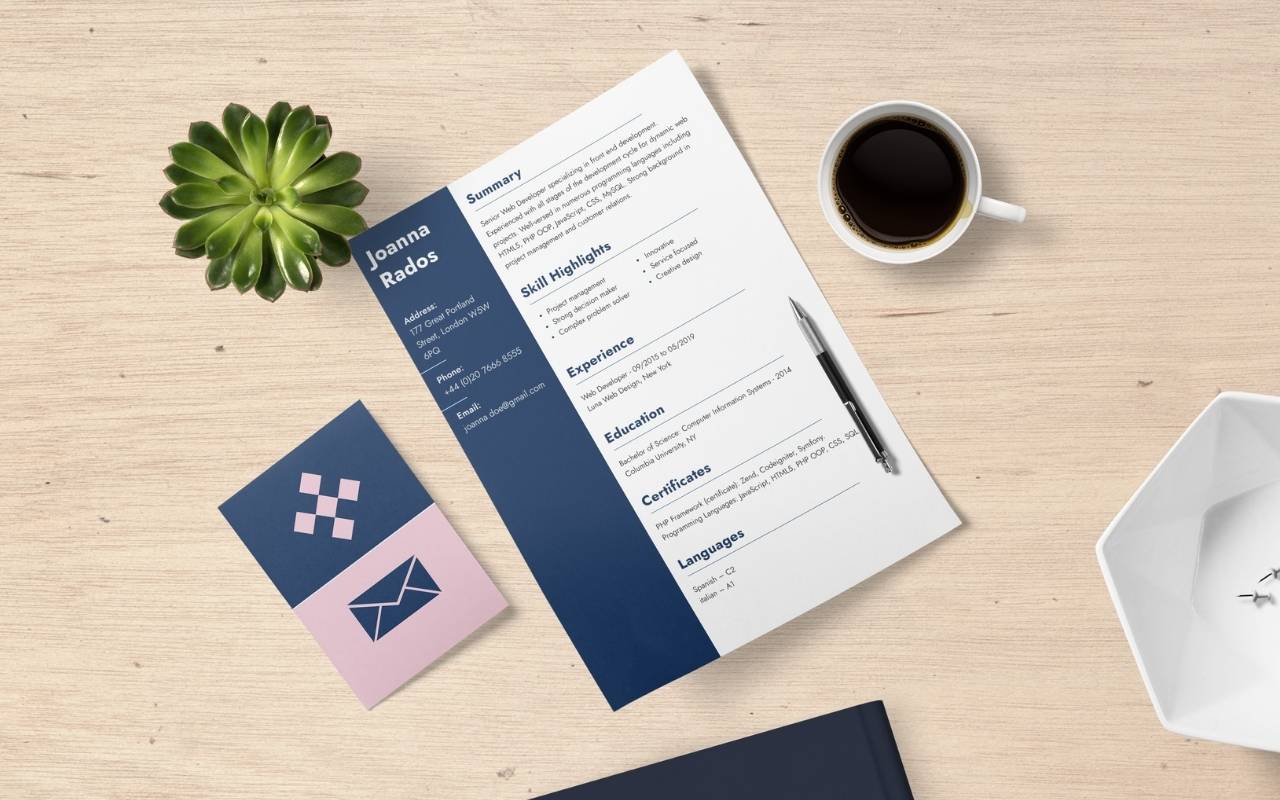



Canadian Resume Format Guide: How to Write a Canadian Resume (With Examples)

Updated:
May 8, 2026
|

12 min read


How to List Multiple Positions at the Same Company on Resumes: 3 Methods
Updated:
May 7, 2026
|
12 min read

Extracurricular Activities for Resumes: 10+ Examples & How to Include Them
Updated:
May 7, 2026
|
14 min read