
Free Security Services Resume Templates & Examples
Elevate your job search with expertly designed security services resume templates that can help you land more interviews. These free resume templates include valuable writing tips to assist you in crafting a standout resume or CV that showcases your qualifications.
Real-World Resumes That Get Results
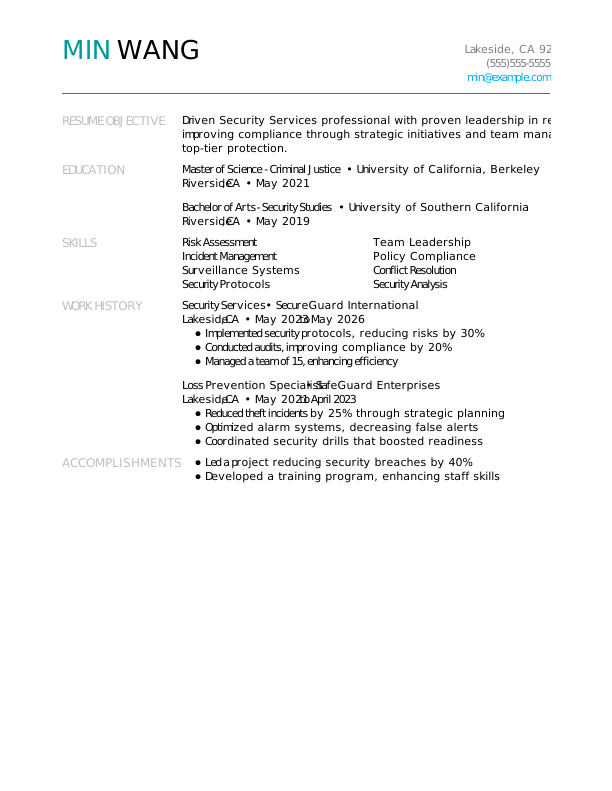
 Free
FreeSecurity Services Entry-Level Resume
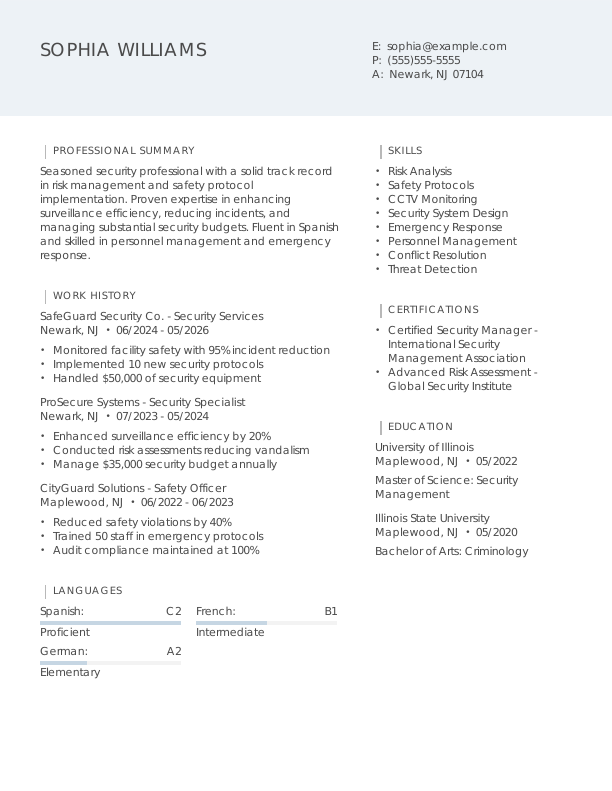
Security Services Mid-Level Resume
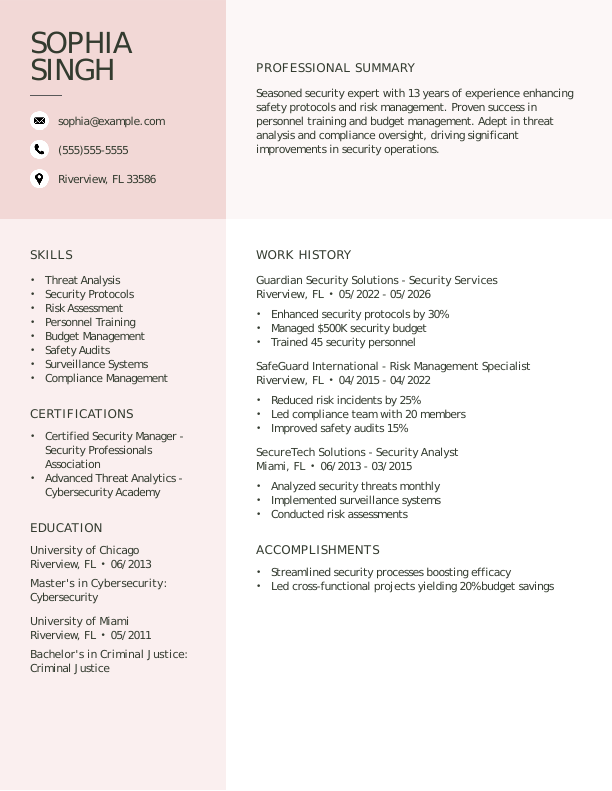
Security Services Experienced Resume
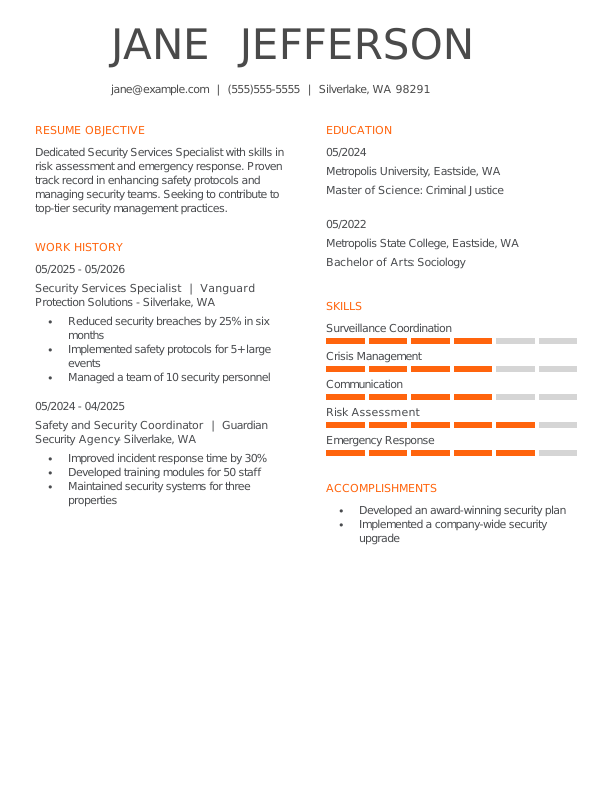
Security Services Entry-Level Resume 1
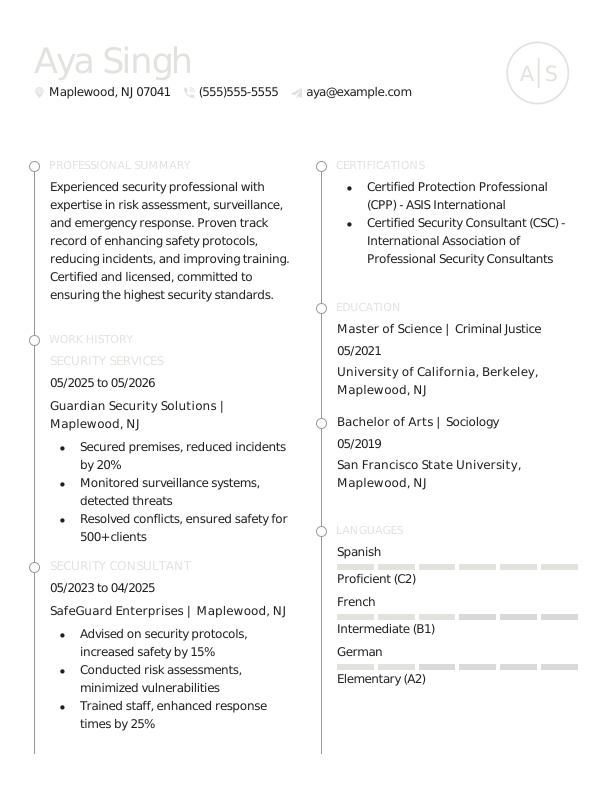
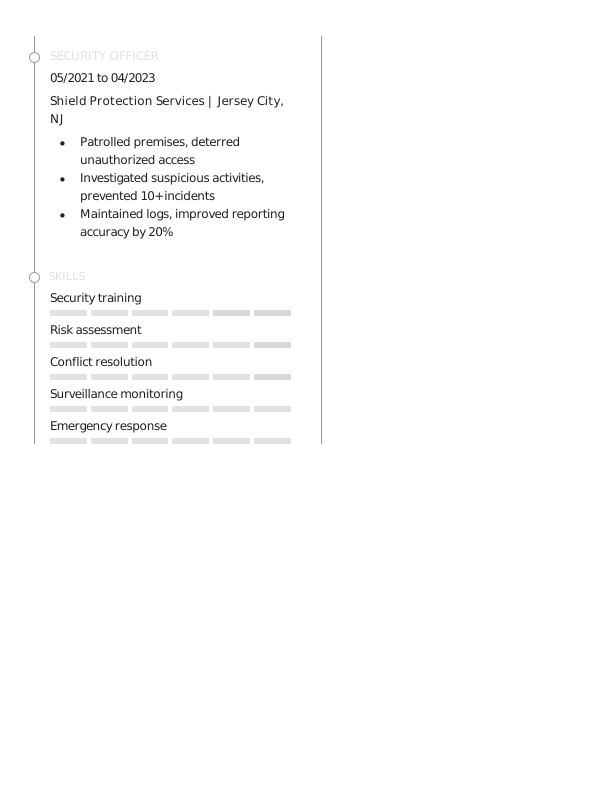
Security Services Mid-Level Resume 1
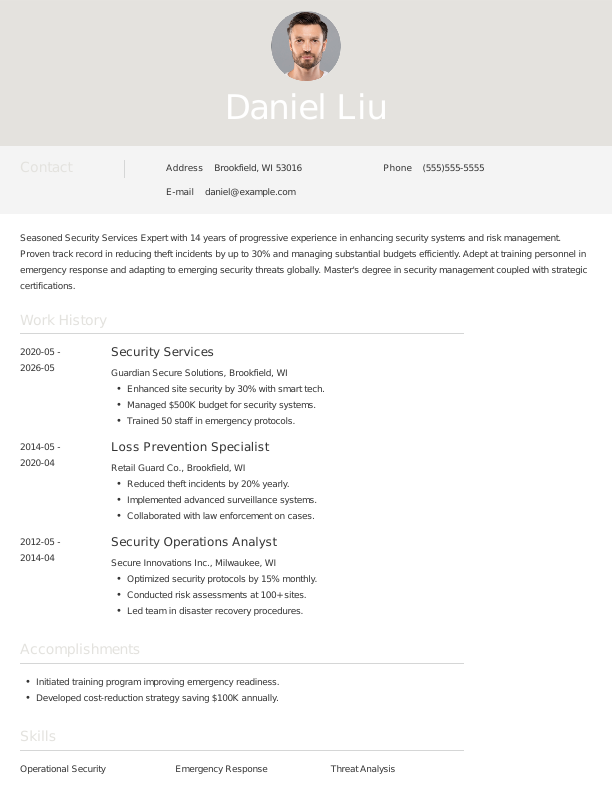
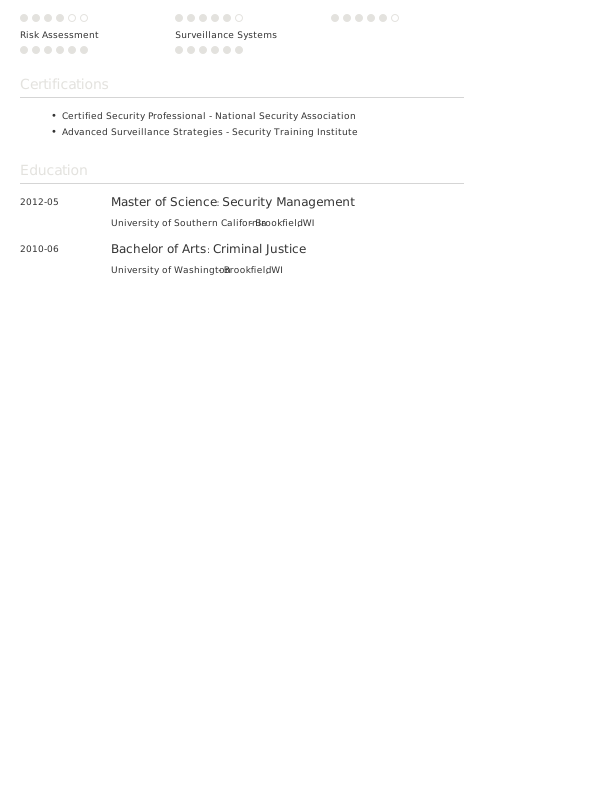
Security Services Experienced Resume 1
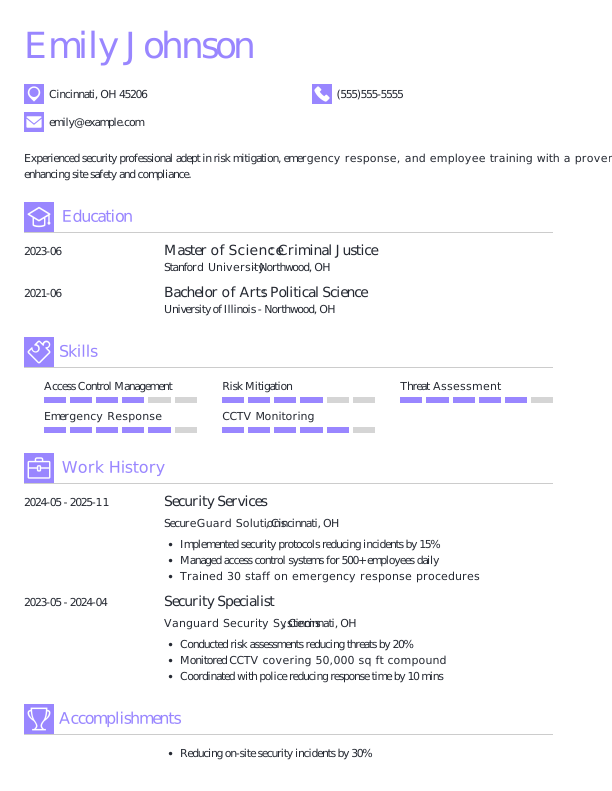

Security Services Entry-Level Resume 2
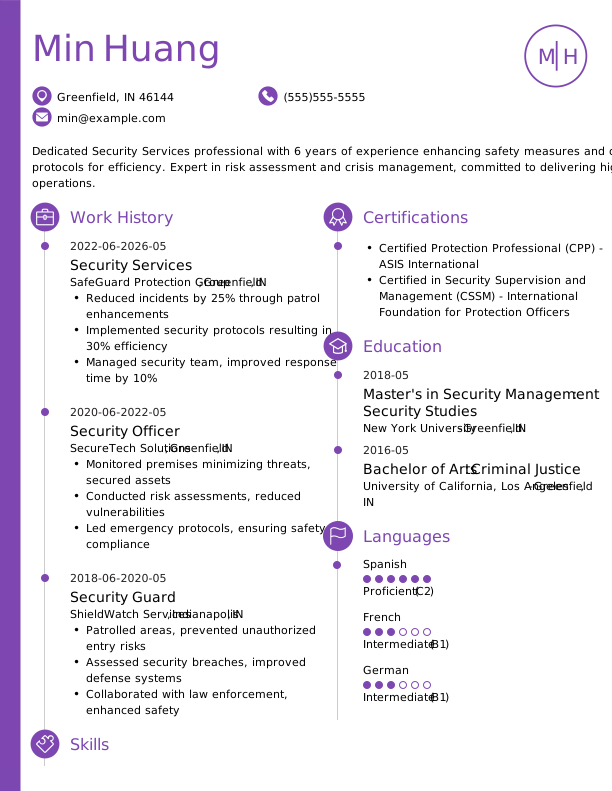
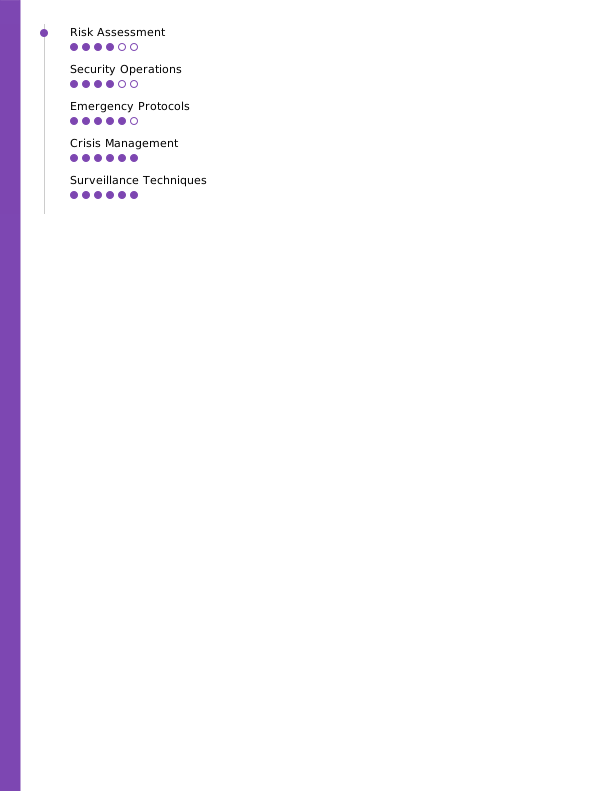
Security Services Mid-Level Resume 2
Browse Free Resume Templates
- Accounts Payable
- Adjunct Professor
- Artist
- Auto Mechanic
- Baker
- Business Development Manager
- Business
- Certified Nursing Assistant
- Classic & Traditional
- Cleaner
- College Student
- Concierge
- Construction Worker
- Corporate
- Creative & Unique
- Custodian
- Customer Service
- Dental Assistant
- Direct Support Professional
- Entry-Level
- Flight Attendant
- Hospitality & Food Service
- Front Desk Receptionist
- Healthcare
- High School
- Housekeeping
- Hvac Technician
- Inventory Manager
- Logistics
- Maintenance
- Management
- Modern
- Mortgage Loan Processor
- Pet Sitter
- Phlebotomist
- Production
- Rbt
- Restaurant Server
- Sales
- Simple & Basic
- Social Work
- Teacher
- Technology
Resume Examples for Security Services
Security services resumes and CVs evolve alongside your career, reflecting new skills and experiences. Explore templates designed for each level of expertise, from entry to experienced roles, to help you get started writing your resume.
Entry-Level Security Services Resume
Ideal for recent graduates looking to create a resume with no experience, this template is also suitable for individuals transitioning from other fields into security services roles.

Mid-Career Security Services Resume
A good fit for security professionals with a few years of experience, this template highlights recent achievements and supports advancement into more specialized or leadership roles.

Experienced Security Services Resume
An ideal choice for security professionals with over 10 years of experience, this template supports applicants pursuing senior leadership roles in safety and risk management.

Security Services Resume Template (Text)
Use this customizable security services resume template to copy, edit, and personalize directly in your document.
Aiko Smith
Southgate, MI 48202
Professional Summary
Dedicated Security Professional with 7 years’ experience in safeguarding assets, managing access controls, and optimizing emergency responses. Proven expertise in reducing incidents by 20% through proactive strategies and advanced surveillance. Fluent in Spanish with certifications in CSP and CPR.
Work Experience
February 2023 – May 2026
Vanguard Protective Solutions – Southgate, MI
Security Services
- Ensured safety for 100+ employees daily.
- Reduced security incidents by 25% through risk assessments.
- Managed access control for sensitive facility zones.
January 2019 – January 2023
Summit Security Group – Southgate, MI
Security Officer
- Supervised 15-member security team to secure operations.
- Monitored 300+ CCTV feeds across facilities.
- Conducted emergency drills quarterly for compliance.
January 2016 – December 2018
Elite Guard Solutions – Southgate, MI
Asset Protection Specialist
- Secured inventory worth $2M during night shifts.
- Resolved 50+ incidents using conflict de-escalation techniques.
- Collaborated with local authorities during investigations.
Education
December 2015
Arizona State University Southgate, MI
Master’s Criminal Justice
December 2013
University of Arizona Southgate, MI
Bachelor’s Sociology
Certifications
- Certified Security Professional (CSP) – International Association for Security
- First Aid & CPR Certification – American Heart Association
- CCTV Surveillance and Monitoring Certification – National Security Technology Institute
Skills
- Risk Assessment
- Access Control
- CCTV Monitoring
- Emergency Response
- Conflict Resolution
- Team Leadership
- Patrolling
- Incident Reporting
How to Write a Security Services Resume
As a security services professional, knowing how to write a resume means showcasing your relevant skills and experience in a clear format that emphasizes your qualifications for the role. Use the guidance below to highlight your strengths and tailor your resume to align with the specific demands of the positions you’re targeting.
1. Contact Info
Your contact information should be clear, professional, and easy to find at the top of your resume.
Make sure to include:
- Full name
- Phone number
- Professional email address
- City and state (ZIP code is optional)
- LinkedIn profile or personal portfolio (if relevant)
- Security certifications or licenses (if applicable)
 PRO TIP
Skip including sensitive personal details such as Social Security numbers, religious affiliations, or photographs unless explicitly required by the employer.
2. Resume Profile
A resume profile is a concise introduction, typically consisting of two to four sentences, that highlights your key qualifications and skills. It serves as an engaging pitch aimed at hiring managers, designed to capture their interest and motivate them to explore your resume further.
Positioned at the top of your resume, this profile can take the form of either a summary or an objective statement, each serving distinct purposes. Understanding these differences is essential for crafting a compelling introduction:
- A resume summary highlights your key skills, relevant experiences, and notable achievements in a concise format that resonates with hiring managers. This method is especially helpful for individuals with established work histories or transferable skills who want to showcase their professional contributions in the security services field.
- A resume objective looks ahead and outlines your career aspirations and the milestones you aim to reach. This is ideal for individuals such as new graduates, career changers, or professionals with minimal experience in a specific sector, such as cybersecurity.
Let’s take a look at an example of each to see how a resume summary and a resume objective can differ:
Security services resume summary example:
Dedicated security services professional with over 6 years of experience in high-risk environments, including corporate and event security. Proficient in threat assessment, emergency response planning, and team leadership. Acknowledged for improving safety protocols and maintaining a secure atmosphere for clients and attendees.
Security services resume objective example:
Recent graduate with a degree in criminal justice, eager to launch a career in security services in a dynamic, challenging environment. Committed to maintaining safety and integrity while contributing strong analytical skills and attention to detail to security teams at corporate or public venues.
3. Work Experience
The work experience on your resume is an important selling point. Employers examine your job history to understand not only where you’ve worked but also the tangible impacts you’ve made in security services.
Your background demonstrates that your past roles and skills make you a strong candidate for the security services position.
The work experience section should contain:
- Job title
- Employer name and location
- Dates of employment (month/year)
- 3–5 bullet points describing your relevant responsibilities and achievements
Tailor your content to reflect the specific security services role you’re applying for. Start each bullet point with an action verb (like “Secured,” “Investigated,” “Monitored”) to create a stronger statement that highlights your contributions.
Incorporate quantifiable information whenever possible. Specific numbers and metrics, such as incident reduction rates or response times, demonstrate your effectiveness and help distinguish you from other applicants in the field.
In general, consider following the format of:
[action verb] + [responsibility] = [result/achievement]
For example:
Conducted security assessments for 50+ client sites, identifying vulnerabilities and implementing solutions that reduced incidents by 30%.
Note that you can also flip the result/achievement with the responsibility:
Achieved a 25% decrease in security breaches through the development of employee training programs and improved surveillance systems.
With these techniques in mind, your resume bullets may look something like:
- Conducted security assessments for over 50 client sites, identifying vulnerabilities and reducing risks by 30%.
- Implemented access control systems that improved facility security for 10,000+ employees, improving incident response times by 25%.
- Trained and mentored a team of 15 security personnel on emergency response procedures and compliance regulations.
- Used surveillance technology to monitor premises, resulting in a 40% decrease in theft incidents within six months.
- Collaborated with law enforcement agencies to develop integrated security strategies and protocols.
4. Skills
The skills section provides a concise overview of professional abilities in security services. This allows hiring managers to quickly assess qualifications and determine fit for the role. Skills can be categorized into three groups:
- Soft skills are personal qualities that influence how well individuals collaborate in security services.
- Hard skills are specific, quantifiable abilities acquired through education, training, or experience.
- Technical skills refer to the specific capabilities required to perform tasks within a profession.
5 Soft Skills for Your Resume or CV
- Strong situational awareness
- Effective communication skills
- Team leadership capabilities
- Crisis management skill
- Attention to detail
5 Hard Skills for Your Resume or CV
- Access control systems (Keycard, Biometric)
- Surveillance technology (CCTV, Drones)
- Emergency response planning
- Incident report writing
- Risk assessment methodologies (FMEA, HAZOP)
In general, aim to incorporate a diverse range of relevant skills that align with the job requirements to showcase your professional capabilities. Find additional examples of security services skills further down the page.
PRO TIP
If you’re a newer security professional, consider placing the skills section higher on your resume right after your summary. If you have more experience, it’s better to position this section lower and weave your skills into your work history for better context.
5. Education
Listing education on your resume solidifies your skills and background in the security services field. Begin with your most recent or relevant position, including the job title and company name.
For those new to the workforce, feel free to highlight key responsibilities, any certifications earned, or notable accomplishments that demonstrate your commitment and capability in security services.
Security services resume education section example:
Associate Degree in Criminal Justice
Community College of Denver, Denver, CO
Graduated: 2023 | Graduated with Distinction
PRO TIP
If you’re advancing from an Associate Degree in Security Services to a Bachelor of Science in Security Management, or have earned another relevant degree, include both in reverse-chronological order.
6. Certifications
Listing certifications on your resume showcases your professional development and can help compensate for limited experience. While this section may not be typical for all resumes, it’s essential for many in the security services field.
Employers frequently seek specific credentials, such as CPR certification or specialized training in cybersecurity, particularly for roles involving critical incident response.
Only include relevant certifications and credentials that improve your qualifications for the desired position. Keep them up to date and formatted clearly to make a positive impression on potential employers.
Security services certification examples:
- Certified Protection Professional (CPP) | ASIS International | Expires: 12/2028
- Physical Security Professional (PSP) | ASIS International | Expires: 05/2027
- Certified Information Systems Security Professional (CISSP) | ISC2 | Expires: 06/2028
- Security+ Certification | CompTIA | Expires: 10/2027
Start Building Your Job-Winning Resume
Use Your Existing Resume
Import your current resume to transfer your information to one of our professional templates.
Create a New Resume
Start fresh with a template that catches your eye and follow the prompts to add your details.
Tailor Your Work History to Beat the ATS
Your work experience goes beyond listing job titles. It’s an opportunity to demonstrate the quantifiable impact you’ve had on maintaining security, managing threats, and ensuring safety. This method also leads to crafting an ATS-friendly resume that can be effortlessly scanned by applicant tracking systems (ATS).
Key Takeaways
- Tailor your resume to the job description. Incorporate keywords from the listing to assist both ATS and hiring managers.
- Highlight quantifiable achievements to demonstrate your impact. Use specific metrics (e.g., response times, incident-reduction percentages, team leadership) to emphasize.
- Select a resume format that reflects your experience level. Entry-level job seekers may find functional or hybrid formats helpful, while seasoned professionals often prefer reverse-chronological layouts.
More Resume & CV Examples
- Armed Security Guard
- Asset Protection Specialist
- Border Patrol
- Correctional Officer
- Detective
- Dispatcher
- EMT
- Fbi Agent
- Firefighter
- Investigator
- Law Enforcement
- Lifeguard
- Loss Prevention
- Paramedic
- Police Officer
- Probation Officer
- Protective Services
- Safety Coordinator
- Security Guard
- Security Officer
- Security Supervisor
- Unarmed Security Guard
- Wildland Firefighter
Frequently Asked Questions
Last Update:
What resume format should I use for my security services resume?
There are three main resume formats to consider when pursuing a career in security services. Your selection should reflect your experience level and the specific skills or achievements you wish to highlight:
- Chronological: The most popular format, a chronological resume emphasizes your work experience in security services by detailing your responsibilities and achievements. This format is ideal for job seekers with relevant work history that adds credibility to their qualifications and showcases a consistent, progressive career path.
- Functional: Also known as a functional resume, this skills-based format emphasizes a summary of qualifications and an expanded skills section to highlight your relevant abilities. It places less focus on work history, which can be helpful for job seekers without direct experience in security services or those with gaps in employment.
- Combination: A combination resume integrates chronological and functional elements, featuring a comprehensive skills section alongside detailed work history. This format benefits security services professionals by allowing them to emphasize their expertise and certifications while showcasing their career development and relevant experience.
Should I include a cover letter with my resume?
Yes, including a cover letter with your security services job application is a smart move. A cover letter allows you to convey your enthusiasm for the position and company while highlighting skills and experiences that might not be apparent from your resume alone. It can demonstrate your dedication to personalizing your application, giving you an advantage over job seekers who submit generic applications.
If you’re worried about how to write a cover letter, don’t let it deter you from sending one. Many resources are available to guide you in writing effective cover letters, such as templates specific to various professions and tips on different formats. Exploring these options can help you find the best approach to showcasing your qualifications and experience.
For those looking to simplify the process, tools like a cover letter generator can create a polished cover letter quickly by providing structure and suggestions tailored to your job application.
What keywords should I include to pass applicant tracking systems (ATS)?
To improve your resume for ATS screenings, focus on incorporating keywords and phrases directly from the job posting. Use terms like surveillance systems, risk assessment, or incident response to showcase your expertise in security services.
Additionally, include any relevant certifications such as Certified Protection Professional or Physical Security Professional, along with technical tools you’re familiar with, like CCTV systems or access control software. This approach not only demonstrates your qualifications but also increases your chances of being noticed by hiring managers seeking specific skills.
Should I include volunteer security work or event staffing?
Yes, especially if you’re new to the field. Including volunteer security roles demonstrates your practical experience in managing safety and responding to incidents, which can improve your resume when formal employment is limited.

Elizabeth Muenzen is a Certified Professional Resume Writer (CPRW) and member of the Professional Association of Resume Writers & Career Coaches who empowers job seekers to take control of their career paths using Monster’s comprehensive job search and resume tools.
See More From Elizabeth MuenzenExplore Related Career Advice

How to Write a Functional Resume (Formatting Tips, Template, & Examples)

Updated:
Aug 7, 2026
|

17 min read


Functional vs Chronological Resume: Which Format Is Right for You?
Updated:
Aug 3, 2026
|
15 min read

100+ Resume Adjectives to Help You Write a Stronger Resume in 2026 (With Examples)
Updated:
Jul 30, 2026
|
12 min read



How to Explain Employment Gaps: Examples for Resumes, Interviews, & More
Updated:
Jul 17, 2026
|
20 min read