


Free IT Support Cover Letter Templates & Examples
A strong IT support cover letter shows you can troubleshoot quickly and communicate clearly with users, from resetting accounts to resolving hardware or software issues. Our free cover letter templates and step-by-step guidance help you frame your experience in a way hiring managers can trust and scan fast.
Real-World Cover Letters That Get Results
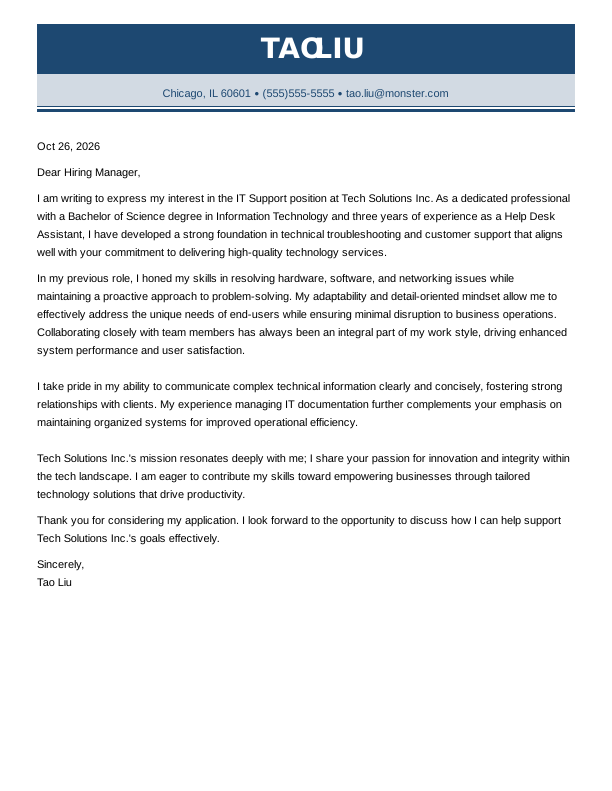
 Free
IT Support Entry-Level Cover Letter
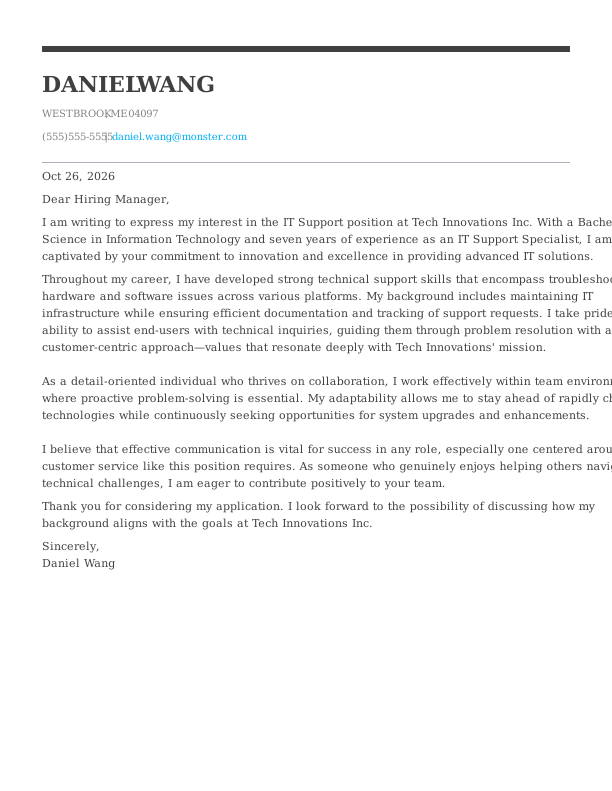
IT Support Mid-Level Cover Letter
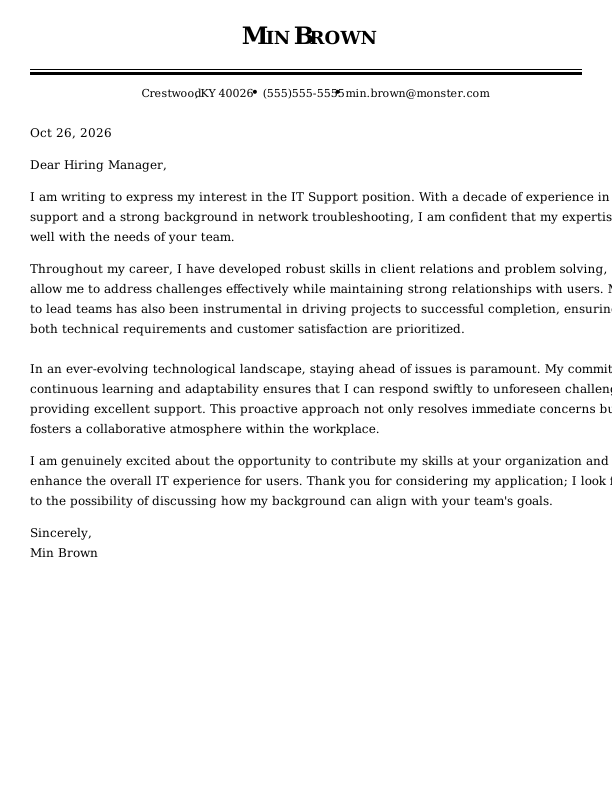
IT Support Experienced Cover Letter
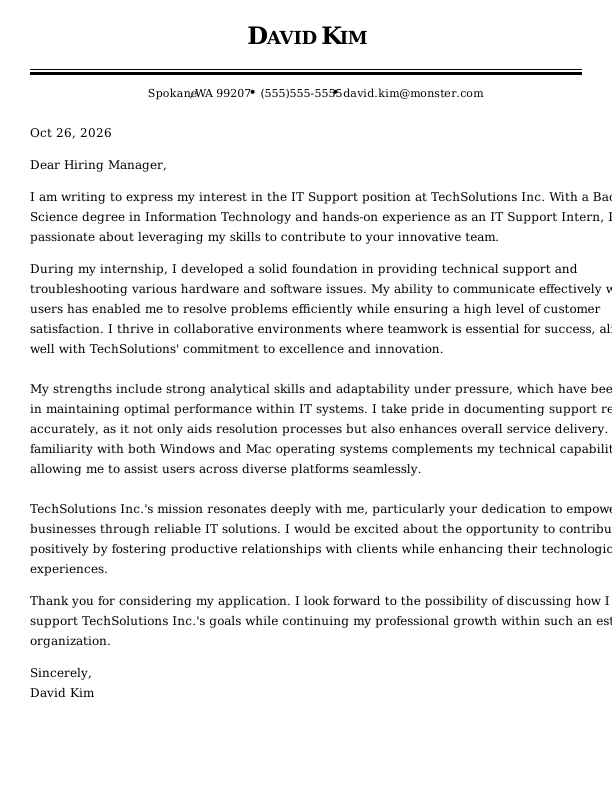
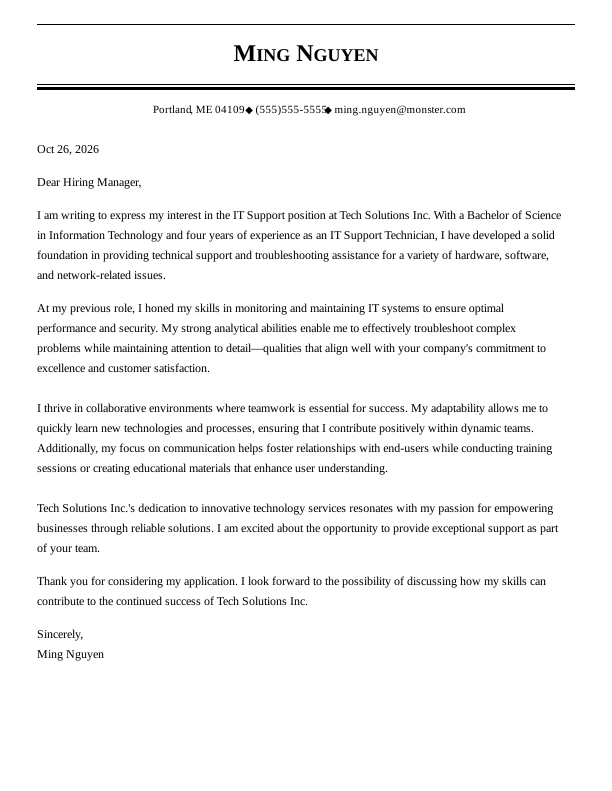
IT Support Entry-Level Cover Letter
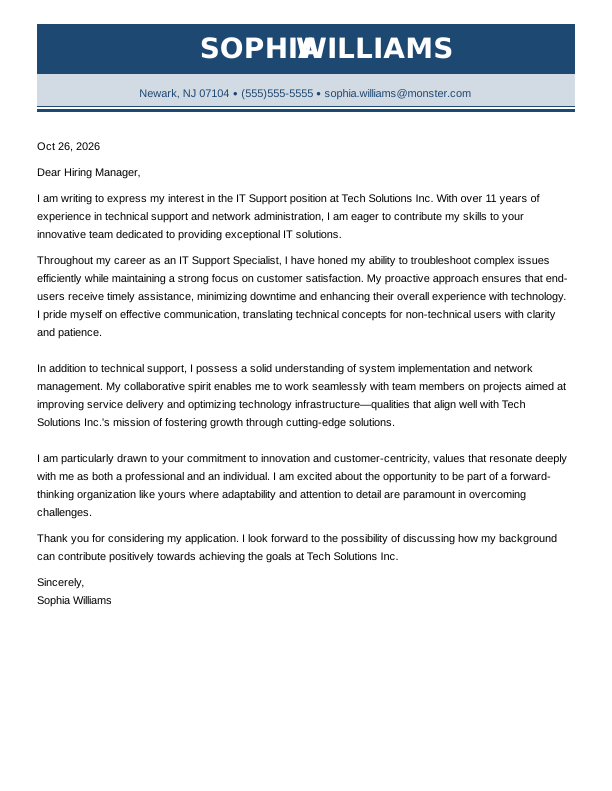
IT Support Mid-Level Cover Letter
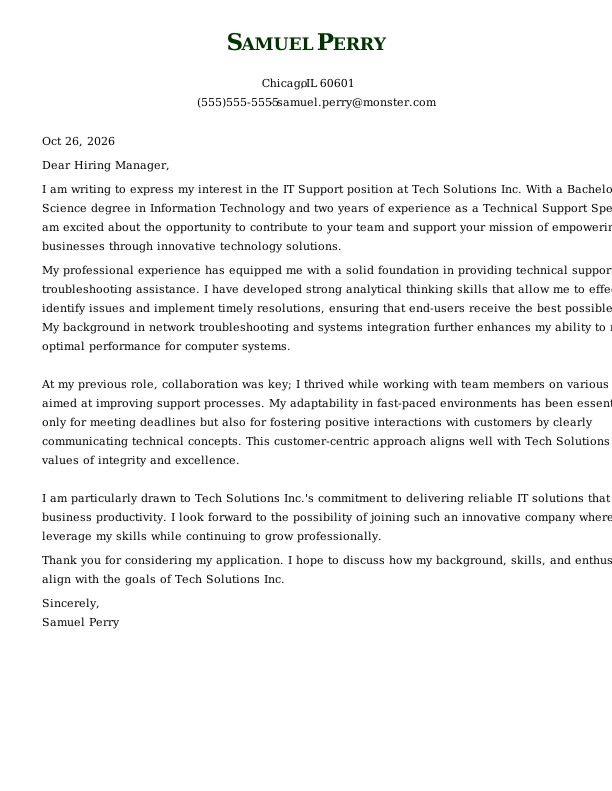
IT Support Experienced Cover Letter
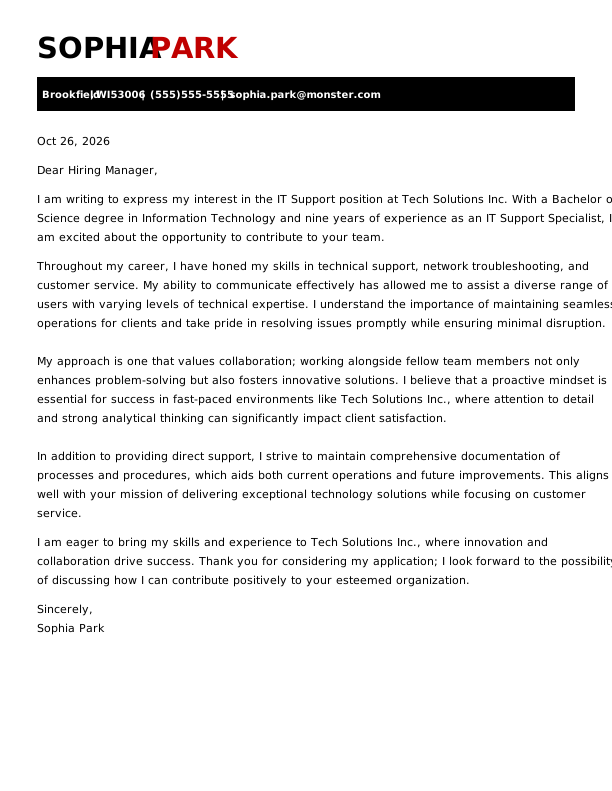
IT Support Entry-Level Cover Letter
IT Support Mid-Level Cover Letter
Browse Free Cover Letter Templates
- Academic
- Account Manager
- Accountant
- Accounts Payable
- Administrative Assistant
- Admissions Counselor
- Architecture
- Artist
- Assistant Principal
- Babysitter
- Barista
- Bartender
- Bookkeeper
- Brand Ambassador
- Business Analyst
- Business
- Caregiver
- Chef
- Civil Engineering
- Computer Science
- Construction
- Consulting
- Copywriter
- Cosmetology
- Custodian
- Customer Service
- Customer Service Representative
- Data Analyst
- Data Entry
- Dental Assistant
- Dental Hygienist
- Digital Marketing
- Electrical Engineering
- Emt
- Engineering
- Esthetician
- Event Coordinator
- Executive Assistant
- Fashion Designer
- Finance
- Financial Analyst
- Firefighter
- Flight Attendant
- Graphic Designer
- Hair Stylist
- Healthcare
- Hr Generalist
- Investment Banking
- It
- Janitor
- Journalism
- Lab Technician
- Law Clerk
- Lawyer
- Librarian
- Logistics
- Maintenance Worker
- Makeup Artist
- Manager
- Marketing Coordinator
- Marketing
- Marketing Manager
- Massage Therapist
- Mechanic
- Mechanical Engineer
- Medical Assistant
- Non Profit
- Nursing
- Occupational Therapy
- Office Assistant
- Office Manager
- Operations Manager
- Paralegal
- Personal Trainer
- Pharmacist
- Pharmacy Technician
- Photographer
- Physician Assistant
- Pilot
- Police Officer
- Program Manager
- Project Manager
- Property Manager
- Psychology
- Receptionist
- Research Assistant
- Restaurant Manager
- Retail
- Sales
- Sales Manager
- School Counselor
- Security
- Security Officer
- Social Work
- Software Engineer
- Special Education Teacher
- Starbucks
- Substitute Teacher
- Teacher
- Teaching Assistant
Cover Letter Examples for IT Support
Cover letter expectations for IT support change as your career progresses from entry-level troubleshooting to broader ownership. Choose the template that matches your stage so you can spotlight the skills, certifications, and accomplishments most relevant to how you work today.
Entry-Level IT Support Cover Letter
Designed for recent graduates and career changers, this template demonstrates how to present technical training, customer service skills, and foundational troubleshooting with confidence when applying for initial help desk roles.
Mid-Career IT Support Cover Letter
Tailored for technicians with several years of hands-on experience, this template shows how to highlight ticket escalation ownership, infrastructure maintenance, operating system troubleshooting, and end-user guidance.
Experienced IT Support Cover Letter
Ideal for senior specialists and team leads, this template emphasizes network troubleshooting, complex escalations, project delivery, team coordination, and user satisfaction standards.
IT Support Cover Letter Template (Text)
Copy this it support cover letter template, paste it into your document, and swap in your help desk metrics, certifications like CompTIA A+, or target company.
Emma Garcia
Eastside, WA 98012
(555)555-5555
emma.garcia@monster.com
Oct 26, 2026
Dear Hiring Manager,
I am writing to express my interest in the IT support position at Tech Solutions Inc. With a Bachelor of Science in Information Technology and six years of experience as an IT support specialist, I am excited about the opportunity to contribute to your team.
Throughout my career, I have developed a strong foundation in technical support and customer service, which aligns well with your commitment to delivering exceptional client experiences. My background includes troubleshooting both hardware and software issues, managing IT infrastructure effectively, and ensuring optimal performance for various systems. I take pride in my ability to communicate complex technical concepts clearly and collaborate with team members to implement innovative solutions that enhance operational efficiency.
I thrive in environments that value teamwork and adaptability. My analytical thinking enables me to approach challenges with a problem-solving mindset while maintaining attention to detail—qualities that resonate with Tech Solutions Inc.’s mission of fostering technological advancement through personalized support.
In addition to my technical expertise, I possess a customer-focused attitude that prioritizes client satisfaction. This perspective has driven me not only to meet expectations but also strive for excellence in all aspects of service delivery.
I look forward to the possibility of discussing how my skills can contribute positively to the dynamic team at Tech Solutions Inc. Thank you for considering my application; I hope we can connect soon.
Sincerely,
Emma Garcia
How to Write an IT Support Cover Letter
Writing an effective IT support cover letter requires showing hiring managers that you understand incident diagnosis, ticketing workflows, and user-centered communication. Follow these steps to align your technical background directly with a specific job posting.
1. Research & Prepare
Before writing, research the employer’s hardware environment, operating systems, and service desk tools. Discovering whether the company relies on specific platforms like ServiceNow, manages remote fleets via Intune, or is undergoing an active cloud migration helps you highlight the exact technical skills that matter most to the IT team.
Gather actionable context by exploring these key information sources:
- Scan the job description to identify the specific ticketing systems, remote desktop software, and network protocols the role requires.
- Review the organization’s public security policies or IT updates to learn about current initiatives like single sign-on rollouts or endpoint compliance.
- Check major technology vendor status pages to understand the cloud services and infrastructure platforms the business depends on daily.
2. Hook the Reader
Start your letter with an engaging opening line that demonstrates your ability to keep users productive and resolve technical issues quickly. Avoid generic statements like “I am writing to apply for the open IT support role.” Instead, capture the hiring manager’s attention by leading with a concrete troubleshooting accomplishment or service-level agreement (SLA) win.
Choose an opening line tailored to your experience using these example approaches:
- First-contact resolution: “I increased first-contact resolution from 68% to 82% over three months by refining ticket categorization in ServiceNow and updating our internal knowledge base for VPN access.”
- System availability: “When our team missed quarterly recovery targets, I created standardized runbooks for our Microsoft 365 tenant that helped us maintain 99.9% uptime during high-severity incidents.”
- On-site device deployment: “I supported executive conferences by pre-configuring laptops through automated endpoint policies, cutting end-user device setup wait times by 30%.”
3. Tell Your Professional Story
Use the body of your letter to give hiring managers a clear view of your daily support impact. While your resume lists past positions and certifications, your cover letter explains how you prioritize requests, diagnose errors, and support end-user productivity. Using specific numbers makes your accomplishments far more compelling.
Incorporate concrete benchmarks like these to illustrate your impact:
- Resolved 92% of Tier 1 and Tier 2 support tickets within 24 hours while supporting more than 500 on-site and remote employees.
- Reduced routine password-reset tickets by 35% across three months by rolling out self-service account recovery and user guides.
- Saved $18,000 annually by establishing strict hardware diagnostic steps before initiating vendor warranty replacements.
4. Showcase Your Skills
Rather than using broad self-descriptors like “good with computers” or “detail-oriented,” illustrate how your skills resolve real workplace technology problems. Showing the exact moments where your diagnostic steps, ticket triage, or clear communication fixed an issue builds trust with the employer.
Connect your practical abilities directly to daily support needs using these examples:
- Ticket triage: “I evaluated an urgent account access ticket, confirmed the user’s identity through standard security protocols, and restored their permissions without resetting their local profile.”
- Remote troubleshooting: “I used Windows Event Viewer and remote management tools to trace recurring workstation crashes to a conflicting display driver, then documented the fix for the wider team.”
- User communication: “When an initial software fix did not work, I explained our next diagnostic steps in plain language to keep the employee informed while we tested the network connection.”
5. Explain Any Special Circumstances
If you have an employment gap, are transitioning from another field, or recently relocated, address it briefly in one or two direct sentences. Focus your explanation on your active technical certifications, home lab practice, and current troubleshooting skills so the manager knows your technical knowledge is fresh.
Frame your circumstances clearly using these straightforward approaches:
- Addressing an employment gap: “During a six-month career break, I kept my technical skills current by completing network simulation labs, earning my Network+ certification, and managing a home test environment.”
- Transitioning positions: “I am pivoting from retail customer service into IT support, pairing my proven de-escalation and communication skills with hands-on help desk training and ticket triage practice in ServiceNow.”
- Handling relocation: “After relocating to the area last fall, I updated my regional availability for on-site support and renewed my CompTIA A+ certification.”
6. End With a Professional Goodbye
Conclude your letter with a polite, confident statement that invites the hiring manager to contact you for an interview. Keep your sign-off concise, thank the reader for their time, and express enthusiasm for discussing your technical experience in detail.
Structure your final paragraph using this clear approach:
- Offer a clear next step: “I would welcome the opportunity to discuss how my troubleshooting approach and help desk experience can support your team’s service goals.”
- Express gratitude: “Thank you for your time and consideration.”
- End with a clean sign-off: “Best regards,” followed by your full name.
4 Tips for Formatting Your Cover Letter
When you apply for an IT support role, hiring managers often scan your application quickly between managing ticket queues, network alerts, and system upgrades. They look rapidly for your core certifications, supported operating systems, and measurable resolution metrics. A clean visual presentation with consistent spacing and logical organization makes your top technical qualifications easy to spot and proves that you take pride in clear documentation.

Keep It to One Page
Keep your cover letter to a single page, ideally between 250 and 400 words spread across three to four short paragraphs. Concise writing ensures that busy IT managers can evaluate your certifications, supported software environments, and ticket resolution rates quickly without wading through dense text.

Use a Professional Font & Layout
Select standard, highly legible fonts such as Arial, Calibri, Helvetica, or Times New Roman in 10–12 pt size. Maintain clean 1-inch margins and use the exact same header design as your resume so your entire application package presents a unified, professional appearance.

Address the Hiring Manager Directly
Search the job posting, company directory, or professional networking profiles to identify the specific IT director, service desk manager, or technical recruiter. If you cannot find an individual name, address your letter to “Dear Hiring Manager” or “Dear IT Support Team,” and avoid outdated phrases like “To Whom It May Concern.”

Save & Send as a PDF
Save your final cover letter as a PDF to preserve your margins, line spacing, and general layout across different operating systems or mobile devices. Use a clean, professional filename like Firstname_Lastname_Cover_Letter.pdf or Firstname_Lastname_IT_Cover_Letter.pdf to make your application easy for recruiters to organize.
Key Takeaways
- Prioritize root-cause diagnosis by sharing a specific example of how you analyzed system logs or error codes to resolve an issue before escalating it.
- Include clear performance metrics like first-contact resolution rates, mean time to resolve (MTTR), or ticket volume to prove your technical efficiency.
- Tailor your letter to the organization type by emphasizing SLA compliance for managed service providers, internal documentation for enterprise teams, or rapid device access for healthcare and educational facilities.
More Cover Letter Examples
Browse Monster’s Resume Templates
Monster also has hundreds of ATS-friendly resume templates for all career levels and industries. Create a matching resume to help you land the interview.
- Agile Project Manager
- Ai Product Manager
- Aws Devops Engineer
- Chief Information Officer
- Computer
- Computer Science
- Computer Technician
- Cto
- Cyber Security
- Data Center Technician
- Database Administrator
- Digital Project Manager
- Epic Analyst
- Gis
- Health Informatics
- Healthcare It
- Implementation Specialist
- It Help Desk
- It Manager
- It Project Manager
- It
- It Support
- It Support Specialist
- It Technician
- Network Administrator
- Network Engineer
- Product Owner
- Salesforce Administrator
- Service Desk Analyst
- Systems Administrator
- Technical Program Manager
- Technical Project Manager
- Technical Support Specialist
- Technology
- It Developer
Frequently Asked Questions
Last Update:
Do I really need a cover letter?
Submitting a cover letter with your IT support application is strongly recommended, even when the job posting lists it as optional. While a resume outlines certifications and operating systems, a cover letter explains how you solve complex technical problems, communicate with frustrated users, and prioritize ticket queues. It also provides dedicated space to explain career transitions or employment gaps.
How long should my cover letter be?
An IT support cover letter should stay within one page, targeting between 250 and 400 words. IT hiring managers review applications quickly between resolving technical incidents, so direct, concise writing works best. Divide your text into three or four short paragraphs that focus strictly on your troubleshooting experience, ticketing systems, and resolution metrics without adding unnecessary filler.
Should my cover letter match my resume?
Your IT support cover letter should match your resume’s visual formatting to present a polished, cohesive application package. Use the same font styles, margin sizes, color choices, and contact header across both documents. Instead of repeating your resume bullet points, use your cover letter to expand on a specific technical resolution or explain how your background fits the company’s technical infrastructure.
How do I address my cover letter if I don’t know the hiring manager’s name?
When addressing an IT support cover letter without a contact name, search the job posting, company directory, or professional networks for the service desk manager or IT director. You can also contact the organization to ask who oversees technical support hiring. If you cannot find a specific name, address your letter to “Dear Hiring Manager” or “Dear IT Support Team.” Avoid using “To Whom It May Concern,” as it sounds outdated.
Can I use AI to write my cover letter?
Using AI tools can help you outline your IT support cover letter and organize your thoughts, but you should rewrite the draft heavily before submitting it. AI-generated text often uses generic phrasing that lacks the specific ticketing workflows, root-cause troubleshooting examples, and measurable metrics hiring managers look for. Personalizing your content ensures the letter accurately reflects your practical technical abilities.

Kirsten Chorpenning is a career advice writer who empowers job seekers to take control of their career paths using Monster’s comprehensive job search and resume tools. She specializes in helping job seekers find rewarding jobs in today’s dynamic work environment.
See More From Kirsten ChorpenningExplore Related Career Advice






How to Write a Cover Letter for Internal Positions or Promotions (Examples & Tips)
Updated:
Apr 23, 2026
|
19 min read


Cover Letter vs Resume: What’s the Difference & Do You Need Both?

Updated:
Apr 23, 2026
|
18 min read